
Hyrje
This manual provides detailed instructions for the setup, operation, maintenance, and troubleshooting of your ARRIS SURFboard SBR-AC3200P AC3200 Wi-Fi Router. The SBR-AC3200P is designed to deliver high-speed Wi-Fi performance for various home networking needs, including gaming, streaming, and general internet use. It features tri-band concurrent operation and integrated RipCurrent G.hn Powerline technology for extended network coverage.
Përmbajtja e paketës
- SURFboard WiFi Router SBR-AC3200P
- Kabllo Ethernet
- Kordoni i rrymës AC
- Udhëzues për fillimin e shpejtë
Konfigurimi
1. Lidhjet fizike
Before powering on your router, ensure all necessary cables are connected securely. Refer to the diagram below for port identification.
Imazh: Pjesa e pasme view of the ARRIS SURFboard SBR-AC3200P AC3200 Wi-Fi Router. From left to right, the ports include the Power input, two USB ports (one USB 2.0, one USB 3.0), a blue WAN port for connecting to a modem, four yellow LAN ports (1-4) for wired devices, and a small recessed Reset button.
- Lidhu me modemin: Connect one end of the provided Ethernet cable to the WAN port (blue) on the back of the SBR-AC3200P router and the other end to your cable/DSL/fiber modem.
- Lidhni fuqinë: Plug the AC power cord into the Power input on the router and then into an electrical outlet. The router will begin its startup sequence.
- Ndezja: Wait for the router's indicator lights to stabilize. Refer to the Operating section for LED indicator meanings.
2. Konfigurimi fillestar
Mund ta konfiguroni ruterin tuaj duke përdorur një web browser or the dedicated mobile application.
- Duke përdorur një Web Shfletuesi:
- Connect a computer to one of the router's LAN ports (yellow) using an Ethernet cable, or connect wirelessly to the default Wi-Fi network (SSID and password typically found on a label on the router).
- Hap a web shfletuesin dhe futni adresën IP të parazgjedhur të routerit (p.sh.,
192.168.0.1or192.168.1.1) into the address bar. Consult the Quick Start Guide for the exact IP address and default login credentials. - Follow the on-screen instructions to set up your internet connection and customize your Wi-Fi network name (SSID) and password.
- Duke përdorur aplikacionin celular: Download the ARRIS SURFboard Manager app from your device's app store. Follow the in-app instructions to set up and manage your router.
Operative
Treguesit LED
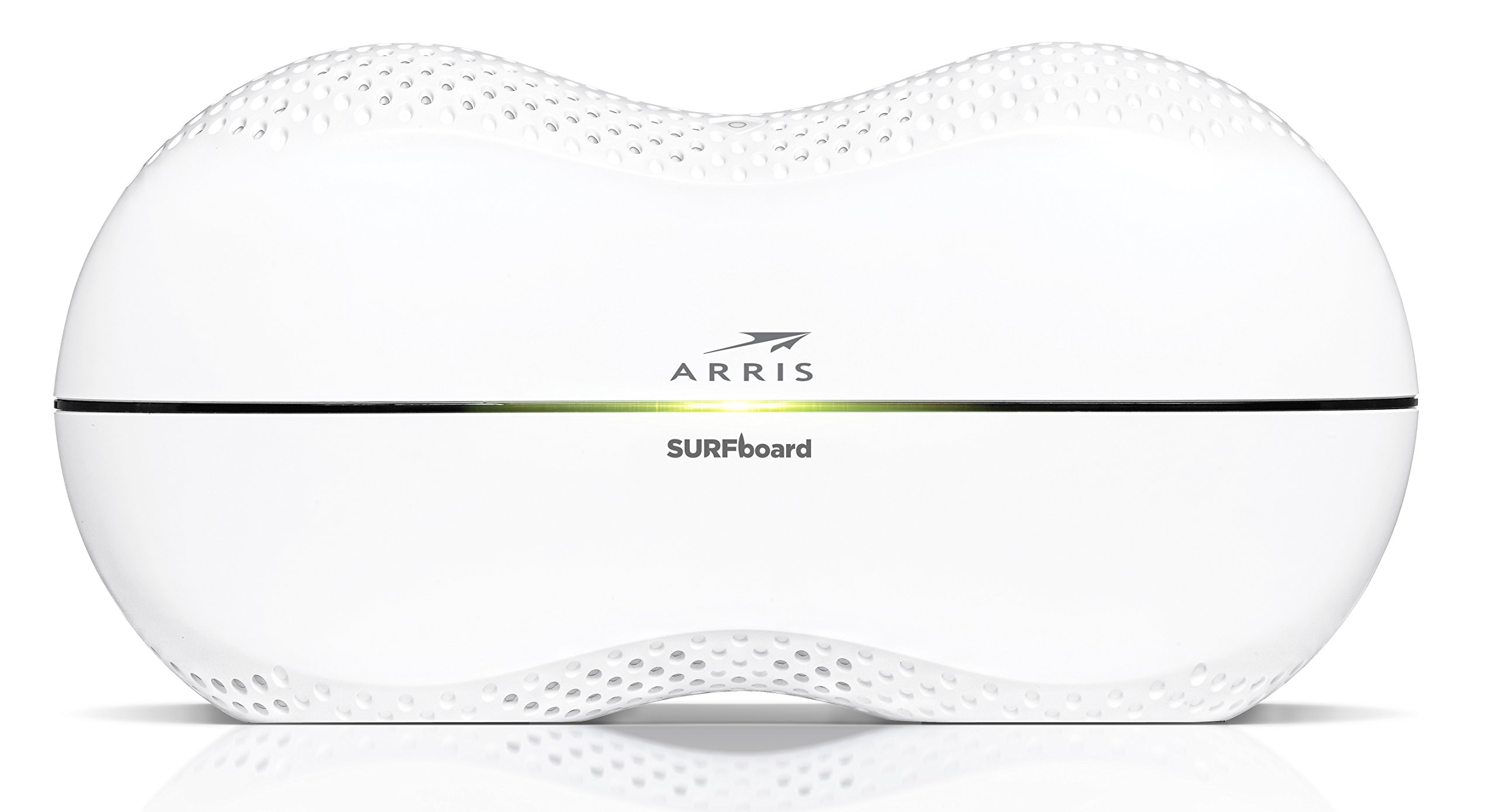
The front panel of the SBR-AC3200P features several LED indicators that provide status information:
- Fuqia LED: Tregon statusin e fuqisë së pajisjes.
- LED në internet: Tregon statusin e lidhjes në internet.
- Wi-Fi LEDs (2.4 GHz and 5 GHz): Indicate the activity of the wireless networks.
- RipCurrent LED: Displays the status of the G.hn Powerline network.
Refer to the Quick Start Guide for specific color and blinking patterns and their meanings.
Lidhja e pajisjeve
- Pajisjet me valë: Kërko për your customized Wi-Fi network name (SSID) on your device and enter the password you created during setup.
- Pajisjet me tela: Connect devices such as computers, gaming consoles, or smart TVs to the LAN ports (yellow) on the back of the router using Ethernet cables.
RipCurrent G.hn Technology
The SBR-AC3200P integrates RipCurrent G.hn Powerline technology, allowing you to expand your network coverage using your home's existing electrical wiring. This feature enables compatible SURFboard RipCurrent Wi-Fi Hotspots and network extenders (sold separately) to connect to your network through any electrical outlet, providing seamless Wi-Fi extension throughout your home.
Mirëmbajtja
- Përditësimet e firmuerit: Periodically check the ARRIS support website for firmware updates. Keeping your router's firmware up-to-date ensures optimal performance, security, and access to new features. Firmware updates are typically performed through the router's web interface or the mobile app.
- Pastrimi: Keep the router in a clean, dust-free environment. Use a soft, dry cloth to clean the exterior. Do not use liquid cleaners or abrasive materials. Ensure ventilation openings are not blocked.
- Rivendosja e ruterit: If you experience persistent issues, you may need to reset the router. A soft reset (power cycle) can often resolve minor problems. For a factory reset, locate the recessed Reset button on the back of the router. Use a paperclip or similar pointed object to press and hold the button for approximately 10-15 seconds until the LEDs indicate a reset. Paralajmërim: A factory reset will erase all custom settings, including your Wi-Fi name and password, reverting the router to its default factory settings.
Zgjidhja e problemeve
- Nuk ka lidhje interneti:
- Verifikoni që modemi juaj po funksionon siç duhet dhe ka një lidhje aktive në internet.
- Check all Ethernet cable connections between the modem and the router's WAN port.
- Restart both your modem and router by unplugging them from power for 30 seconds and then plugging them back in, starting with the modem.
- Slow Wi-Fi Speeds or Dropped Connections:
- Sigurohuni që ruteri të jetë i vendosur në një vend qendror, larg pengesave dhe burimeve të ndërhyrjes (p.sh., mikrovalë, telefona pa tel).
- Kontrolloni për përditësime të firmuerit.
- Consider using RipCurrent extenders to improve coverage in dead zones.
- Perform a factory reset if issues persist after other troubleshooting steps.
- Nuk mund të hyjë në cilësimet e routerit:
- Sigurohuni që pajisja juaj të jetë e lidhur me rrjetin e ruterit (me ose pa tel).
- Verifikoni adresën e saktë IP për ruterin web ndërfaqe.
- Fshini memorien e përkohshme të shfletuesit tuaj ose provoni një shfletues tjetër.
Specifikimet
| Veçori | Përshkrimi |
|---|---|
| Markë | ARRIS |
| Emri i modelit | SBR-AC3200P |
| Wireless standard | 802.11ac |
| Klasa e brezit të frekuencës | Tri-Band (N450 + AC1350 + AC1350) |
| Shkalla e transferimit të të dhënave | Deri në 3200 Megabit për sekondë |
| Portet Ethernet | 4 porta Gigabit Ethernet |
| Portet USB | 1x USB 2.0, 1x USB 3.0 |
| Karakteristika të veçanta | RipCurrent G.hn Powerline Technology, Wi-Fi Beamforming |
| Protokolli i Sigurisë | WPA2, WPA3 |
| Metoda e kontrollit | Aplikacioni |
| Pesha e artikullit | 3.8 paund |
Informacioni i Garancisë
The ARRIS SURFboard SBR-AC3200P AC3200 Wi-Fi Router comes with a Garanci 2-vjeçare e kufizuar. For detailed terms and conditions, please refer to the warranty documentation included with your product or visit the official ARRIS support webfaqe.
Mbështetje
Për ndihmë të mëtejshme, mbështetje teknike ose për të aksesuar burime shtesë, ju lutemi vizitoni faqen zyrtare të mbështetjes ARRIS. website. You can find FAQs, updated documentation, and contact information for customer service.