
Hyrje
This manual provides instructions for the safe and efficient use of your Brightech Maxwell Shelf Floor Lamp. This product combines a functional floor lamp with integrated shelving, a USB charging port, a standard electrical outlet, and a wireless charging pad. Please read all instructions carefully before assembly and use.
Udhëzimet e sigurisë
- Sigurohuni që lamp është shkëputur nga priza para montimit, pastrimit ose zëvendësimit të llambës.
- Do not exceed the maximum load capacity of 50 lbs for the shelves.
- Mos përdorni lamp në të lagësht ose damp vendndodhjet. Vetëm për përdorim të brendshëm.
- Mbajeni kabllon e rrymës larg burimeve të nxehtësisë dhe skajeve të mprehta.
- Mos u përpiqni ta modifikoni ose riparoni l-nëamp. Contact customer support for assistance.
- Use only the specified bulb type (E26 base, LED).
Përmbajtja e paketës
Sigurohuni që të gjithë përbërësit janë të pranishëm përpara se të filloni montimin:
- Lamp body with integrated shelves
- LED bulb (9.5 Watt, 800 lumen, 3000K warm white)
- Lamp shade panels
- Pajisje montimi (vida, lidhëse)
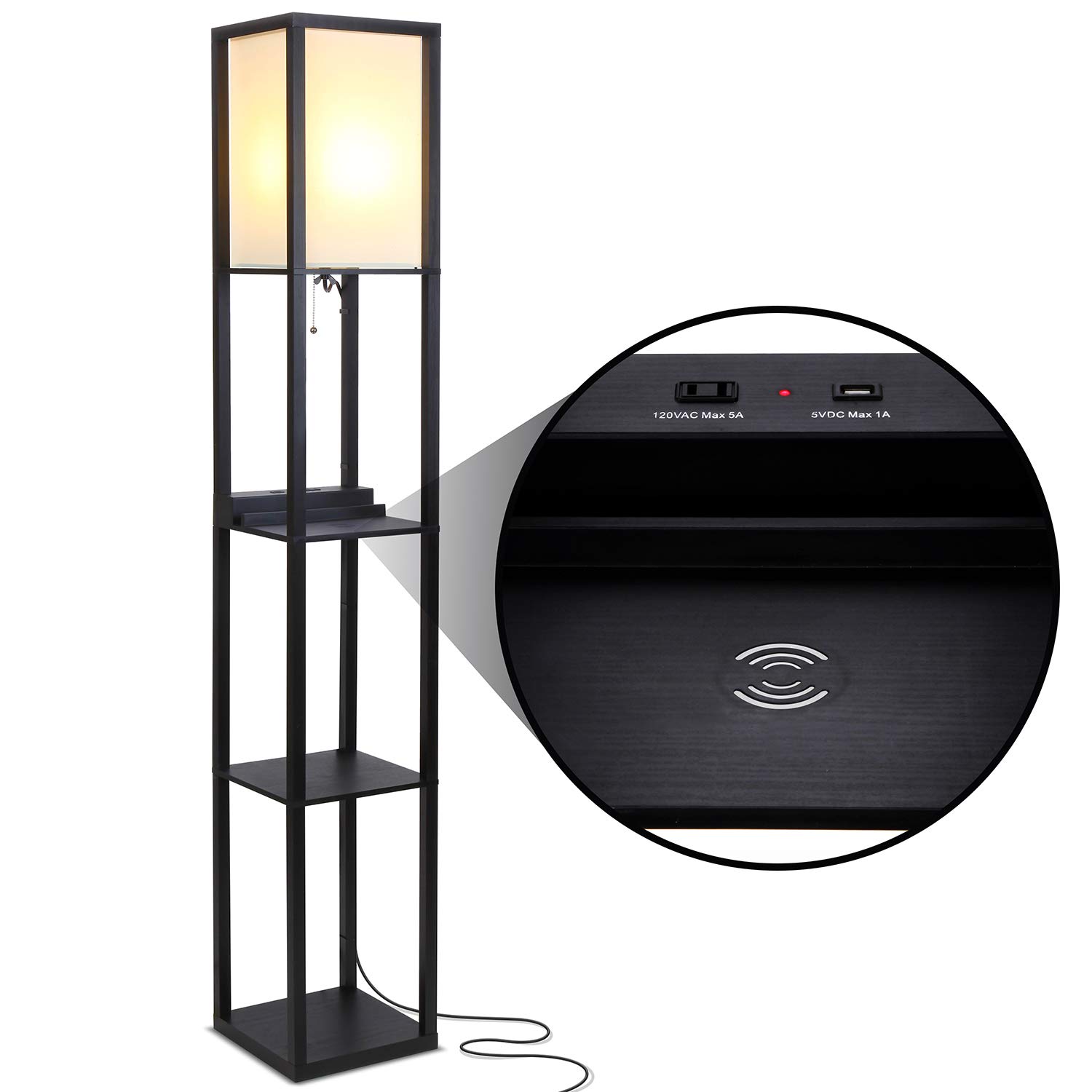
Image: The Brightech Maxwell Shelf Floor Lamp në të zezë, tregoniasing its integrated shelves and lamp hije.
Udhëzimet e montimit
Follow these steps to assemble your Brightech Maxwell Shelf Floor Lamp:
- Shpaketoni komponentët: Hiqni me kujdes të gjitha pjesët nga paketimi dhe vendosini ato në një sipërfaqe të pastër dhe të sheshtë.
- Mblidhni kornizën: Connect the vertical support beams to the base and the top section using the provided hardware. Ensure all connections are secure.
- Instaloni raftet: Slide the shelf panels into the designated slots within the frame. Ensure they are level and firmly seated.
- Bashkangjit Lamp Hije: Siguroni lamp shade panels around the light fixture at the top of the lamp.
- Fut llambën LED: Screw the included LED bulb into the lamp socket (E26 base). Do not overtighten.
- Pozicioni Lamp: Vendosni l-në e montuaramp in its desired location, ensuring it is stable and the power cord can reach an outlet without tension.

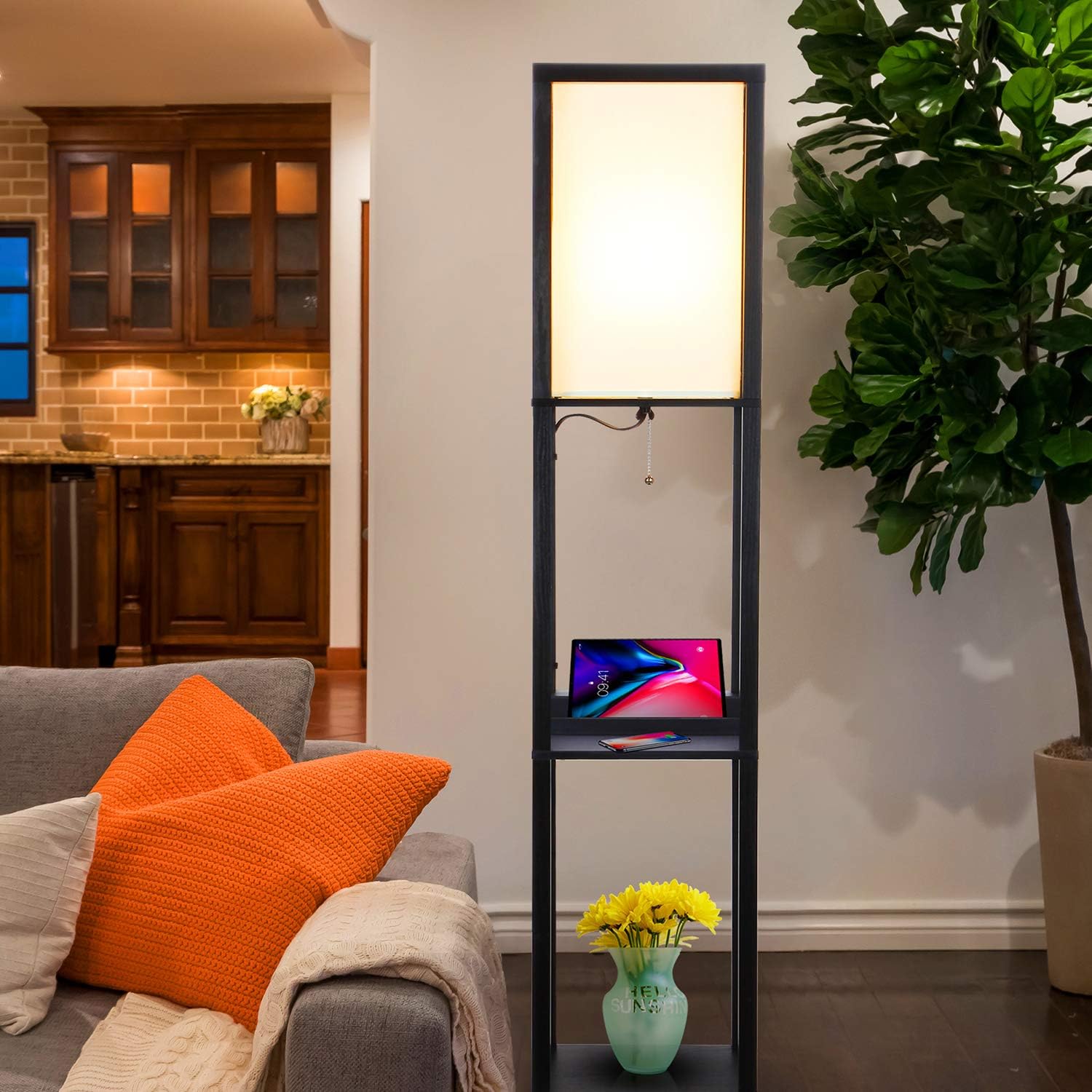
Image: The assembled Brightech Maxwell Shelf Floor Lamp positioned in a living room, demonstrating its use as both a light source and a display unit.
Udhëzimet e funksionimit
Lamp Operacioni
- Ndezja/Fikja e energjisë: Lamp is operated by a pull chain switch located beneath the light fixture. Pull the chain once to turn the light on, and pull it again to turn it off.
- Përputhshmëria e shtëpisë inteligjente: Kjo lamp is designed to work with smart home systems like Alexa, Apple HomeKit, and Google Home Assistant. A smart bulb and/or smart outlet (sold separately) are required for this functionality. Once a compatible smart device is installed, you can control the lamp via voice commands or smart home apps.
Imazh: Një pamje nga afër view e lamp shade and the pull chain mechanism of the Brightech Maxwell Floor Lamp.
Karakteristikat e karikimit
The Brightech Maxwell lamp includes a USB port, a standard electrical outlet, and a wireless charging pad for your convenience.
- Porta e karikimit USB: Located on the charging shelf, this port provides 5VDC Max 1A output for charging compatible devices such as smartphones and tablets.
- Standard Electrical Outlet: Also on the charging shelf, this 120VAC Max 5A outlet allows you to plug in small appliances or chargers.
- Mbushja e karikimit me valë: For devices that support wireless charging (Qi-compatible), place your device directly on the designated charging pad. Ensure the device is centered for optimal charging. A green indicator light will typically illuminate when a device is charging wirelessly.
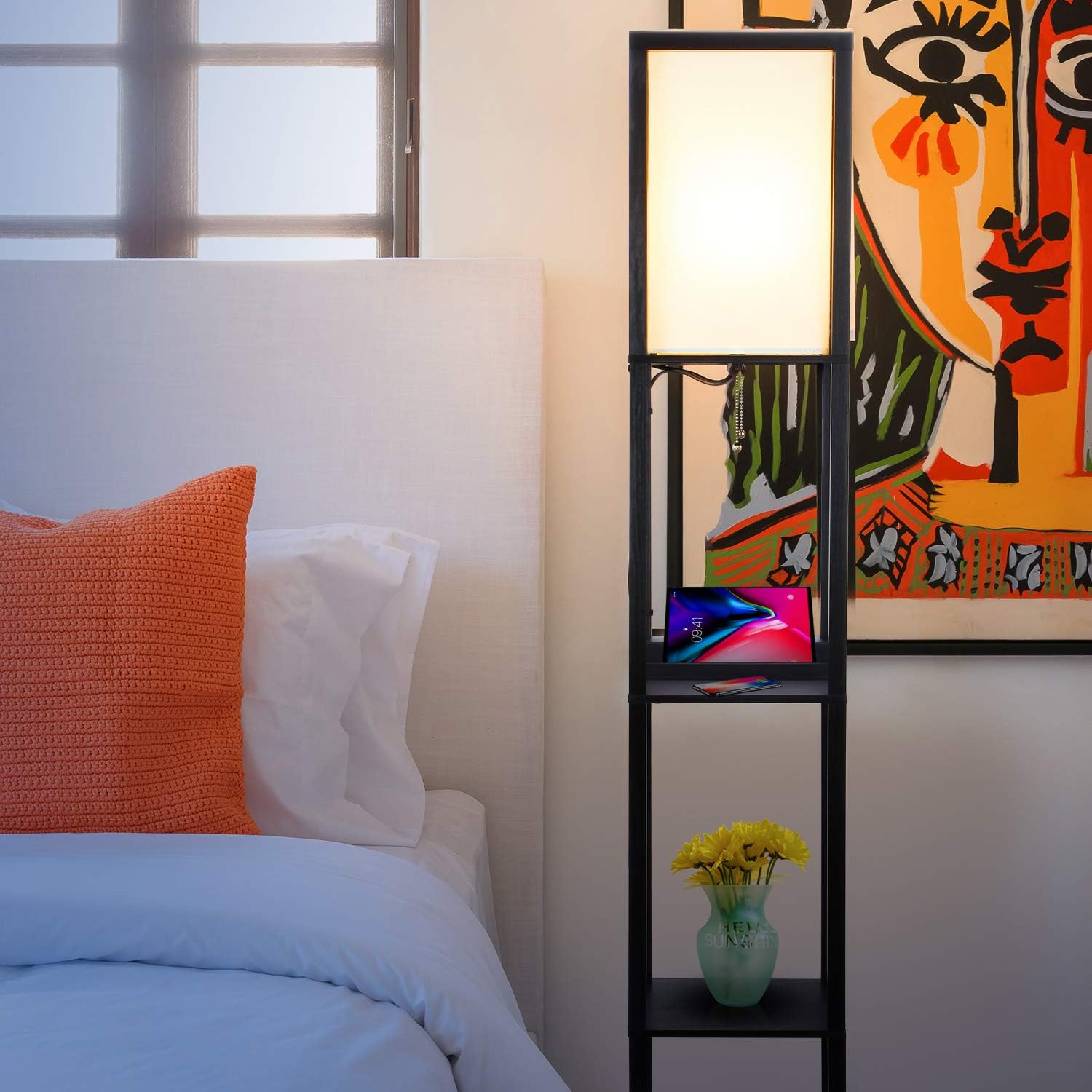
Image: A smartphone placed on the wireless charging pad of the Brightech Maxwell lamp, indicating active charging.
Mirëmbajtja
- Pastrimi: Hiqeni lamp before cleaning. Wipe the wood frame and shelves with a soft, dry cloth. For the lamp shade, use a lint-free cloth or a soft brush to remove dust. Do not use abrasive cleaners or solvents.
- Zëvendësimi i llambës: The included LED bulb has an estimated lifespan of 20,000 hours or longer, meaning it should not require frequent replacement. If replacement is necessary, ensure the lamp is unplugged and cool. Use an E26 base LED bulb, not exceeding 9.5 watts.
Zgjidhja e problemeve
- Lamp nuk ndizet:
- Sigurohuni që kablloja e energjisë të jetë e lidhur mirë në një prizë elektrike funksionale.
- Check if the pull chain switch is fully engaged.
- Verify the LED bulb is screwed in correctly and is not damaged.
- USB port or electrical outlet not working:
- Sigurohuni që lamp is plugged into a live outlet.
- Check if the device you are trying to charge or power is functioning correctly.
- Ngarkimi pa tel nuk funksionon:
- Konfirmoni që pajisja juaj mbështet karikimin pa tel Qi.
- Sigurohuni që pajisja juaj të jetë e përqendruar në platformën e karikimit.
- Hiqni çdo mbulesë të trashë telefoni që mund të ndërhyjë në karikimin pa tel.
- Check for any metal objects between the phone and the charging pad.
Specifikimet
| Numri i modelit | X0-X84T-2J3I |
| Markë | Brighttech |
| Përmasat (D x L x H) | 1.18"D x 1.97"W x 1.97"H (Note: This dimension seems incorrect for a floor lamp, please refer to product packaging for accurate dimensions.) |
| Lloji i materialit | Druri |
| Ngjyra | E zezë |
| Lloji i burimit të dritës | LED |
| Wattage | 9.5 vat |
| Vëlltage | 120 volt |
| Baza e llambës | E26 |
| Lloji i ndërprerësit | Zinxhiri tërheqës |
| Dalje USB | 5VDC Max 1A |
| Electrical Outlet Output | 120VAC Max 5A |
| Protokolli i lidhjes | Wi-Fi (for smart home compatibility with separate devices) |
Garancia dhe Mbështetja
Brightech USA offers an industry-leading 3 vit garanci covering defects, malfunctions, or sudden failures to your standing lamp when purchased through us. For any questions, issues, or warranty claims, please contact our friendly USA-based support team. Refer to your purchase documentation for specific contact information.