
1. Produkti i Mbaruarview
The BoomPods BOOMBUDS XR are wireless in-ear earphones designed for active lifestyles. They feature Bluetooth 5.0 connectivity for stable audio transmission and an IPX7 waterproof rating, making them suitable for various environments including workouts and outdoor activities. The earbuds are engineered for a secure and comfortable fit, and offer customizable sound profiles.

Figura 1.1: BoomPods BOOMBUDS XR Earbuds and Charging Case. The image displays the black earbuds and their compact charging case, highlighting their sleek design.
2. Çfarë ka në kuti
Upon unboxing your BoomPods BOOMBUDS XR, verify that all the following components are included:
- BoomPods BOOMBUDS XR in-ear earphones (Left and Right)
- Kuti karikimi
- Kabllo karikimi mikro USB
- Spare ear cups (multiple sizes for optimal fit)
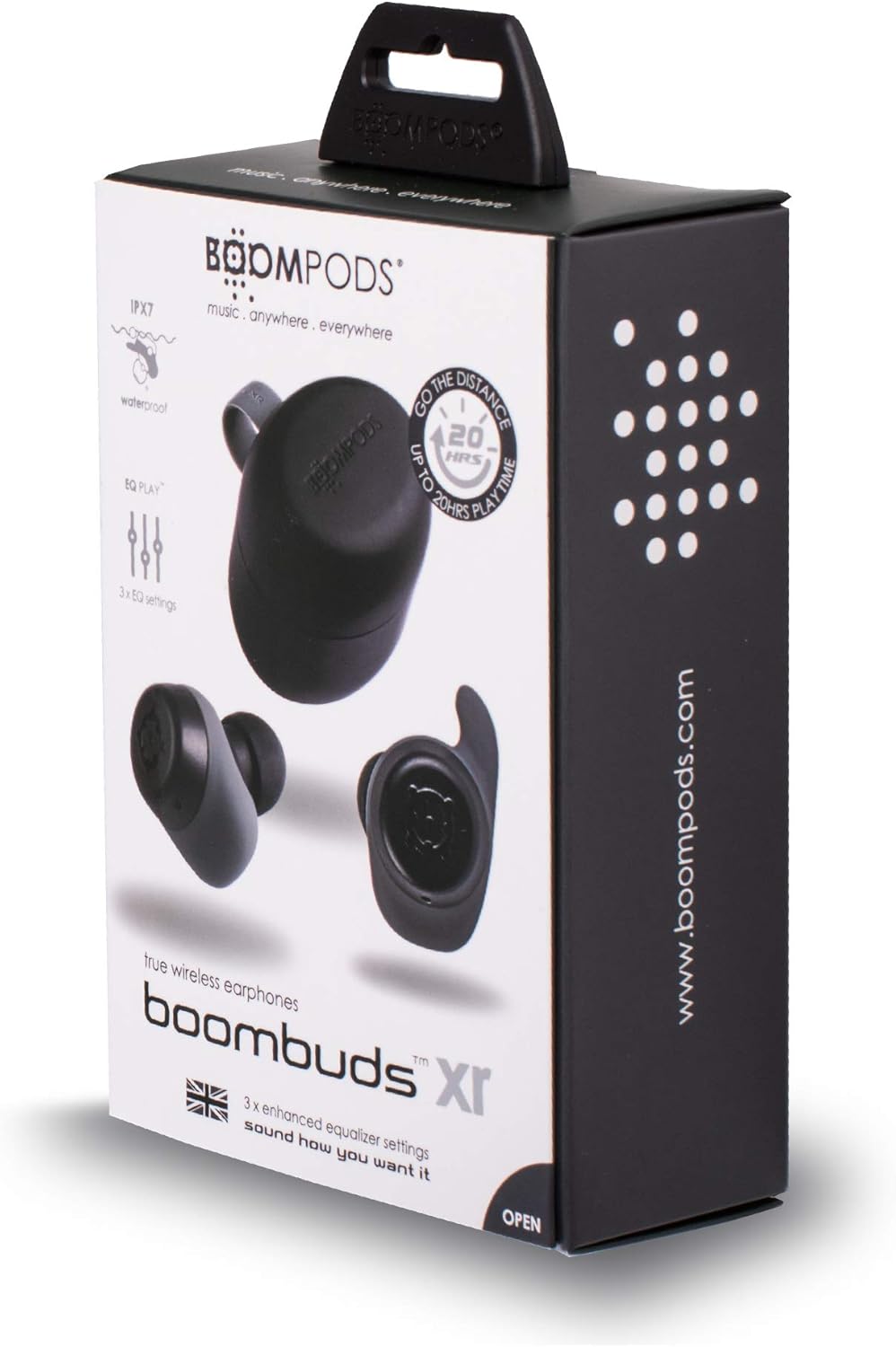
Figura 2.1: BoomPods BOOMBUDS XR Retail Packaging. The image shows the product box, indicating the contents and key features like IPX7 waterproof rating and EQ settings.
3. Udhëzuesi i konfigurimit
3.1. Ngarkimi i kufjeve dhe i kutisë
Before first use, fully charge the earbuds and the charging case. The charging case provides approximately 20 hours of additional playback time, while the earbuds offer up to 4.5 hours on a single charge. A full charge takes approximately 1.5 hours.
- Place the earbuds into their respective slots in the charging case. Ensure they are seated correctly for the charging contacts to align.
- Connect the Micro USB charging cable to the charging port on the case and plug the other end into a USB power source (e.g., wall adapter, computer USB port).
- Indicator lights on the case will show the charging status. Refer to the product's specific LED indicators for detailed information (not provided in source).
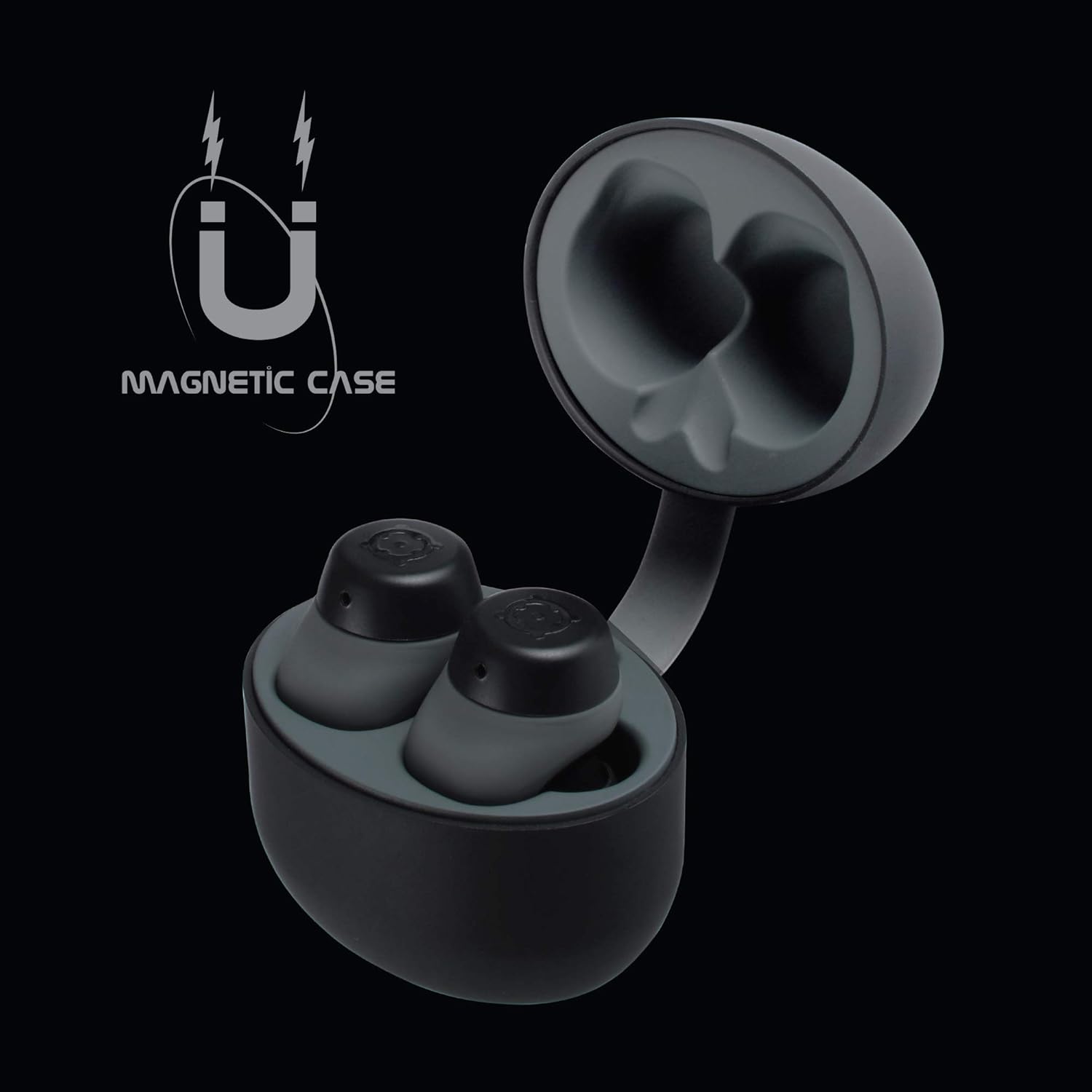
Figura 3.1: Charging Case with Earbuds. The image shows the open charging case with the earbuds placed inside, ready for charging.

Figura 3.2: Magnetic Case. This graphic illustrates the magnetic feature of the charging case, ensuring earbuds are securely held in place during charging and transport.
3.2. Çiftimi me një pajisje
The BOOMBUDS XR utilize Bluetooth 5.0 for a quick and stable connection.
- Ensure the earbuds are charged and removed from the charging case. They should automatically enter pairing mode.
- Në telefonin tuaj inteligjent ose në pajisjen tuaj me Bluetooth, shkoni te cilësimet e Bluetooth.
- Kërko për available devices and select "BOOMBUDS XR" from the list.
- Once connected, the earbuds will indicate successful pairing (e.g., an audio prompt or LED change).

Figura 3.3: Bluetooth 5.0 Connectivity. This graphic highlights the instant and secure connection provided by Bluetooth 5.0 technology.
3.3. Achieving the Perfect Fit
A proper fit is crucial for both comfort and optimal sound quality, especially for bass response and noise isolation. The BOOMBUDS XR come with multiple sizes of ear cups to ensure a secure fit for various ear shapes.
- Experiment with the different sizes of ear cups provided.
- Gently insert the earbud into your ear canal and twist slightly to secure it. The ergonomic design (Ergofit) helps keep them in place during activity.
- Test the fit by moving your head and performing light activities. If the earbuds feel loose or the sound quality is poor, try a different size ear cup.
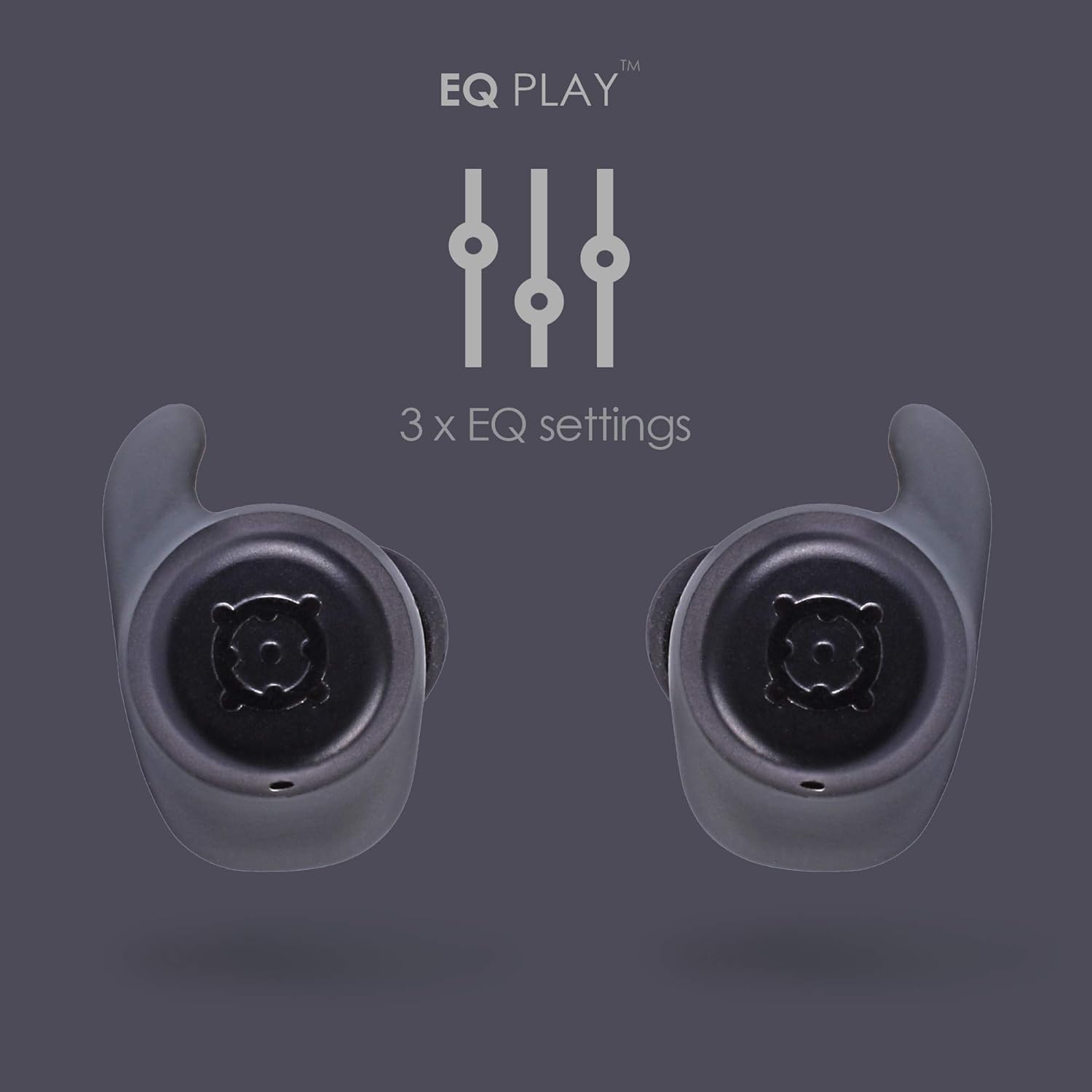
Figura 3.4: Ergofit Design. This graphic illustrates the ergonomic design of the earbuds, engineered for a secure and comfortable fit within the ear.
4. Udhëzimet e funksionimit
4.1. Kontrollet e Muzikës dhe Thirrjeve
The BOOMBUDS XR feature integrated controls on the earbuds for managing audio playback and calls. These controls include volume adjustment, play/pause, and track skipping.
| Veprimi | Kontrolli |
|---|---|
| Luaj/Puzë | Double-click the earbud button. |
| Pjesa tjetër | (Specific control not detailed in source, typically triple-click or long press) |
| Kënga e mëparshme | (Specific control not detailed in source) |
| Vëllimi lart | (Specific control not detailed in source, but volume control is present) |
| Ulja e volumit | (Specific control not detailed in source, but volume control is present) |
| Përgjigjuni/Përfundoni thirrjen | (Specific control not detailed in source) |
| Aktivizoni Asistentin Zëror (Siri/Asistenti Google) | (Specific control not detailed in source) |
| Fikja | Hold button for five seconds. |
Note: For detailed control gestures, refer to the full user manual provided with your product.
4.2. EQ Play Settings
The BOOMBUDS XR allow you to customize your listening experience with three distinct equalizer (EQ) settings:
- Rritja e basit: Enhances low-frequency sounds for a more powerful bass.
- Përforcim vokal: Optimizes mid-range frequencies to make vocals clearer and more prominent.
- BoomPods Studio: Ofron një zë pro të balancuarfile, designed for general listening.
To switch between EQ settings, use the designated control on the earbuds (specific control not detailed in source).

Figura 4.1: EQ Play Settings. This graphic illustrates the three available equalizer settings for customized audio output.
5. Kujdesi dhe mirëmbajtja
5.1. Waterproofing (IPX7 Rating)
The BOOMBUDS XR are rated IPX7 waterproof, meaning they can withstand immersion in water up to 1 meter for 30 minutes. This makes them resistant to sweat, rain, and splashes, and suitable for use in showers or by the pool.
Shënim i rëndësishëm: While the earbuds are waterproof, Bluetooth technology has limitations when transmitting through water. Therefore, continuous audio streaming underwater is not recommended as the connection may be interrupted.

Figura 5.1: IPX7 Waterproofing in Use. The image shows a person showering while wearing the earbuds, demonstrating their water-resistant capabilities.
5.2. Pastrimi dhe ruajtja
- Pastroni rregullisht kufjet e veshit dhe kutinë e karikimit me një leckë të butë, të thatë dhe pa push.
- Remove the ear cups and clean them separately with mild soap and water if necessary. Ensure they are completely dry before reattaching.
- Shmangni përdorimin e pastruesve gërryes, tretësve ose sprejve aerosolë.
- Ruani kufjet në kufjet e tyre të karikimit kur nuk janë në përdorim për t'i mbrojtur dhe për t'i mbajtur të karikuara.
- Keep the charging contacts on both the earbuds and the case clean and free of debris to ensure proper charging.
6. Troubleshooting
If you encounter issues with your BoomPods BOOMBUDS XR, refer to the following common troubleshooting steps:
| Problem | Shkaku/zgjidhja e mundshme |
|---|---|
| Kufjet nuk po karikohen |
|
| Earbuds not pairing / connecting |
|
| Cilësi e dobët e zërit / Volum i ulët |
|
| Microphone issues / Call quality poor |
|
| Kufjet që bien |
|
7. Specifikimet teknike
| Veçori | Detaj |
|---|---|
| Emri i modelit | BXRBLK |
| Teknologjia e lidhjes | Bluetooth 5, Pa tel |
| Teknologjia e komunikimit pa tela | Bluetooth |
| Materiali | Silikoni |
| Përdorime specifike për produktin | Sport dhe Ushtrime, Studio |
| Koha e karikimit | 1.5 orë |
| Pajisjet e përputhshme | Telefonat inteligjentë |
| Lloji i kontrollit | Volume Control, Remote with Mic |
| Pesha e artikullit | 48 gram (1.69 ons) |
| Niveli i rezistencës ndaj ujit | IPX7 (rezistent ndaj ujit) |
| Gama e frekuencës | 50Hz-15kHz |
| Jetëgjatësia e baterisë (Kufje) | 4.5 orë |
| Jetëgjatësia e baterisë (me kuti karikimi) | Up to 20 Hours additional playback |
| Versioni Bluetooth | 5.0 |
| Karakteristika të veçanta | Microphone Included, Sweatproof, USB connectivity, Volume Control, Ergonomic Design, EQ Play (3 settings) |
| Dimensionet e produktit | 0.2 x 3.11 x 1.34 inç |
| Prodhuesi | Boompods |
| Ngjyra | E zezë |
| Vendosja e veshit | Në vesh |
| Faktori i formës | Në vesh |
8. Garancia dhe Mbështetja
8.1. Garanci e kufizuar
The BoomPods BOOMBUDS XR are covered by a 2 vit garanci e kufizuar nga data e blerjes. Kjo garanci mbulon defektet e prodhimit dhe punën nën përdorim normal. Nuk mbulon dëmet e shkaktuara nga keqpërdorimi, aksidentet, modifikimet e paautorizuara ose konsumimi normal.
For specific terms and conditions of the warranty, please refer to the warranty card included with your product or visit the official BoomPods webfaqe.
8.2. Mbështetja e klientit
For further assistance, technical support, or warranty claims, please contact BoomPods customer service through their official channels. You can typically find contact information on the product packaging, the official BoomPods website, or the brand store on Amazon.
Vizitoni zyrtarin BoomPods Store on Amazon për më shumë informacion mbi produktin dhe burime mbështetjeje.