
Hyrje
This manual provides detailed instructions for the operation and maintenance of your TOZO G1 Wireless Gaming Earbuds. Please read thoroughly before use to ensure optimal performance and longevity of your device.
Çfarë ka në Kuti
- Kufje me valë TOZO G1
- Kutia e karikimit me valë
- Eartips (multiple sizes for comfortable fit)
- Kabllo karikimi USB A në USB C
- Manuali i Përdoruesit (ky dokument)
Konfigurimi
1. Ngarkimi i kufjeve dhe i kutisë
Before first use, fully charge the earbuds and charging case to ensure maximum battery life.
Image: The TOZO G1 charging case connected via a USB-C cable, indicating charging status with an illuminated logo.
- Connect the USB A to USB C charging cable to the charging port on the case.
- Connect the other end to a compatible USB power source.
- The LED indicator on the case will show the charging status. A full charge provides up to 6 hours of playback for the earbuds and an additional 30 hours with the charging case.
2. Çiftimi me pajisjen tuaj
Follow these steps to pair your earbuds with a Bluetooth-enabled device.
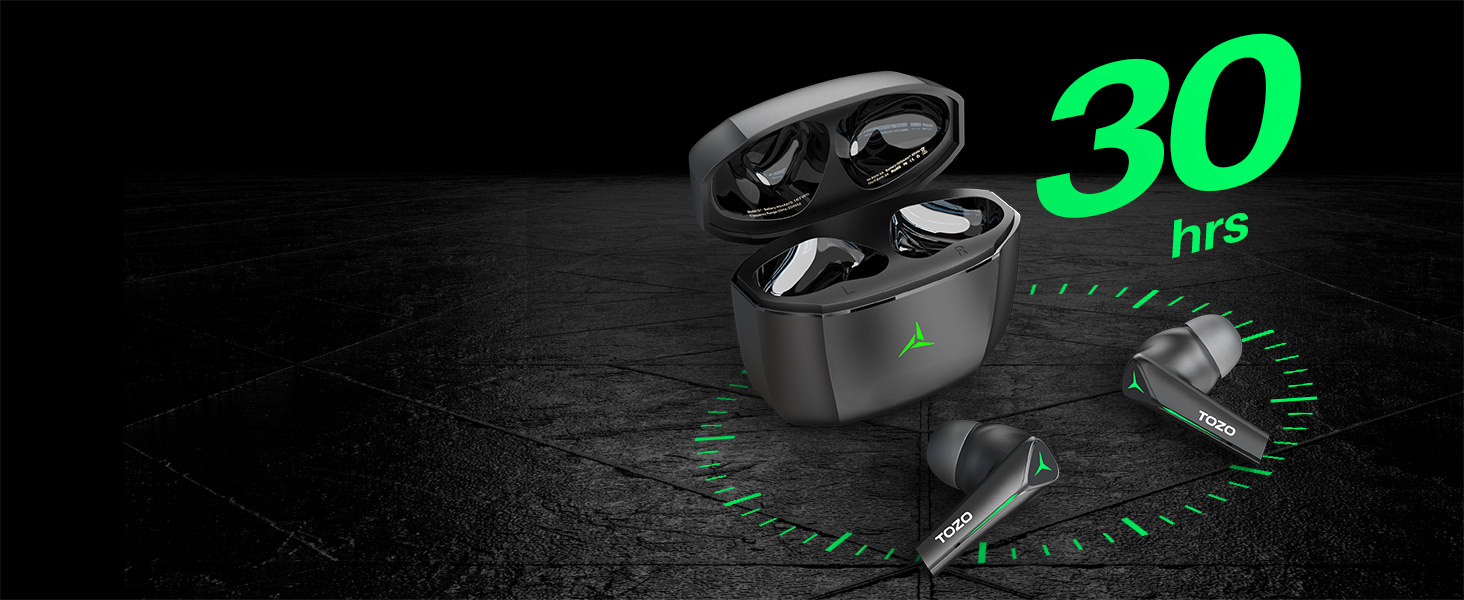
Image: TOZO G1 earbuds shown next to a smartphone displaying Bluetooth pairing options, with the earbuds emitting a green light.
- Open the charging case. The earbuds will automatically enter pairing mode (indicated by flashing LED lights).
- On your device (smartphone, tablet, laptop, gaming console), enable Bluetooth.
- Kërko për "TOZO G1" in the list of available devices and select it to connect.
- Once connected, the earbud LED lights will turn off or show a steady light.
Udhëzimet e funksionimit
1. Game & Music Dual Mode
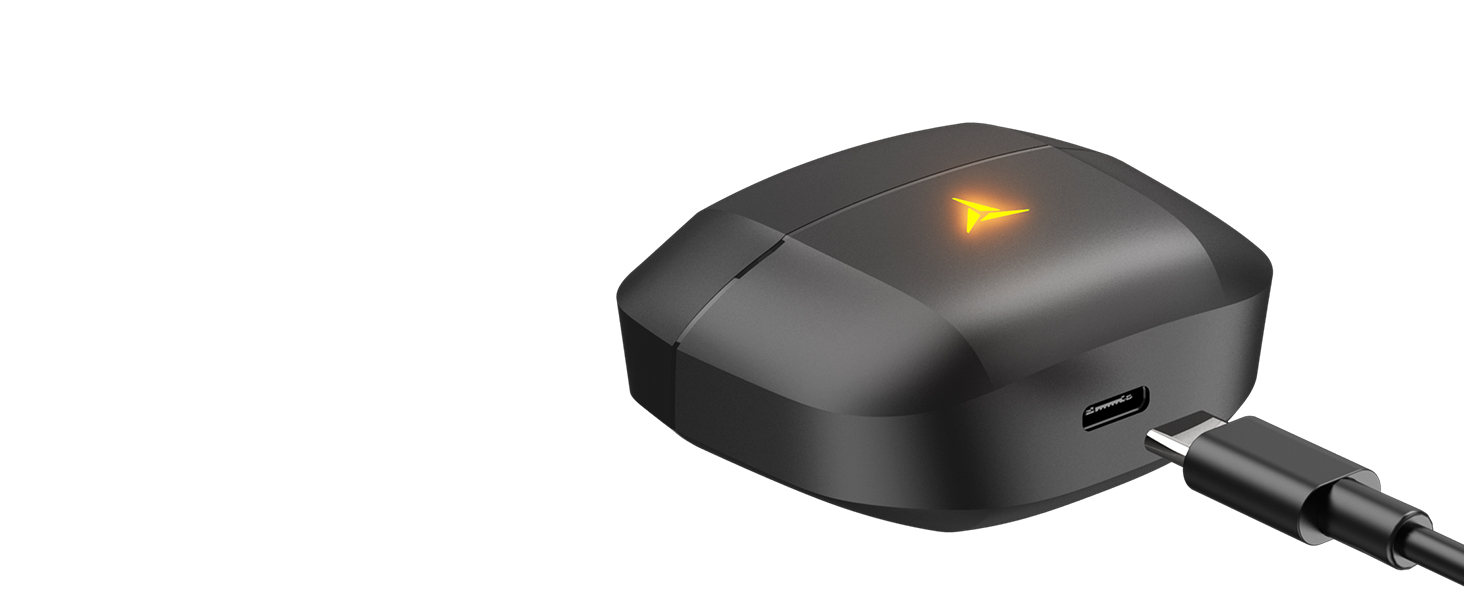
Image: A split image showing the TOZO G1 earbuds in "Game Mode" with a gaming scene and "Music Mode" with a person playing guitar, highlighting the dual functionality.
The TOZO G1 earbuds feature a dual mode for optimized audio performance:
- Mënyra e lojës: Provides 45ms ultra-low latency for synchronized audio and video, enhancing gaming with accurate sound detection (footsteps, gunfire).
- Modaliteti i muzikës: Delivers high-fidelity sound with powerful bass (16Hz-20kHz), mellow midrange, and clear treble for an immersive listening experience.
2. Smart Touch Control

Image: A diagram illustrating the touch control functions for the left and right TOZO G1 earbuds, including play/pause, track skipping, volume control, call management, and voice assistant/game mode activation.
Control your earbuds with simple touch gestures:
| Veprimi | Kufja e majtë | Earbud djathtas |
|---|---|---|
| Luaj/Puzë | Një trokitje e vetme (X1) | Një trokitje e vetme (X1) |
| Kënga e mëparshme / e ardhshme | Double Tap (X2) - Previous | Double Tap (X2) - Next |
| Përgjigjuni/Hang Up Call | Një trokitje e vetme (X1) | Një trokitje e vetme (X1) |
| Refuzo thirrjen | Mbajeni për 2 sekonda | Mbajeni për 2 sekonda |
| Volumi poshtë / lart | Hold for 2 seconds - Volume Down | Hold for 2 seconds - Volume Up |
| Voice Assistant/Game Mode | Triple Tap (X3) - Voice Assistant | Triple Tap (X3) - Game Mode |
Mirëmbajtja
- Pastroni rregullisht kufjet dhe kutinë e karikimit me një leckë të butë dhe të thatë.
- Avoid exposing the earbuds to extreme temperatures or liquids. While waterproof, prolonged submersion is not recommended.
- Store in the charging case when not in use to protect and keep them charged.
Zgjidhja e problemeve
- Kufjet nuk po çiftëzohen:
- Ensure both earbuds are in the charging case and the case is open. Check your device's Bluetooth settings and try reconnecting. If issues persist, reset the earbuds (refer to the full user manual for specific reset instructions).
- Pa zë ose me volum të ulët:
- Check the volume levels on both your device and the earbuds. Ensure earbuds are properly seated in your ears. Verify the earbuds are connected to the correct device.
- Problemet e tarifimit:
- Ensure the charging cable is securely connected to both the case and the power source. Try a different USB-C cable or power adapter. Clean the charging contacts on the earbuds and inside the case.
Specifikimet
| Veçori | Detaj |
|---|---|
| Emri i modelit | G1 |
| Teknologjia e lidhjes | Pa tel (Bluetooth 5.3) |
| Latentia e audios | 45 milisekonda (Modaliteti i Lojës) |
| Jetëgjatësia e baterisë (Kufje) | Deri në 6 orë |
| Koha totale e lojës (me kutinë e karikimit) | Deri në 30 orë |
| Niveli i rezistencës ndaj ujit | I papërshkueshëm nga uji (IPX5) |
| Metoda e kontrollit | Prekni |
| Komponentët e përfshirë | TOZO G1 Wireless Earbuds, Wireless Charging Case, Eartips, USB A to USB C Charging Cable, User Manual |
Video zyrtare e produktit
Video: Një prezantim zyrtar i videos së produktitasing the TOZO G1 Wireless Gaming Earbuds and their features.
Garancia dhe Mbështetja
TOZO products come with a standard manufacturer's warranty. For detailed warranty information, product support, or to contact customer service, please visit the official TOZO webfaqen e internetit ose referojuni kartës së garancisë të përfshirë në paketimin e produktit tuaj.
zyrtare Webfaqe: www.tozostore.com