
1. Hyrje
This manual provides detailed instructions for setting up, operating, and maintaining your Beelink EQ13 Mini PC. The Beelink EQ13 is a compact and efficient mini PC powered by an Intel N100 processor, designed for various applications including office work, multimedia playback, and light computing tasks. Please read this manual thoroughly before using the device.
2. Përmbajtja e paketës
Verifikoni që të gjitha artikujt e listuar më poshtë janë të përfshirë në paketën tuaj:
- 1 x Beelink EQ13 N100 Mini PC
- 1 x Kabllo AC
- 1 x Manuali i Përdoruesit
- 1 x 100 cm kabllo HDMI
- 1 x Kuti Paketimi
3. Produkti i Mbaruarview
3.1 Front and Rear Panel Layout
Familiarize yourself with the ports and connectors on your Beelink EQ13 Mini PC.

Image: Front panel with USB-C and USB 3.2 ports, power button. Rear panel with dual HDMI, dual LAN, USB 3.2, and USB 2.0 ports.
- Paneli i përparmë: 1x USB-C Port (10Gbps), 1x USB 3.2 Port (10Gbps), Power Button.
- Panel Rear: 2x HDMI Ports (4K@60Hz), 2x 1000Mbps LAN Ports, 2x USB 3.2 Ports (10Gbps), 1x USB 2.0 Port (480Mbps), Power Input.
3.2 Built-in Power Supply
The Beelink EQ13 features a built-in power supply, simplifying cable management. Only one AC cable is required to power the device.

Image: The Beelink EQ13 Mini PC connected to an AC power outlet, demonstrating its built-in power supply design.
3.3 Komponentët e Brendshëm
The Beelink EQ13 is equipped with 16GB DDR4 3200MHz memory and a 500GB M.2 2280 PCIe 3.0 SSD.

Imazh: Një i brendshëm view of the Beelink EQ13 Mini PC, highlighting the 16GB DDR4 RAM module and the 500GB M.2 PCIe 3.0 SSD.
4. Udhëzime për konfigurimin
4.1 Lidhja e pajisjeve periferike
- Lidh Ekranin: Use the provided HDMI cable to connect your monitor(s) to the HDMI ports on the rear panel of the Mini PC. The EQ13 supports dual 4K@60Hz displays.
- Lidhja e tastierës dhe mausit: Plug your USB keyboard and mouse into the available USB ports on the front or rear panel.
- Lidhu me rrjetin (Opsionale): For a wired connection, connect an Ethernet cable from your router or modem to one of the 1000Mbps LAN ports on the rear panel. For wireless, the device supports WiFi 6.
4.2 Aktivizimi
- Lidhni fuqinë: Plug the AC power cable into the power input on the rear of the Mini PC, then connect the other end to a wall outlet.
- Fillimi: Shtypni butonin e ndezjes që ndodhet në panelin e përparmë. Drita treguese e ndezjes do të ndizet.
- Konfigurimi fillestar: Follow the on-screen instructions to complete the operating system setup (e.g., Windows 11).
5. Udhëzimet e funksionimit
5.1 Operacioni bazë
- Ndezja/Fikja e energjisë: Press the power button to turn on. To turn off, use the operating system's shutdown function or press and hold the power button for 5 seconds.
- Rinis: Përdorni funksionin e rinisjes së sistemit operativ.
5.2 Lidhshmëria e Rrjetit
- LAN me tel: Connect an Ethernet cable to one of the two 1000Mbps LAN ports for a stable wired network connection.
- Pa tel (WiFi 6): The Mini PC supports WiFi 6 (802.11ax). Access network settings in your operating system to connect to available wireless networks.

Imazh: Pjesa e pasme view of the Beelink EQ13 Mini PC highlighting the two 1000Mbps LAN ports with Ethernet cables connected.
5.3 Lidhshmëria Bluetooth
The Beelink EQ13 includes Bluetooth 5.2 (AX101) for connecting wireless devices.
- Aktivizoni Bluetooth në cilësimet e sistemit tuaj operativ.
- Pair with compatible devices such as keyboards, mice, speakers, or headphones.
5.4 Konfigurimi i Ekranit të Dyfishtë
The Mini PC supports dual 4K@60Hz displays via its two HDMI ports, enhancing productivity.
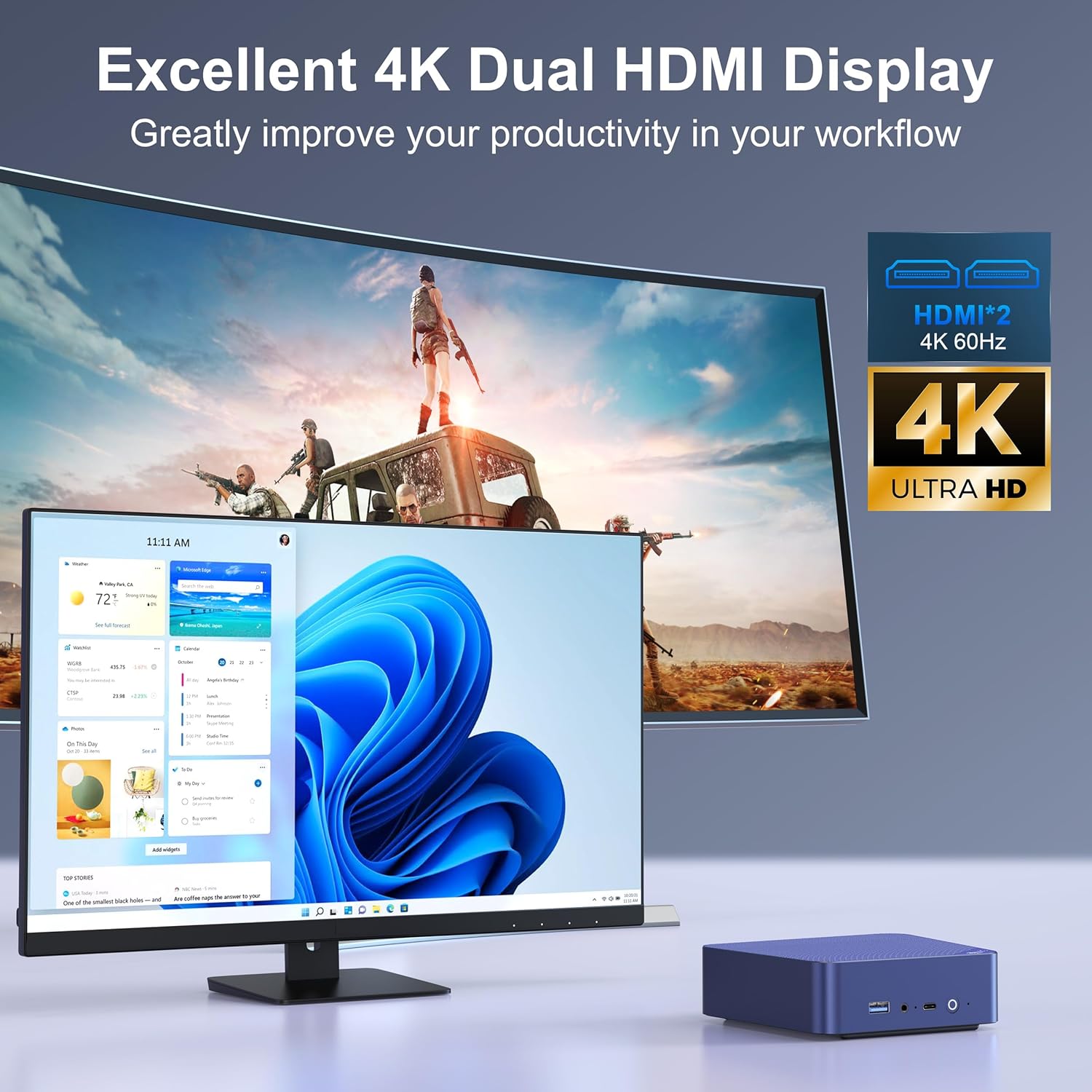
Image: The Beelink EQ13 Mini PC connected to two monitors, demonstrating its dual 4K HDMI display capability.
5.5 Performance and Usage
Equipped with an Intel N100 processor, 16GB DDR4 RAM, and a 500GB PCIe 3.0 SSD, the EQ13 is suitable for various tasks:
- Puna në zyrë: Efficiently handle documents, spreadsheets, and presentations.
- Riprodhimi multimedial: Enjoy 4K video streaming and other media content.
- Web Shfletimi: Smooth internet browsing experience.
- Virtual Machines/NAS: Capable for light virtualization or network-attached storage applications.
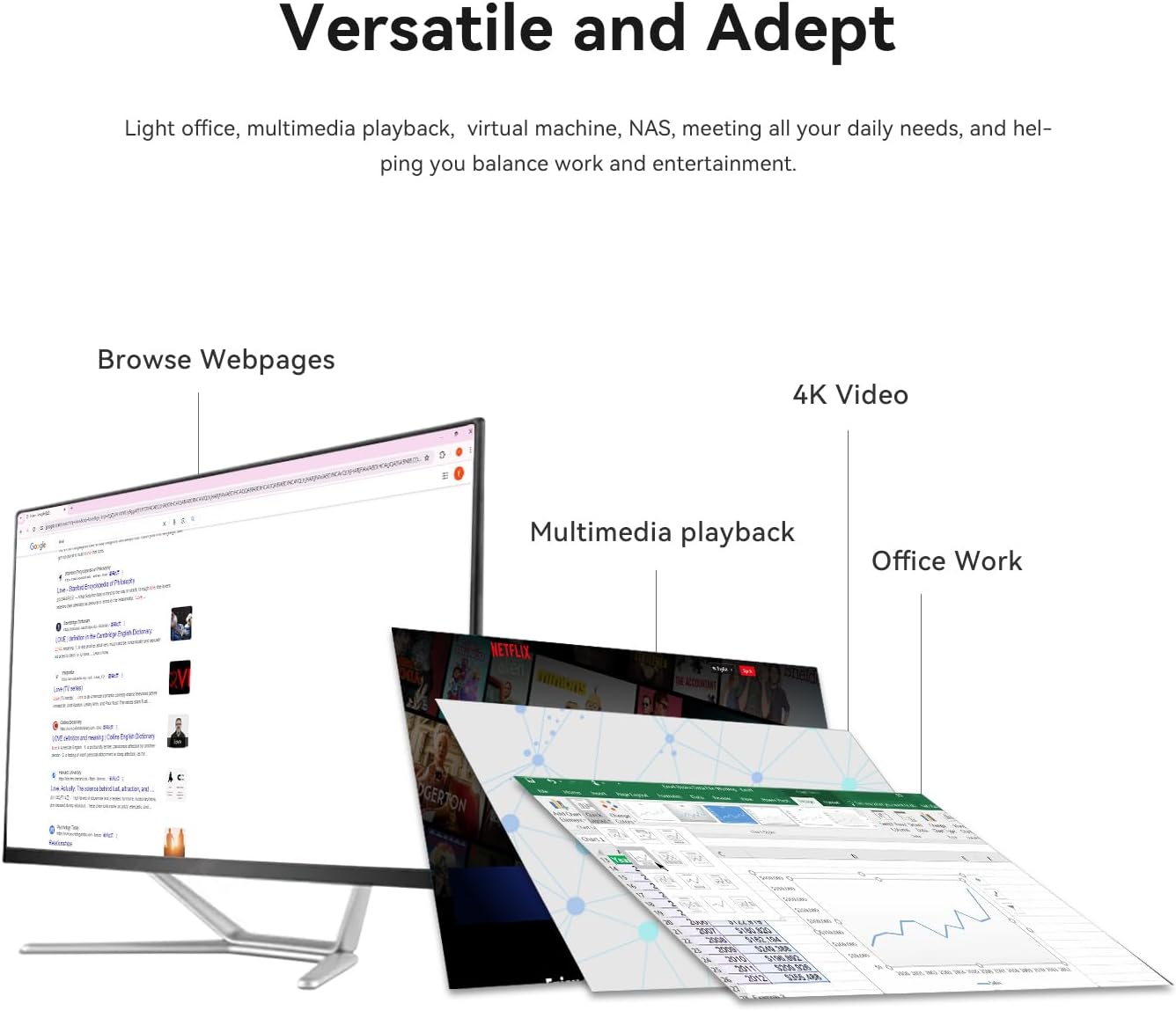
Image: A visual representation of the Beelink EQ13 Mini PC's versatility, showing it handling web browsing, 4K video, multimedia playback, and office applications simultaneously.
6. Mirëmbajtja
6.1 Sistemi i ftohjes
The Beelink EQ13 incorporates an MSC2.0 Cooling System with a new airflow design and dustproof filter at the bottom. This design ensures stable operation and near-silent performance.
- Ensure the bottom air intake vents are not obstructed to maintain optimal airflow.
- Periodically clean the dust filter to prevent dust accumulation.

Image: An illustration depicting the silent operation of the Beelink EQ13 Mini PC, emphasizing its new cooling system design.
6.2 Zgjerimi i Hapësirës së Ruajtjes
The 500GB M.2 2280 SSD can be expanded up to 2TB. Refer to the internal components image in Section 3.3 for the location of the SSD slot. For storage upgrades, it is recommended to consult a qualified technician or refer to specific upgrade guides provided by Beelink.
7. Troubleshooting
- Pa fuqi: Ensure the AC cable is securely connected to both the Mini PC and the power outlet. Try a different power outlet.
- Pa shfaqje: Check HDMI cable connections to both the Mini PC and the monitor. Ensure the monitor is powered on and set to the correct input source.
- Pa lidhje rrjeti: For wired connections, verify the Ethernet cable is properly connected. For wireless, check WiFi settings in the operating system and ensure the router is functioning.
- Probleme periferike: If a keyboard or mouse is not responding, try connecting it to a different USB port. Ensure Bluetooth devices are properly paired.
- Sistemi nuk përgjigjet: If the system freezes, press and hold the power button for 5-10 seconds to force a shutdown, then restart the device.
8. Specifikimet
| Veçori | Detaj |
|---|---|
| Markë | Beelink |
| Emri i modelit | EQ13 N100 |
| Modeli i CPU-së | Intel Processor N100 (4C/4T, up to 3.4GHz) |
| Bashkëprocesor grafik | Intel Iris Plus Graphics |
| Memoria RAM | 16GB DDR4 3200MHz SODIMM |
| Magazinimi | 500GB M.2 2280 PCIe 3.0 SSD (Expandable up to 2TB) |
| Sistemi Operativ | OS (Pre-installed Windows 11 mentioned in product description) |
| Dalje video | 2x HDMI (Max 4K@60Hz Dual Display) |
| LAN | Dual 1000Mbps Ethernet Ports |
| Lidhja me valë | WiFi 6 (802.11ax), Bluetooth 5.2 (AX101) |
| Portet USB | 1x Front USB-C (10Gbps), 3x USB 3.2 (10Gbps), 1x USB 2.0 (480Mbps) |
| Konsumi i energjisë | 25 Watts (TDP) |
| Metoda e Ftohjes | Air (MSC2.0 Cooling System) |
| Ngjyra | Blu detare |
9. Garancia dhe Mbështetja
The Beelink EQ13 Mini PC comes with a 1 vite Garanci.
For technical support, warranty claims, or further assistance, please contact the manufacturer, Shenzhen AZW Technology Co., Ltd., or visit the official Beelink support channels.
Manufacturer: Shenzhen AZW Technology Co., Ltd.
Për më shumë informacion, mund të vizitoni Dyqani Beelink në Amazon.