1. Hyrje
This manual provides detailed instructions for the setup, operation, maintenance, and troubleshooting of your Generic L18058 A3+ Direct-to-Film (DTF) Printer. This printer is designed for high-definition printing on heat transfer films, suitable for various applications including T-shirts, hoodies, and bags. Please read this manual thoroughly before operating the device to ensure proper function and longevity.

Imazhi 1.1: Mbiview of the Generic L18058 A3+ DTF Printer.
2. Çfarë ka në kuti
Pas shpaketimit, verifikoni që të gjithë përbërësit e listuar më poshtë janë të pranishëm dhe të padëmtuar:
- A3 Size DTF Printer (Model L18058)
- 6 x 100 ml Ink Bottles (CMYK+WW)
- 100 pcs A3+ Size PET Films
- 1 LB Hot Melt Adhesive Powder
- Professional RIP Software

Image 2.1: The Generic L18058 DTF Printer and its included accessories: ink, powder, film, and RIP software.
3. Specifikimet
| Veçori | Detaj |
|---|---|
| Numri i modelit | L18058 |
| Teknologjia e printimit | Direct-to-Film (DTF) |
| Madhësia e printimit | A3+ (13x19 inches / 33cm width) |
| Sistemi i bojës | CMYK + White (WW) with Automatic Timing White Ink Stirring |
| Software | Professional RIP Software included |
| Shpejtësia e printimit | Approximately twice as fast as L1800 models |
| Kreu i shtypur | Durable print nozzle (latest 2023 model) |
| Niveli i zhurmës | Low printing noise due to quiet guide rail |
| Dimensionet e produktit | 19 x 24 x 9.5 inç |
| Pesha e artikullit | 22 paund |
| Pajisjet e përputhshme | Kompjuter personal |
4. Konfigurimi
4.1 Hapja e kutisë dhe vendosja
Carefully remove the printer from its packaging. Place the printer on a stable, level surface in a well-ventilated area, away from direct sunlight and heat sources. Ensure sufficient space around the printer for operation and maintenance.
4.2 Ink Filling
Fill the ink tanks with the corresponding CMYK and White (WW) DTF inks. The L18058 features an automatic timing white ink stirring system to prevent white ink precipitation. Ensure all ink lines are properly connected and free of air bubbles.

Image 4.1: The timed white ink and stirring system, designed to prevent ink clogging and prolong print head life.
4.3 Instalimi i softuerit
Install the provided professional RIP software on your personal computer. Follow the on-screen instructions for installation. This software is essential for preparing your designs for DTF printing, managing color profiles, and controlling print settings.
For detailed software usage, refer to the software's dedicated user guide or help documentation.
Video 4.1: Demonstration of preparing a design using the RIP software and initiating the print process on the L18058 DTF Printer.
4.4 Printer Connection
Connect the printer to your computer using the appropriate USB cable. Ensure the printer drivers are installed correctly. Refer to your computer's operating system instructions for driver installation if needed.
5. Udhëzimet e funksionimit
5.1 Përgatitja e Dizajnit Tuaj
Use the professional RIP software to prepare your design. This involves setting up the print size, color profiles, and ensuring the white ink layer is correctly generated for your transfer. The software allows for precise control over print quality and color accuracy.
5.2 Loading DTF Film
Load the A3+ size PET film into the printer's film tray. Ensure the printable side of the film is facing the correct direction as indicated by the printer or film manufacturer. Proper film loading prevents misprints and jams.

Image 5.1: A printed DTF film showing a colorful design, ready for powder application and curing.
5.3 Procesi i Printimit
Initiate the print job from the RIP software. The printer will first lay down the color layers, followed by the white ink layer on top. The L18058 is designed for efficient printing speed, reducing production time.
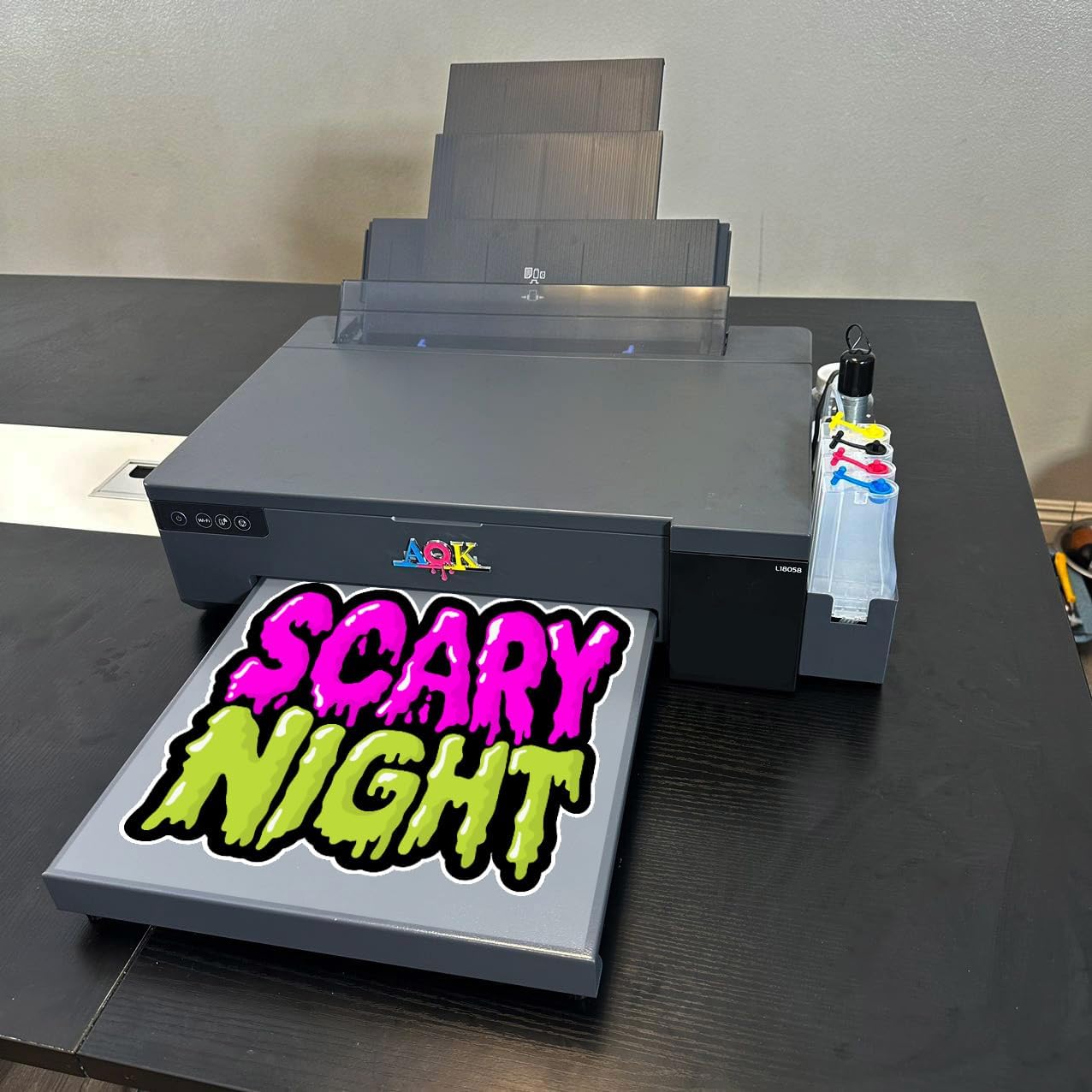
Image 5.2: The DTF printer in operation, producing a vibrant design on transfer film.
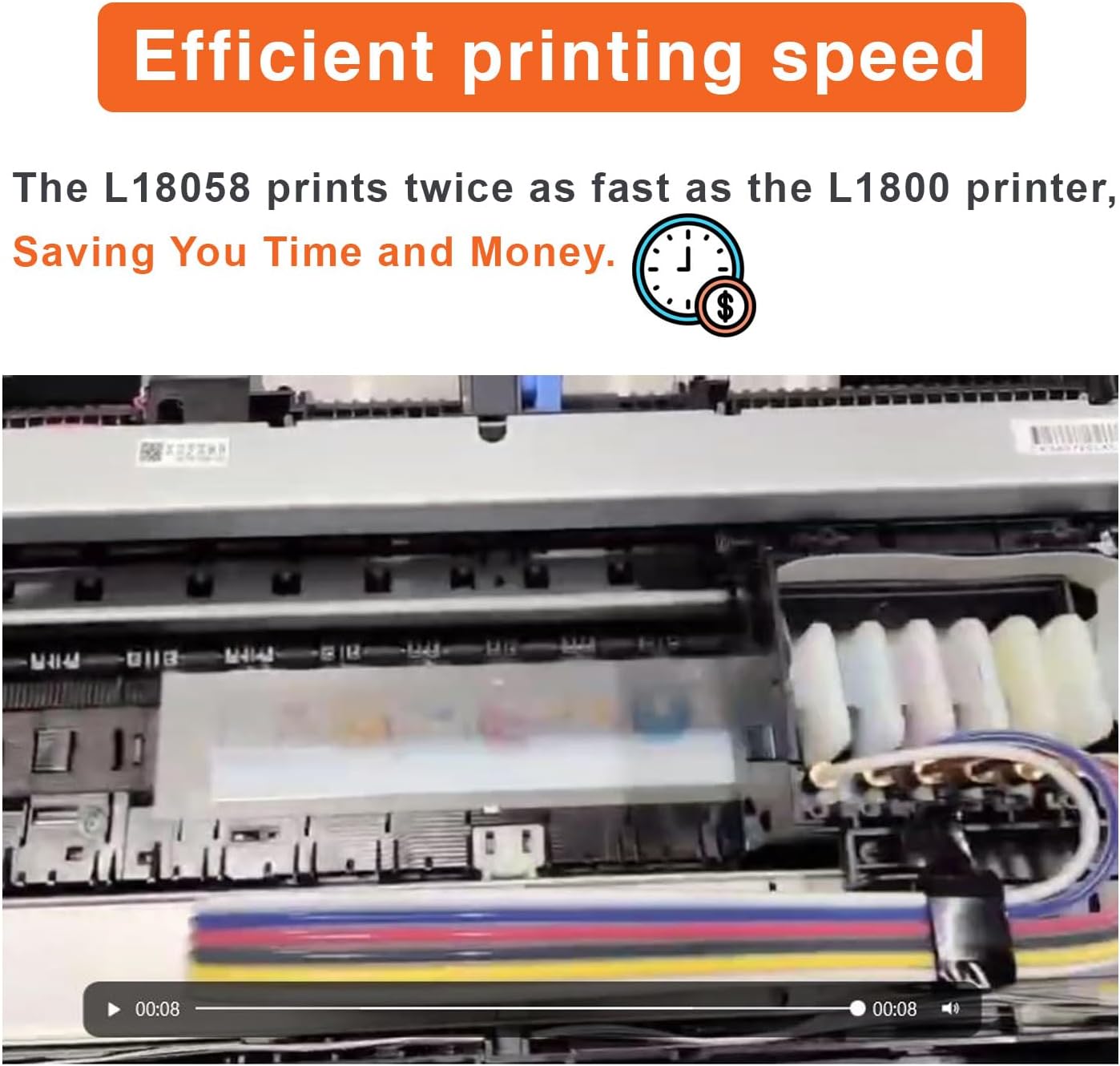
Image 5.3: The printhead in motion, demonstrating the efficient printing speed of the L18058 model.
5.4 Powder Application and Curing
Immediately after printing, evenly apply the hot melt adhesive powder over the wet ink on the film. Gently shake off any excess powder. Cure the film using a heat press or curing oven according to the powder manufacturer's instructions. This melts the adhesive powder onto the ink, preparing it for transfer.
5.5 Transferimi i nxehtësisë
Once cured, the film is ready for heat transfer. Place the film onto your desired garment (T-shirt, hoodie, etc.) and apply heat and pressure using a heat press. Follow the specific temperature, time, and pressure settings recommended for your film and garment type. After pressing, peel the film (hot or cold peel, depending on film type) to reveal the transferred design.

Imazhi 5.4: P.sh.amples of high-definition prints achieved with the DTF printer, showcasing vibrant colors and sharp details.
6. Mirëmbajtja
Regular maintenance is crucial for the longevity and optimal performance of your DTF printer.
6.1 White Ink Stirring System
The printer features an automatic timing white ink stirring system. Ensure this system is functioning correctly to prevent white ink from settling and clogging the printhead. Check the stirring mechanism periodically.
6.2 Printhead Cleaning
Perform regular printhead cleaning cycles as recommended by the RIP software or when print quality issues (e.g., streaking, missing nozzles) are observed. Use only approved cleaning solutions and follow the printer's cleaning procedures. Neglecting printhead maintenance can lead to permanent damage.

Imazhi 6.1: I brendshëm view of the printer, highlighting the printhead and ink delivery system, critical areas for maintenance.
6.3 Pastrimi i përgjithshëm
Keep the printer's exterior and interior (accessible areas) clean from dust, ink spills, and powder residue. Use a soft, lint-free cloth. Avoid using harsh chemicals that could damage the printer's components.
7. Troubleshooting
This section addresses common issues you might encounter with your DTF printer.
7.1 Ink Not Flowing / Clogged Nozzles
- Kontrolloni nivelet e bojës: Ensure all ink tanks have sufficient ink.
- Kryeni Kontrollin e Grykës: Run a nozzle check from the printer utility or RIP software to identify clogged nozzles.
- Perform Head Cleaning: If nozzles are clogged, perform one or more head cleaning cycles.
- White Ink Stirring: Verify the automatic white ink stirring system is active and functioning. White ink can settle and clog if not stirred regularly.
- Ink Quality: Ensure you are using compatible and high-quality DTF inks.
- Ink Lines: Inspect ink lines for kinks or air bubbles.
7.2 Poor Print Quality (Streaks, Fading, Incorrect Colors)
- Kontrolli hundeve: Perform a nozzle check and clean the printhead if necessary.
- RIP Software Settings: Verify that your RIP software settings (color profiles, resolution) are correct for your design and film.
- Film Quality: Ensure you are using high-quality DTF film.
- Ink Expiration: Check the expiration dates of your inks.
7.3 Printeri nuk përgjigjet
- Fuqia: Ensure the printer is powered on and connected to a working power outlet.
- Lidhja USB: Check the USB cable connection between the printer and computer. Try a different USB port or cable.
- Drejtuesit: Verify that the printer drivers are correctly installed and updated.
- Rinis: Rinisni si printerin ashtu edhe kompjuterin tuaj.
8. Garancia dhe Mbështetja
The Generic L18058 DTF Printer comes with a 3 muaj garanci e kufizuar. Please note that the warranty does not cover the printhead or the ink system. For technical assistance or warranty claims, please contact your vendor or refer to the support information provided with your purchase.
Live support may be available; check your purchase documentation for contact details.


