
Hyrje
Welcome to the user manual for your new DIALN X65 Unlocked Smartphone. This guide provides essential information to help you set up, operate, maintain, and troubleshoot your device. Please read this manual carefully to ensure optimal performance and longevity of your smartphone.
The DIALN X65 features a 6.5-inch display, runs on Android 13, and offers 32GB of internal storage, expandable via microSD. It is equipped with a 13MP camera and a 4500mAh battery.
Çfarë ka në Kuti
Upon unboxing your DIALN X65, verify that all items are present:
- Smartphone DIALN X65
- Kabllo karikimi
- Manuali i Përdoruesit (ky dokument)
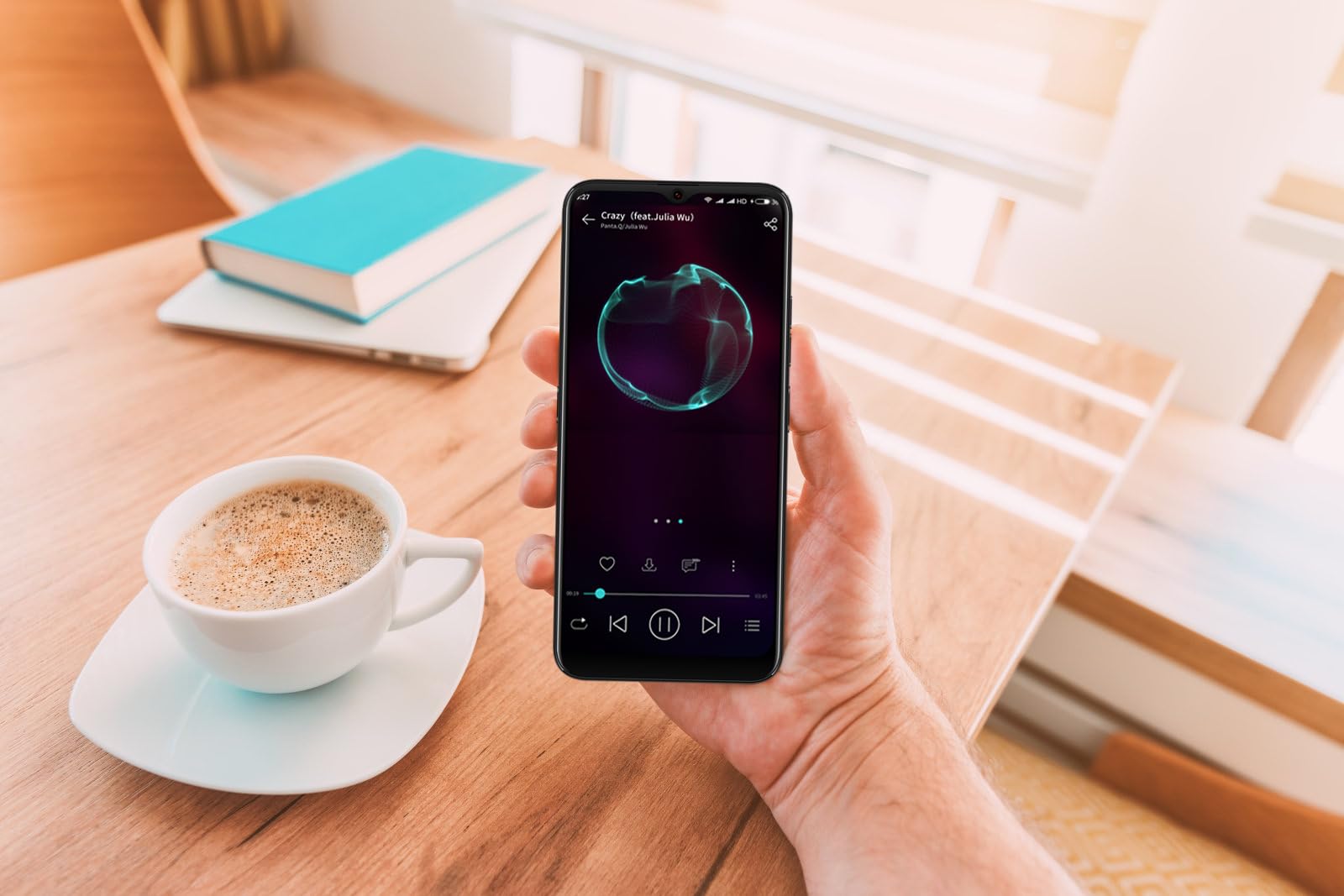
Image: The DIALN X65 smartphone displayed with its charging cable and user manual, as typically found in the product packaging.
Konfigurimi
1. Insert SIM Card and MicroSD Card (Optional)
- Gjeni sirtarin e kartës SIM në anën e telefonit tuaj.
- Insert the SIM ejector tool (not included, a paperclip can be used) into the small hole on the tray to open it.
- Vendosni kartën/kartat tuaja Nano-SIM dhe/ose kartën microSD në sirtar me kontaktet e arta poshtë, duke u siguruar që ato të jenë të orientuara saktë.
- Shtyjeni butësisht sirtarin përsëri në telefon derisa të fiksohet në vendin e tij.
2. Ngarkimi fillestar
Before first use, it is recommended to fully charge your DIALN X65. Connect the charging cable to the phone's charging port and plug the other end into a power adapter (not included) or a USB port. The battery indicator on the screen will show charging progress. A full charge typically takes approximately 2 hours.
3. Ndez/Fik
- Për të ndezur: Press and hold the Power button (located on the right side) until the DIALN logo appears on the screen.
- Për të fikur: Shtypni dhe mbani shtypur butonin e ndezjes derisa të shfaqet menyja e opsioneve të ndezjes. Trokitni "Fik" dhe konfirmoni.
- Për të rifilluar: Shtypni dhe mbani shtypur butonin e ndezjes derisa të shfaqet menyja e opsioneve të ndezjes. Trokitni "Rinis" dhe konfirmoni.
4. Initial Setup Wizard
The first time you power on your phone, you will be guided through an initial setup process. Follow the on-screen prompts to:
- Zgjidhni gjuhën tuaj.
- Lidhu me një rrjet Wi-Fi.
- Hyni me llogarinë tuaj Google ose krijoni një të re.
- Konfiguro kyçjen e ekranit (PIN, model, fjalëkalim ose Zhbllokim me fytyrë).
- Review dhe pranoni termat dhe kushtet.
Operating Your DIALN X65
1. Navigimi bazë
- Prekni: Trokitni një ikonë për të hapur një aplikacion ose për të zgjedhur një artikull.
- Rrëshqitni: Zvarrit gishtin nëpër ekran për të lëvizur ose për të lundruar midis ekraneve.
- Majë: Përdorni dy gishta për të zmadhuar ose zvogëluar fotot dhe web faqet.
- Ekrani bazë: Qendra qendrore për aplikacionet dhe widget-et tuaja. Rrëshqitni majtas ose djathtas për të aksesuar ekrane shtesë kryesore.
- Paneli i njoftimeve: Rrëshqitni poshtë nga maja e ekranit për të aksesuar njoftimet dhe cilësimet e shpejta.
2. Telefonatat dhe kontaktet
- Bërja e një telefonate: Open the 'Phone' app, enter the number, and tap the call icon.
- Përgjigjja e një thirrjeje: Swipe up on the green phone icon when a call comes in.
- Menaxhimi i kontakteve: Open the 'Contacts' app to add, edit, or delete contacts.
3. Mesazhimi
Open the 'Messages' app to send and receive SMS/MMS messages. Tap the '+' icon to compose a new message, enter the recipient's number or select from contacts, and type your message.
4. Interneti dhe Lidhshmëria
- Wi-Fi: Shko te Cilësimet > Rrjeti dhe interneti > Wi-Fi. Aktivizo Wi-Fi dhe zgjidh rrjetin e dëshiruar.
- Bluetooth: Go to Settings > Connected devices > Connection preferences > Bluetooth. Turn Bluetooth on to pair with other devices.
- Të dhënat celulare: Go to Settings > Network & internet > Mobile network. Ensure mobile data is enabled for internet access via your SIM card.
5. Kamera
Open the 'Camera' app to capture photos and videos. Tap the shutter button to take a photo. Swipe left or right to switch between photo, video, and other modes. Use the front camera for selfies.
6. Zhbllokimi me fytyrë
To set up Face Unlock, go to Settings > Security & privacy > Device unlock > Face unlock. Follow the on-screen instructions to register your face. Once set up, you can unlock your phone by looking at the front camera.
7. Menaxhimi i ruajtjes
Your DIALN X65 comes with 32GB of internal storage. You can expand this up to 256GB using a microSD card. To check storage usage, go to Settings > Storage. Regularly clear unnecessary files dhe aplikacione për të ruajtur performancën optimale.
Mirëmbajtja
1. Pastrimi i pajisjes suaj
Use a soft, lint-free cloth to clean the screen and body of your phone. Avoid using harsh chemicals or abrasive materials, as these can damage the display and finish. Do not expose the phone to excessive moisture.
2. Përditësimet e softuerit
Regularly check for and install software updates to ensure your phone has the latest features, security patches, and performance improvements. Go to Settings > System > System update to check for available updates.
3. Kujdesi për baterinë
- Shmangni temperaturat ekstreme, pasi ato mund të dëmtojnë jetëgjatësinë e baterisë.
- Mos e lini baterinë të shkarkohet plotësisht shpesh.
- Use the provided charging cable or a compatible, certified charger.
- Unplug the charger once the battery is full to prevent overcharging.
4. Optimizimi i ruajtjes
To keep your phone running smoothly, regularly review and delete unused apps, old photos, videos, and downloaded files. Konsideroni zhvendosjen e mediave të mëdha files në një kartë microSD ose në hapësirën e ruajtjes në cloud.
Zgjidhja e problemeve
Çështjet dhe zgjidhjet e zakonshme:
- Telefoni nuk po ndizet: Sigurohuni që bateria është e ngarkuar. Lidheni me një karikues për të paktën 15 minuta, pastaj provoni ta ndizni përsëri.
- Poor Signal/No Network: Check if your SIM card is properly inserted. Ensure mobile data is enabled in settings. Try restarting the phone. If issues persist, contact your network provider.
- Aplikacionet që bllokohen/ngrihen: Close and reopen the app. Clear the app's cache (Settings > Apps > [App Name] > Storage & cache > Clear cache). If the problem continues, uninstall and reinstall the app.
- Kullimi i shpejtë i baterisë: Reduce screen brightness, disable unused features like Bluetooth or GPS, close background apps, and check for apps consuming excessive power in battery settings.
- Ekrani me prekje nuk përgjigjet: Restart the phone. If the issue persists, a factory reset might be necessary (see below).
Factory Reset (Data Erase)
Një rivendosje në cilësimet e fabrikës do të fshijë të gjitha të dhënat nga telefoni juaj dhe do ta rikthejë atë në cilësimet e tij origjinale të fabrikës. Bëni kopje rezervë të të gjitha të dhënave të rëndësishme përpara se të vazhdoni.
- Shko te Cilësimet > Sistemi > Rivendos opsionet.
- Tap 'Erase all data (factory reset)'.
- Konfirmoni vendimin tuaj dhe futni PIN/modelin/fjalëkalimin nëse ju kërkohet.
- The phone will restart and begin the reset process.
Specifikimet
| Veçori | Specifikimi |
|---|---|
| Emri i modelit | X65 |
| Sistemi Operativ | Android 13.0 |
| Madhësia e ekranit | 6.5 inç |
| Rezolucioni | 1280 x 720 |
| Përpunues | Quad Core 2.26GHz (MediaTek) |
| RAM | 3 GB |
| Ruajtja e brendshme | 32 GB (Expandable up to 256GB via microSD) |
| Kamera kryesore | 13 MP |
| Kapaciteti i baterisë | 4500 mAh |
| Lidhshmëria | 4G LTE, Wi-Fi, Bluetooth |
| Karakteristika të veçanta | Expandable Storage, Face Unlock, Built-in GPS |
| Dimensionet | 6.5 x 3 x 6.5 inç |
| Pesha | 6.5 ons |
Garancia dhe Mbështetja
Your DIALN X65 Smartphone is covered by a limited manufacturer's warranty. Please refer to the warranty card included with your product for specific terms and conditions, including warranty period and coverage details. For technical support, service, or further inquiries, please visit the official DIALN website or contact customer service through the contact information provided on the product packaging or official webfaqe.