
1. Hyrje
This manual provides essential information for setting up, operating, maintaining, and troubleshooting your NIMO 15.6-inch Laptop N152. Please read this manual thoroughly before using your device to ensure proper functionality and longevity.

Image 1.1: NIMO 15.6-inch Laptop, top-down view.
2. Konfigurimi
2.1 Hapja e kutisë dhe inspektimi fillestar
Carefully remove all components from the packaging. Verify that all items listed in the 'What's in the Box' section (Section 6) are present and undamaged. If any items are missing or damaged, contact customer support.
2.2 Ngarkimi i laptopit
Before first use, fully charge your NIMO laptop. Connect the provided 65W USB-C PD Fast Charger to the laptop's USB-C port and then to a power outlet. The charging indicator light will illuminate. A 15-minute charge provides approximately 2 hours of use.

Image 2.1: The 65W USB-C PD Fast Charger can charge multiple devices.
2.3 Ndezja dhe Konfigurimi Fillestar
Press the power button to turn on the laptop. Follow the on-screen instructions to complete the Windows 11 Home setup, including language selection, network connection, and user account creation. You can set up the fingerprint reader during this process for secure login.
3. Udhëzimet e funksionimit
3.1 Tastiera dhe Touchpad
The NIMO N152 features an ergonomic backlit keyboard. To adjust the backlight brightness or toggle it on/off, use the dedicated function keys (Fn + F-key combination, refer to keyboard legends). The touchpad supports multi-touch gestures for enhanced navigation.
3.2 Lexues të Gjurmëve të Gishtërinjve
The fingerprint reader is integrated into the touchpad for secure and instant login. Once configured, simply place your registered finger on the sensor to unlock your device.
3.3 Karakteristikat e ekranit
The 15.6-inch Full HD (1920x1080) IPS anti-glare display offers clear visuals. The 180° hinge allows the screen to lay completely flat, useful for sharing content or collaborating.

Image 3.1: The 180° lay-flat hinge for versatile viewing.
3.4 Lidhshmëria
The laptop is equipped with various ports for external devices:
- Portet USB 3.0: Për transferimin e të dhënave me shpejtësi të lartë.
- Porta USB 2.0: Për pajisje standarde USB.
- HDMI: Lidhet me ekrane ose projektorë të jashtëm.
- Porta të Tipit C: Për karikimin dhe transferimin e të dhënave.
- Lexues Micro SD: Për zgjerimin e hapësirës së ruajtjes ose transferimin files nga kartat e memories.
- Xhek audio: Për kufje ose altoparlantë të jashtëm.
- Bllokimi Kensington: Për siguri fizike.
Imazhi 3.2: Ana view of the NIMO laptop showing available ports.
For wireless connectivity, the laptop supports Wi-Fi 6 for stable, high-speed internet and Bluetooth 5.2 for connecting wireless peripherals.
4. Karakteristikat kryesore
4.1 Performanca
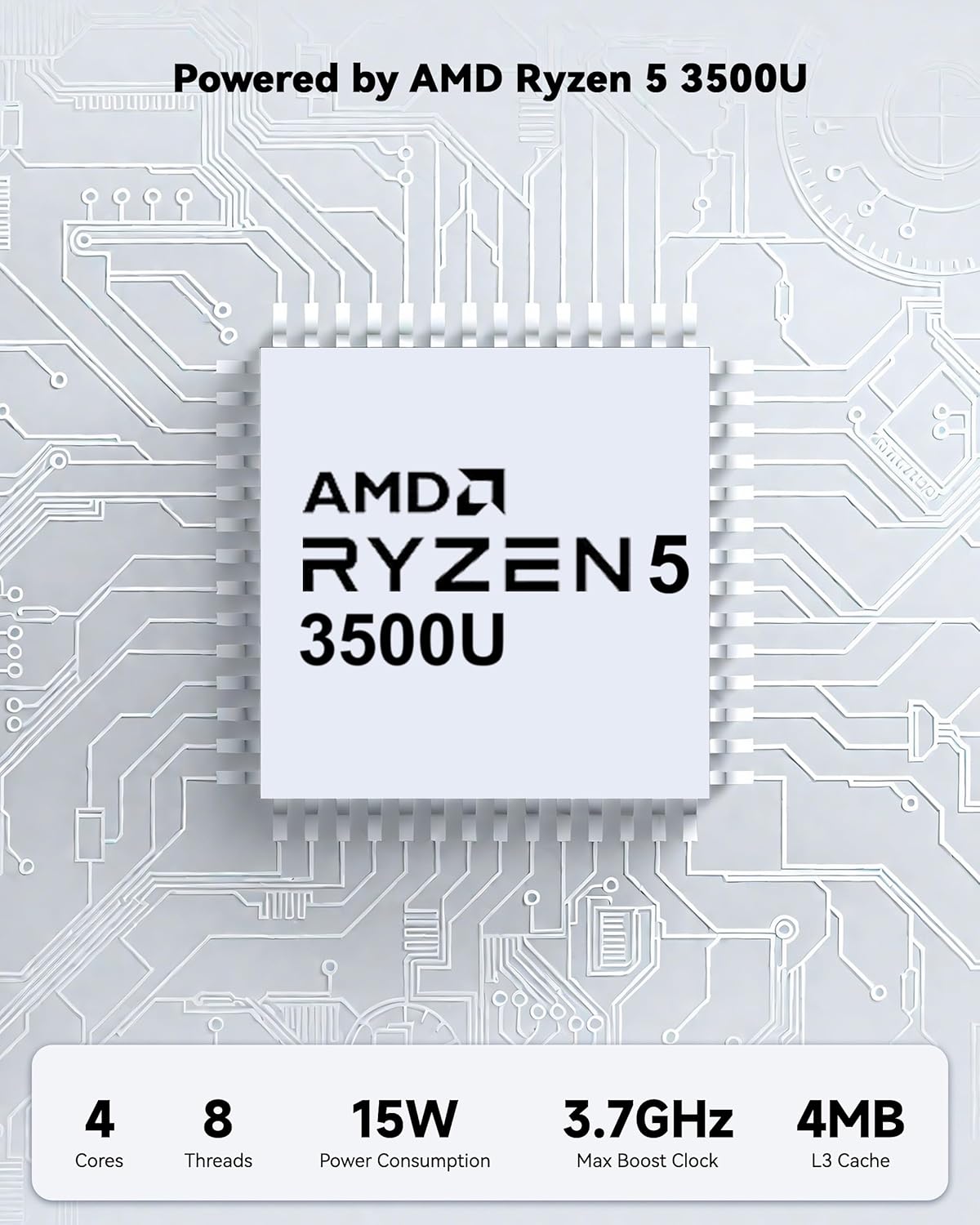
Powered by an AMD Ryzen 5 processor with 4 cores up to 3.7GHz and 16GB DDR4 RAM, the NIMO N152 is designed for efficient multitasking. The 512GB PCIe SSD ensures fast boot-ups and quick file transfers. The RAM is upgradable for future needs.

Image 4.1: AMD Ryzen 5 processor details.
4.2 Visuals and Audio
The 15.6-inch Full HD (1920x1080) IPS anti-glare display provides vibrant visuals with an 85% screen-to-body ratio. The integrated 2MP webcam allows for clear video calls.
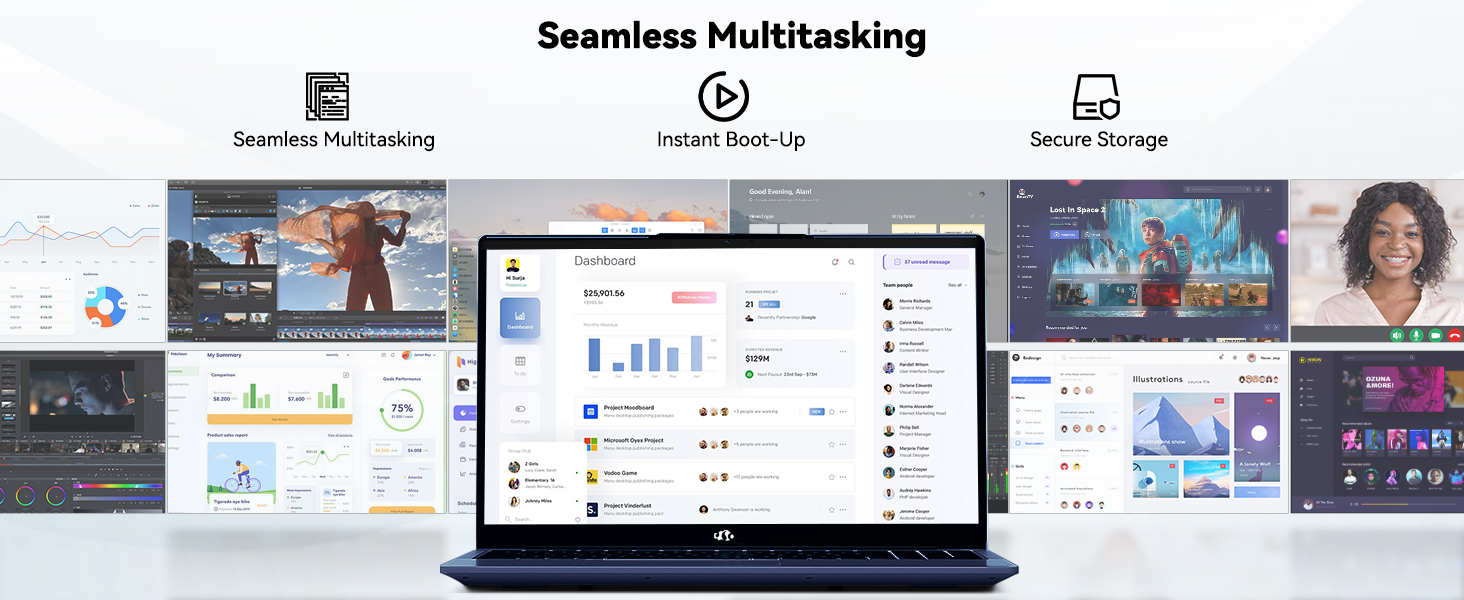
Image 4.2: The laptop's stunning Full HD display.

Image 4.3: The 1080p FHD camera for clear video conferencing.
4.3 Jetëgjatësia e baterisë
The laptop features a 54WH battery with smart battery optimization for extended lifespan and efficient power control, providing approximately 9 hours of average battery life.

Image 4.4: Smart Battery Optimization features.
4.4 Dizajni dhe Transportueshmëria
The NIMO N152 has a durable metal A-shell and a slim, lightweight design, weighing approximately 3.75 pounds.

Image 4.5: The NIMO laptop's lightweight and slim profile.
4.5 Produkti mbiview Video
Video 4.1: Një gjeneral mbiview of the NIMO 15.6-inch laptop, highlighting its features and design.
4.6 Power and Portability Video
Video 4.2: This video demonstrates the power and portability aspects of the NIMO 15.6-inch laptop.
5. Mirëmbajtja
5.1 Pastrimi
- Përdorni një leckë të butë pa push për të pastruar ekranin dhe pjesën e jashtme.
- Për njollat kokëforta, fërkoni lehtëampLani leckën me ujë ose me një pastrues të sigurt për ekranin.
- Shmangni kimikatet e ashpra, gërryesit ose tretësit.
- Mbajini kanalet e ventilimit të pastra nga pluhuri dhe mbeturinat për të siguruar qarkullimin e duhur të ajrit.
5.2 Kujdesi për baterinë
- Shmangni shkarkimin e plotë të baterisë shpesh.
- Ruajeni laptopin në një vend të freskët dhe të thatë kur nuk e përdorni për periudha të gjata.
- Use only the provided NIMO charger.
5.3 Përditësimet e softuerit
Regularly update your operating system and drivers to ensure optimal performance and security. Windows 11 Home will prompt you for updates.
6. Troubleshooting
6.1 Laptopi nuk ndizet
- Sigurohuni që karikuesi të jetë i lidhur mirë si me laptopin ashtu edhe me një prizë elektrike që funksionon.
- Verifikoni që priza e energjisë është funksionale duke lidhur një pajisje tjetër.
- Allow the laptop to charge for at least 30 minutes before attempting to power on again.
6.2 Probleme me ekranin
- If the screen is blank, try connecting an external monitor to check if the display output is working.
- Rregulloni ndriçimin e ekranit duke përdorur tastet e funksioneve.
- Rinisni laptopin.
6.3 Probleme me Lidhjen
- Wi-Fi: Check your router and internet connection. Ensure Wi-Fi is enabled on the laptop.
- Bluetooth: Verify Bluetooth is enabled and devices are in pairing mode.
- Pajisjet USB: Try connecting the device to a different USB port or another computer to rule out device issues.
6.4 Performancë e ngadaltë
- Mbyllni aplikacionet e panevojshme që funksionojnë në sfond.
- Kontrolloni dhe instaloni çdo përditësim në pritje të Windows.
- Sigurohuni që të keni hapësirë të mjaftueshme të lirë në SSD.
- Kryeni një skanim për viruse.
7. Specifikimet
| Veçori | Specifikimi |
|---|---|
| Emri i modelit | NIMO N152 |
| Madhësia e ekranit | 15.6 inç |
| Rezolucioni i ekranit | 1920 x 1080 piksel (IPS Full HD) |
| Përpunues | AMD Ryzen 5 (4 Cores, up to 3.7 GHz) |
| RAM | 16 GB DDR4 (e përditësueshme) |
| Shpejtësia e memories | 3200 MHz |
| Hard Drive | 512 GB SSD (PCIe) |
| Bashkëprocesor grafik | Grafikë e integruar AMD |
| Sistemi Operativ | Windows 11 Home |
| Lloji me valë | Wi-Fi 6 (802.11a/b/g/n/ac), Bluetooth 5.2 |
| Portet USB 2.0 | 1 |
| Portet USB 3.0 | 3 |
| Jetëgjatësia mesatare e baterisë | 9 orë |
| Pesha e artikullit | 3.75 paund |
| Dimensionet e produktit | 14.07 x 8.98 x 0.76 inç |
| Ngjyra | Blu |
| E pasme WebRezolucioni i kamerës | 2 MP |
| Karakteristika të veçanta | Tastierë me ndriçim nga prapa, Lexues i gjurmëve të gishtave, Audio HD, Tastierë numerike |
7.1 Çfarë ka në kuti
- 1 x Laptop NIMO N152
- 1 x Karikues i Shpejtë Type-C 65W PD
- 1 x Manuali i Përdoruesit
- Windows 11 Home (i parainstaluar)
8. Garancia dhe Mbështetja
Laptopi juaj NIMO N152 vjen me një Garanci 2-vjeçare e prodhuesitPërveç kësaj, NIMO ofron një Politikë kthimi dhe shkëmbimi pa probleme brenda 90 ditëve. For any product-related questions, technical assistance, or warranty claims, please contact NIMO customer service.
8.1 Informacioni i Kontaktit
For support, you can reach out to the professional after-sales team via email or phone. Please refer to the official NIMO website or product page for the most current contact details.

Image 8.1: NIMO products are covered by a 2-year support.

Image 8.2: 90-Day Return policy.