
Hyrje
This comprehensive guide is designed to help you understand and utilize all the features, settings, and functionalities of your Moto G Power 2026 smartphone. Whether you are a new user or looking to explore advanced capabilities, this manual provides clear, step-by-step instructions to enhance your device experience.
The Moto G Power 2026 is a versatile smartphone designed for everyday use. This manual covers essential topics from initial setup to advanced features, ensuring you can make the most of your device.
1. Konfigurimi fillestar
Follow these steps to power on and configure your Moto G Power 2026 for the first time.
- Ndezja: Press and hold the power button located on the side of the device until the Motorola logo appears.
- Zgjedhja e gjuhës: Zgjidhni gjuhën tuaj të preferuar nga lista.
- Lidhu me Wi-Fi: Select your Wi-Fi network and enter the password to connect to the internet. This is crucial for initial setup and updates.
- Konfigurimi i llogarisë së Google: Sign in with your existing Google account or create a new one. This is necessary for accessing the Google Play Store, Gmail, and other Google services.
- Transferimi i të dhënave (Opsional): If you are upgrading from another device, follow the on-screen prompts to transfer your data.
- Konfigurimi i sigurisë: Set up a screen lock (PIN, pattern, password, or fingerprint) to protect your device.
- Personalizo Cilësimet: Adjust settings such as date and time, display preferences, and notification sounds.
Once these steps are completed, your Moto G Power 2026 is ready for use.
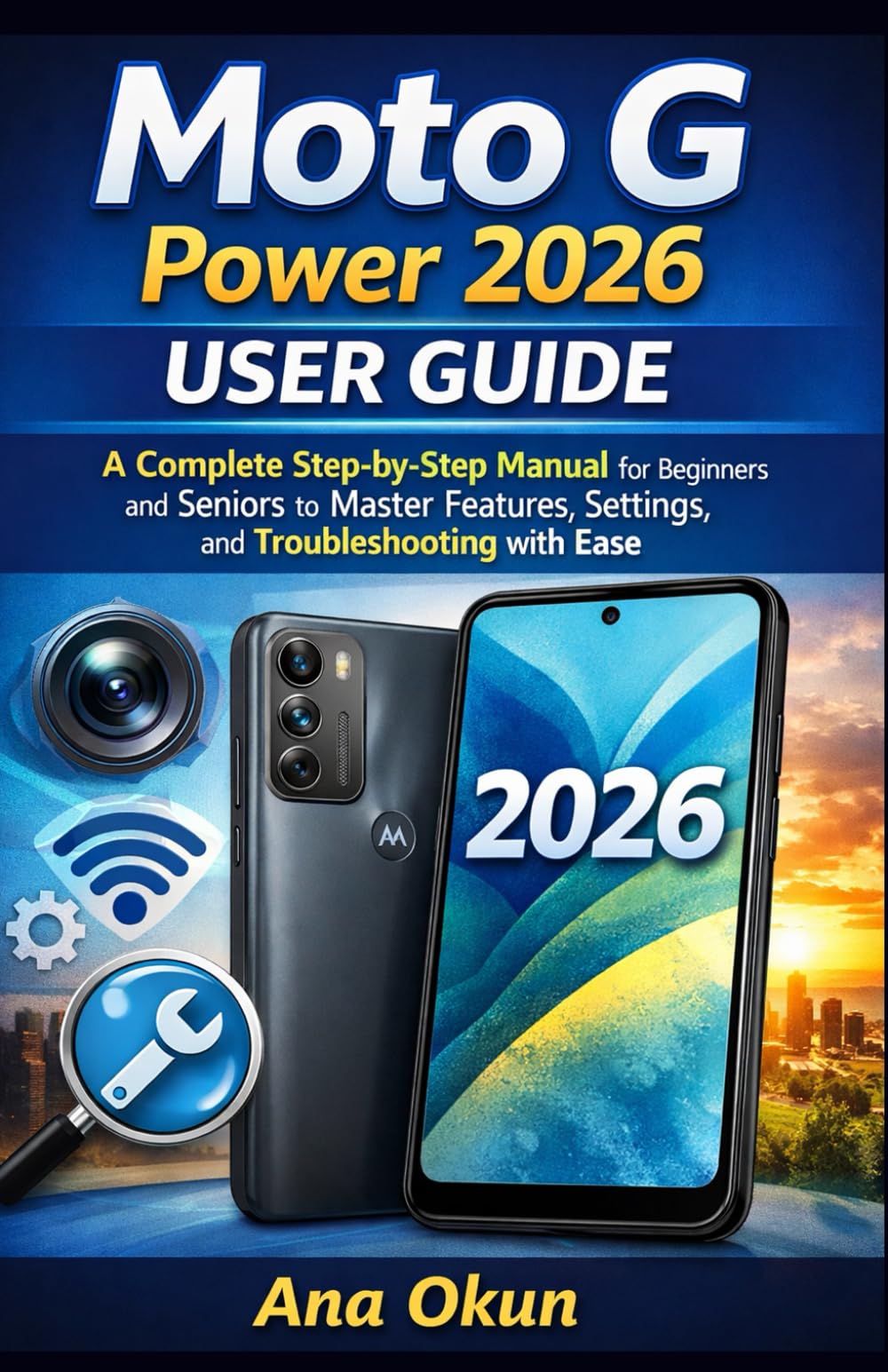
Image 1.1: Front cover of the Moto G Power 2026 User Guide. This image shows the book's title and overall design.
2. Përdorimi i pajisjes suaj
2.1 Lundrimi në Ekranin Kryesor
The home screen is your central hub for accessing applications and information. Swipe left or right to view additional home screens. Swipe down from the top of the screen to access quick settings and notifications.
- Sirtari i aplikacionit: Swipe up from the bottom of the home screen to open the app drawer, which contains all installed applications.
- Veglat: Long-press on an empty area of the home screen to add widgets for quick access to information like weather, calendar, or music controls.
- Dosjet: Drag one app icon over another to create a folder, helping you organize your applications.
2.2 Thirrjet dhe Mesazhet
Staying connected is a primary function of your Moto G Power 2026.
- Kryerja e thirrjeve: Prekni Telefoni icon, enter the number, and tap the call button. You can also select a contact from your address book.
- Menaxhimi i kontakteve: Përdorni Kontaktet app to add, edit, or delete contacts. You can sync contacts from your Google account.
- Dërgimi i mesazheve: Hapni Mesazhet app, tap the new message icon, enter the recipient's number or select from contacts, and type your message.
2.3 Internet Connectivity and Apps
Your device supports both Wi-Fi and mobile data for internet access.
- Wi-Fi: Shko tek Cilësimet > Rrjeti dhe interneti > Wi-Fi për t'u lidhur me rrjetet e disponueshme.
- Të dhënat celulare: Ensure your SIM card is inserted and mobile data is enabled in Cilësimet > Rrjeti dhe interneti > Rrjeti celular.
- Asistenti i Google: Activate Google Assistant by saying "Hey Google" or long-pressing the power button (if configured). Use voice commands for tasks, information, and device control.
- Menaxhimi i aplikacionit: Download new apps from the Google Play Store. Manage installed apps in Cilësimet> Aplikacionet dhe njoftimet to adjust permissions, clear cache, or uninstall.
3. Karakteristikat e Kamerës
The Moto G Power 2026 camera allows you to capture high-quality photos and videos. Open the Kamera app to begin.
- Bërja e fotografive: Trokitni butonin e diafragmës për të bërë një fotografi.
- Regjistrimi i videove: Switch to video mode and tap the record button to start/stop recording.
- Mënyrat e kamerës: Explore various modes such as Portrait, Night Vision, Panorama, and Pro Mode for different photographic effects.
- Cilësimet: Access camera settings to adjust resolution, aspect ratio, timer, and other preferences.
4. Zgjidhja e problemeve të zakonshme
This section addresses common problems you might encounter with your Moto G Power 2026.
- Pajisja nuk përgjigjet: If your device freezes, press and hold the power button for about 10-15 seconds to force a restart.
- Kullimi i shpejtë i baterisë: Kontrolloni përdorimin e baterisë në Cilësimet > Bateria to identify power-hungry apps. Reduce screen brightness, disable unnecessary features like GPS or Bluetooth when not in use, and close background apps.
- Connectivity Problems (Wi-Fi/Mobile Data):
- Aktivizo dhe çaktivizo Wi-Fi ose të dhënat celulare.
- Rinisni routerin tuaj për probleme me Wi-Fi.
- Ensure your mobile data plan is active and you have signal coverage.
- Aplikacioni pëson ndërprerje: Fshini memorien e përkohshme dhe të dhënat e aplikacionit në Cilësimet > Aplikacionet dhe njoftimet > [Emri i aplikacionit] > Hapësira ruajtëse dhe memoria e përkohshmeNëse problemi vazhdon, çinstaloni dhe riinstaloni aplikacionin.
- Hapësirë e ulët ruajtëse: Fshij të panevojshmen files, photos, and videos. Uninstall unused apps. Move large files to cloud storage or an external SD card (if supported). Check storage usage in Cilësimet > Hapësira ruajtëse.
5. Mirëmbajtja dhe Kujdesi
Proper maintenance ensures the longevity and optimal performance of your Moto G Power 2026.
- Përditësimet e softuerit: Regularly check for and install system updates in Cilësimet> Sistemi> Përditësimet e sistemit. Updates often include performance improvements and security patches.
- Pastrimi: Përdorni një leckë të butë pa push për të pastruar ekranin dhe trupin e pajisjes. Shmangni kimikatet e ashpra ose materialet gërryese.
- Shëndeti i baterisë: Avoid extreme temperatures. Do not leave the device charging for extended periods after it reaches 100%.
- Rezervimi i të dhënave: Regularly back up your important data to a cloud service (like Google Drive) or a computer to prevent data loss.
- Mbrojtja fizike: Konsideroni përdorimin e një mbulese mbrojtëse dhe një mbrojtëseje ekrani për t'u mbrojtur nga rëniet dhe gërvishtjet.
6. Specifikimet
Key technical specifications for the Moto G Power 2026:
| Veçori | Detaj |
|---|---|
| ASIN | B0GP71KXZ1 |
| Botues | Botuar në mënyrë të pavarur |
| Data e publikimit | 18 shkurt 2026 |
| Gjuha | anglisht |
| Gjatësia e printimit | 144 faqe |
| ISBN-13 | 979-8248918850 |
| Pesha e artikullit | 8.6 ons |
| Reading age | 12 - 18 vjet |
| Dimensionet | 5.5 x 0.33 x 8.5 inç |
Image 6.1: Back cover of the Moto G Power 2026 User Guide. This image displays the ISBN barcode and other publication information.
7. Garancia dhe Mbështetja
Për informacion mbi garancinë dhe mbështetjen ndaj klientit, ju lutemi referojuni faqes zyrtare të Motorola-s website or the documentation included with your device at the time of purchase. This manual provides general operational guidance and does not replace official warranty statements or specific support channels.
- zyrtare Webfaqe: Visit the Motorola official website for the latest support resources, FAQs, and contact information.
- Shërbimi ndaj klientit: Contact Motorola customer service for technical assistance or warranty claims.
- Burimet në internet: Many common issues can be resolved by consulting online forums or support communities.