1. Hyrje
This manual provides instructions for the StarTech.com DisplayPort to DVI-D Adapter, model DP2DVI2. This adapter allows you to connect a DVI-D monitor to a DisplayPort-enabled computer or device. It is a passive video converter designed for ease of use and portability.

Image 1.1: The DisplayPort to DVI-D adapter connecting a computer to a monitor.
Karakteristikat kryesore:
- DisplayPort 1.2 HBR2 to DVI-D (digital only) single-link adapter.
- Supports resolutions up to 1920x1200 or 1080p at 60Hz.
- Në përputhje me HDCP 1.4.
- Features a 6-inch (15cm) attached cable for added flexibility.
- Passive video converter, requiring a DisplayPort++ (DP++) port on the source device.
- Includes a latching DisplayPort connector for secure connection and supports DVI screw-locking cables to prevent accidental disconnection.
- Plug-and-play functionality, requiring no software or driver installation.
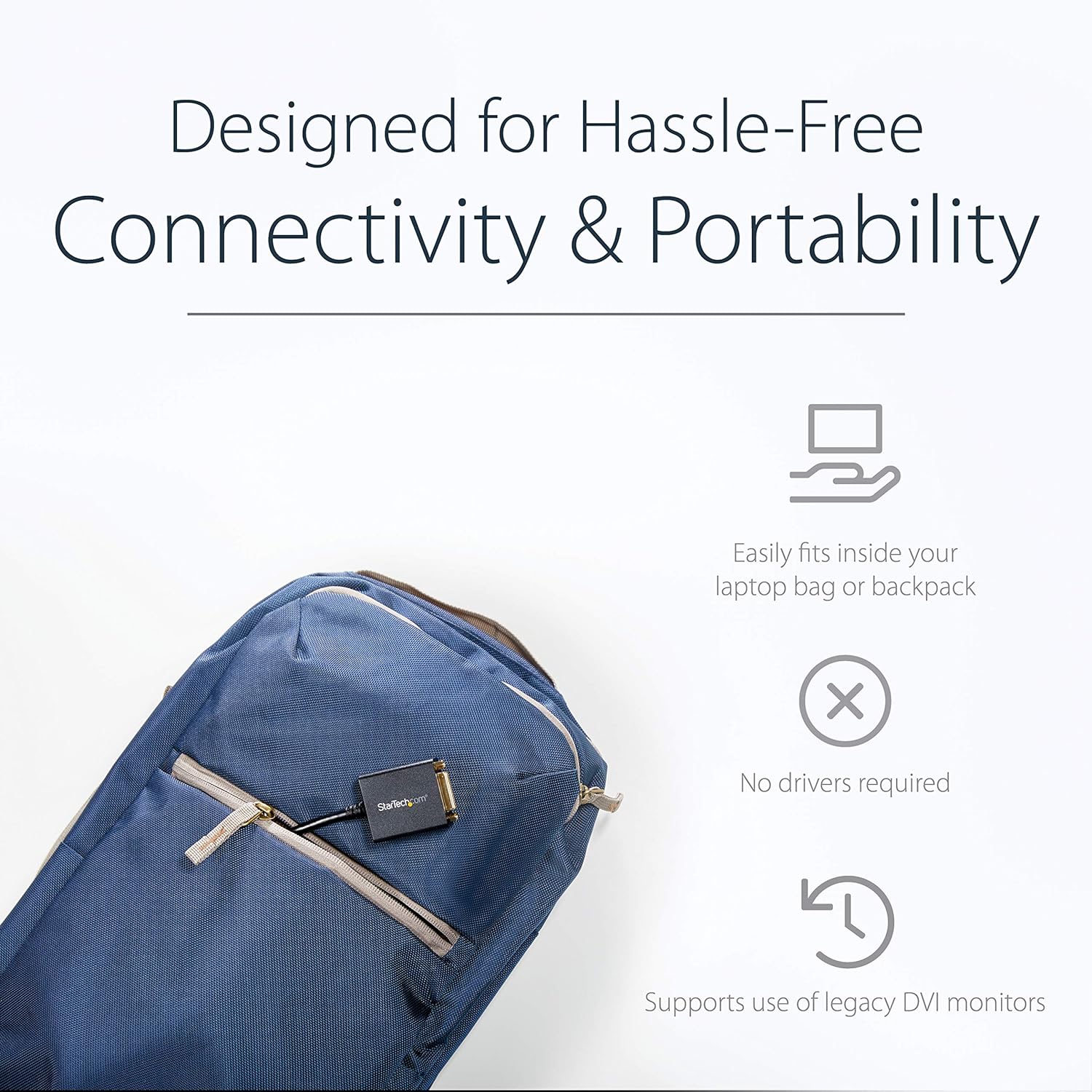
Image 1.2: The compact adapter fits easily into a laptop bag, highlighting its portability.
2. Përmbajtja e paketës
Verifikoni që paketa juaj përmban artikujt e mëposhtëm:
- 1 x StarTech.com DisplayPort to DVI-D Adapter (DP2DVI2)

Image 2.1: The adapter shown in its retail packaging, displaying product information and warranty details.
3. Diagrami i Produktit
The following diagram illustrates the connectors on the DisplayPort to DVI-D adapter.

Imazhi 3.1: Një i detajuar view of the adapter, highlighting the DisplayPort (male) and DVI (female) connectors.
4. Udhëzime për konfigurimin
Lidhja e përshtatësit
Follow these steps to connect your DisplayPort-enabled device to a DVI monitor:
- Connect the DisplayPort male connector of the adapter to the DisplayPort output on your computer or video source. Ensure the latching connector is securely engaged.
- Connect a DVI-D cable (not included) from your DVI monitor to the DVI-D female port on the adapter. If your DVI cable has screw locks, secure them to the adapter for a stable connection.
- Power on your computer and monitor. The display should automatically detect the signal.

Image 4.1: An illustration of the adapter connecting a desktop computer's DisplayPort to a DVI monitor.
5. Udhëzimet e funksionimit
Konfigurimi i ekranit
Once connected, your operating system should automatically detect the DVI monitor. You can configure display settings such as resolution, extended desktop, or duplicate display through your computer's display settings.
- Dritaret: Right-click on the desktop and select "Display settings" or "Screen resolution."
- MacOS: Go to "System Preferences" > "Displays."
Rezolutat e mbështetura
This adapter supports PC resolutions up to 1920x1200 and HDTV resolutions up to 1080p at 60Hz.

Image 5.1: A visual representation of the adapter providing a clear, high-definition picture on a large display.
6. Troubleshooting
Asnjë sinjal ekrani
- Verifikoni lidhjet: Ensure all cables (DisplayPort, DVI, and power for both devices) are securely connected.
- Source Compatibility: Confirm your computer's DisplayPort supports DP++ (DisplayPort++), as this is a passive adapter. Active adapters are required for DisplayPort sources that do not support DP++.
- Hyrja e monitorit: Check that your monitor is set to the correct DVI input source.
- Rezolucioni: Try a lower resolution on your computer if the monitor does not display an image. The monitor might not support the current output resolution.
- Gjatësia e kabllit: Ensure the DVI cable length does not exceed 25 feet (7.6 meters), as longer cables can degrade signal quality.
Çështjet e cilësisë së imazhit
- Cilësia e kabllit: Use a high-quality DVI-D cable to ensure optimal signal transmission.
- Resolution Mismatch: Adjust the display resolution on your computer to match your monitor's native resolution for the clearest picture.
7. Specifikimet
| Markë | StarTech.com |
| Emri i modelit | DisplayPort to DVI Video Adapter Converter (DP2DVI2) |
| Lloji i lidhësit | DisplayPort Male to DVI-D Female |
| Lloji i kabllit | DVI, DisplayPort |
| Rezolutat e mbështetura | Up to 1920x1200 / 1080p at 60Hz |
| Mbështetje HDCP | Yes (HDCP 1.4) |
| Gjatësia e Kabllit | 6 inches (15 cm) attached cable |
| Ngjyra | E zezë |
| Pesha e artikullit | 1.51 ons (0.04 kilogramë) |
| Dimensionet e produktit | 10 x 1.7 x 0.7 inç (25.4 x 4.3 x 1.8 cm) |
| Passive Adapter | Requires DP++ port |
8. Garancia dhe Mbështetja
This StarTech.com product is backed by a 3-year warranty. For technical support, troubleshooting, and additional resources, please visit the official StarTech.com webfaqe ose kontaktoni shërbimin e tyre ndaj klientit.
For more information, you can visit the product page: http://startech.com/q/DP2DVI2
Video 8.1: An official product video from StarTech.com demonstrating the features and use of the DisplayPort to DVI-D adapter.


