Hyrje
Faleminderit për blerjenasing the CASIO TQ-720J-7JF Analog Radio Alarm Clock. This manual provides detailed instructions for the proper setup, operation, and maintenance of your new alarm clock. Please read this manual thoroughly before use and keep it for future reference.
Masat paraprake të sigurisë
- Mos e ekspozoni orën ndaj rrezeve të diellit direkte, temperaturave të larta ose lagështisë së lartë.
- Avoid strong impacts or vibrations.
- Keep the clock away from strong magnetic fields.
- Use only the specified battery type (AA alkaline batteries). Incorrect battery usage can lead to leakage or explosion.
- Hiqni bateritë nëse ora nuk do të përdoret për një periudhë të gjatë kohore për të parandaluar rrjedhjet.
Produkti Mbiview
Familiarize yourself with the components of your CASIO TQ-720J-7JF alarm clock.

Figura 1: Përpara View. This image displays the front of the alarm clock, featuring a white analog dial with clear black numbers, hour, minute, and second hands, and the CASIO logo. The clock has a classic twin-bell design with a white body and silver bells and feet.

Figura 2: Ana View. This image shows the alarm clock from a side angle, highlighting its depth and the design of the twin bells and feet.

Figura 3: Mbrapa View me Kontrollet. This image shows the rear of the alarm clock, highlighting the battery compartment, time setting knob, alarm setting knob, alarm ON/OFF switch, and radio wave reception ON/OFF switch. The light button is also visible on the top.
Konfigurimi
1. Instalimi i baterisë
- Open the battery compartment cover located on the back of the clock (refer to Figure 3).
- Insert two (2) AA alkaline batteries, ensuring the correct polarity (+ and -) as indicated inside the compartment.
- Mbyllni mirë kapakun e ndarjes së baterisë.
2. Initial Time Setting (Radio Wave Reception)
This clock features a radio reception function to automatically set the time. For optimal reception, place the clock near a window and away from electronic devices that may cause interference.

Figure 4: Wave Ceptor Technology. This image displays the 'Wave Ceptor' logo, signifying the clock's ability to receive radio signals for accurate time synchronization.
- Upon battery installation, the clock will attempt to receive a time calibration signal automatically. This process may take several minutes.
- If automatic reception is unsuccessful, you can manually initiate reception or set the time manually.
- To manually initiate reception: Refer to the specific instructions for your region in the full manual (not provided here, but generally involves holding a button).
- To manually set the time: Use the time setting knob on the back of the clock (refer to Figure 3) to adjust the hour and minute hands.
- Ensure the Radio Wave Reception ON/OFF switch (refer to Figure 3) is in the 'ON' position for automatic synchronization.
Funksionimi i Orës
1. Vendosja e Alarmit
- Use the alarm setting knob on the back of the clock (refer to Figure 3) to move the alarm hand to your desired alarm time.
- Ensure the alarm ON/OFF switch (refer to Figure 3) is in the 'ON' position.
2. Funksionet e alarmit
- Bell Alarm: When the alarm time is reached, the twin bells will ring loudly.
- Funksioni i gjumit: To temporarily stop the alarm and activate snooze, press the light button on top of the clock. The alarm will sound again after approximately 5 minutes.
- Ndalimi i alarmit: To permanently stop the alarm, slide the alarm ON/OFF switch to the 'OFF' position.
3. Funksioni i dritës
- Press the light button on the top of the clock to illuminate the dial. The light features an afterglow function, remaining lit for a short period after the button is released.
4. Second Hand Stop Function
- When the alarm is set (alarm ON/OFF switch is 'ON'), the second hand will automatically stop at the 12 o'clock position to reduce noise. It will resume normal movement when the alarm is turned 'OFF'.
Mirëmbajtja
- Pastrimi: Fshijeni orën me një leckë të butë dhe të thatë. Mos përdorni pastrues ose tretës gërryes.
- Ndërrimi i baterisë: Replace batteries when the clock's display becomes dim or the alarm sound weakens. Always replace both batteries at the same time with new AA alkaline batteries.
Zgjidhja e problemeve
- Clock not displaying correct time: Ensure batteries are correctly installed and have sufficient power. Check if the radio wave reception is enabled and the clock is in a location with good signal. Manually set the time if automatic reception fails.
- Alarmi nuk bie: Verify that the alarm ON/OFF switch is in the 'ON' position and the alarm time is correctly set. Check battery power.
- Pa dritë: Kontrolloni fuqinë e baterisë.
- Second hand not moving: If the alarm is set to 'ON', the second hand will stop at 12 o'clock. This is normal operation. If the alarm is 'OFF' and the second hand is still not moving, check battery power.
Specifikimet
| Numri i modelit | TQ-720J-7JF |
| Markë | Casio |
| Lloji i ekranit | Analoge |
| Dimensionet (H x P x D) | Përafërsisht 14.9 x 11.3 x 7.7 cm (5.8 x 4.5 x 3.0 inç) |
| Pesha | Afërsisht 385 g (13.6 oz) |
| Materiali | Rrëshirë |
| Furnizimi me energji elektrike | 2 x AA alkaline batteries (included) |
| Funksionet | Radio reception (automatic/manual), Radio wave reception ON/OFF, Bell alarm, Snooze, Light (with afterglow), Second hand stop (with alarm setting) |
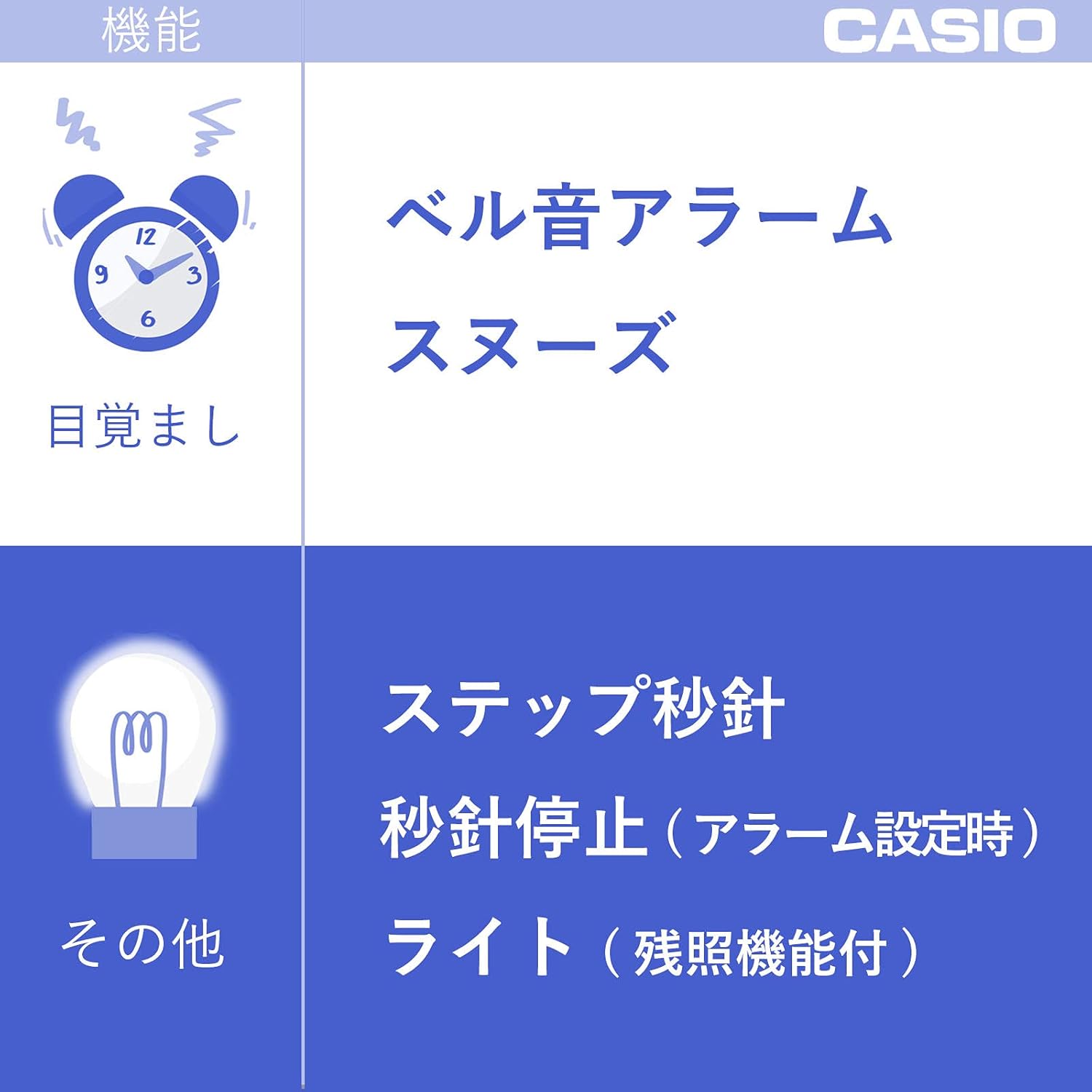
Figura 5: Dimensionet e Produktit. This image illustrates the approximate dimensions of the alarm clock: 14.9 cm (height), 11.3 cm (width), and 7.7 cm (depth), with a weight of approximately 385g.
Garancia dhe Mbështetja
Për informacion mbi garancinë ose mbështetje teknike, ju lutemi referojuni kartës së garancisë të përfshirë me produktin tuaj ose vizitoni faqen zyrtare të Casio-s. webfaqe interneti. Ruajeni faturën e blerjes si provë të blerjes.
For further assistance, you may contact Casio customer service through their official channels.


