Hyrje
This manual provides essential information for setting up, operating, and maintaining your Gigaset A170 digital cordless phone. Please read these instructions carefully to ensure proper use and to benefit from all features.

Image: The Gigaset A170 cordless phone, showing the handset docked in its base station.
Konfigurimi
Follow these steps to set up your Gigaset A170 phone for the first time.
1. Çpaketimi dhe Komponentët
Para se të filloni, sigurohuni që të gjithë përbërësit të jenë të pranishëm në paketim:
- 1 Gigaset A170 base station
- 1 Gigaset A170H handset
- 1 plug-in power adapter
- 1 telephone connection cable
- 2 rechargeable AAA batteries
- 1 battery compartment cover
- 1 user manual (this document)
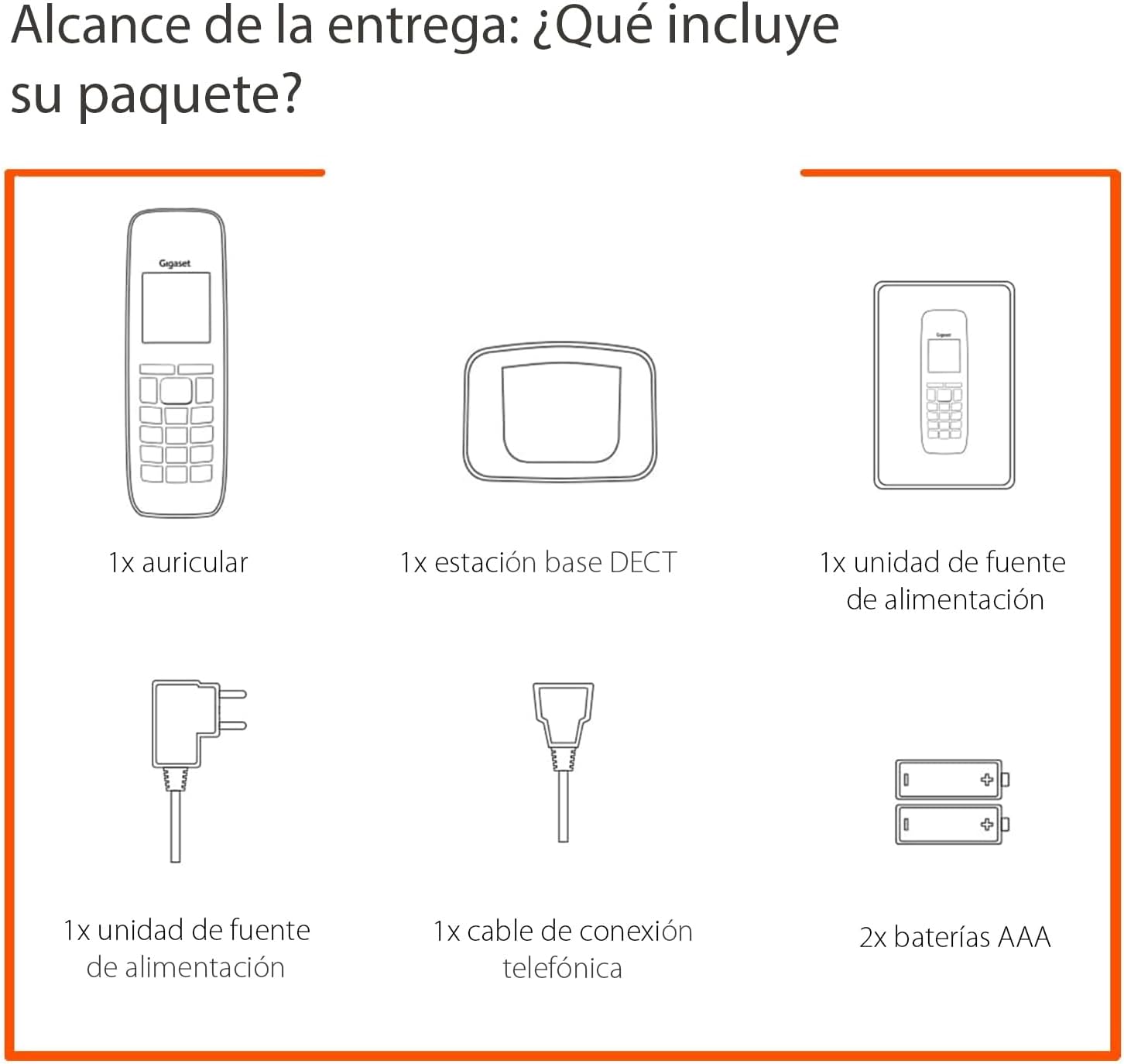
Image: Diagram illustrating the components included in the Gigaset A170 package, such as the handset, base, power adapter, phone cable, and batteries.
2. Lidhja e stacionit bazë
- Lidhni përshtatësin e energjisë: Plug the power adapter into the base station and then into a wall outlet.
- Connect the telephone cable: Plug the telephone cable into the base station and then into your telephone wall socket.
3. Inserting Batteries into the Handset
- Remove the battery compartment cover on the back of the handset.
- Insert the two supplied AAA rechargeable batteries, ensuring correct polarity (+/-).
- Zëvendësoni kapakun e ndarjes së baterisë.
- Place the handset on the base station to charge. The handset display will indicate charging. Allow the batteries to charge for at least 6 hours before first use.
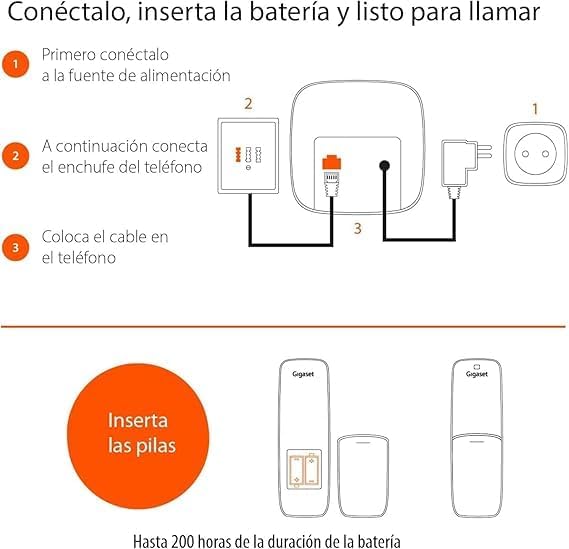
Image: A diagram showing the steps to connect the base station to power and the phone line, and how to insert batteries into the handset.
Udhëzimet e funksionimit
This section covers basic functions and how to navigate your Gigaset A170 phone.
1. Kryerja dhe marrja e thirrjeve
- Bërja e një telefonate: Press the green call key ☎, then dial the number. Alternatively, dial the number first and then press the call key.
- Marrja e një telefonate: Kur të bjerë telefoni, shtypni butonin e gjelbër të thirrjes ☎ të përgjigjet.
- Përfundimi i një telefonate: Shtypni butonin e kuq për të mbyllur thirrjen ☒.
2. Rregullimi i volumit të celularit
During a call, you can adjust the handset volume using the navigation keys. The A170 offers up to 5 adjustable volume levels.
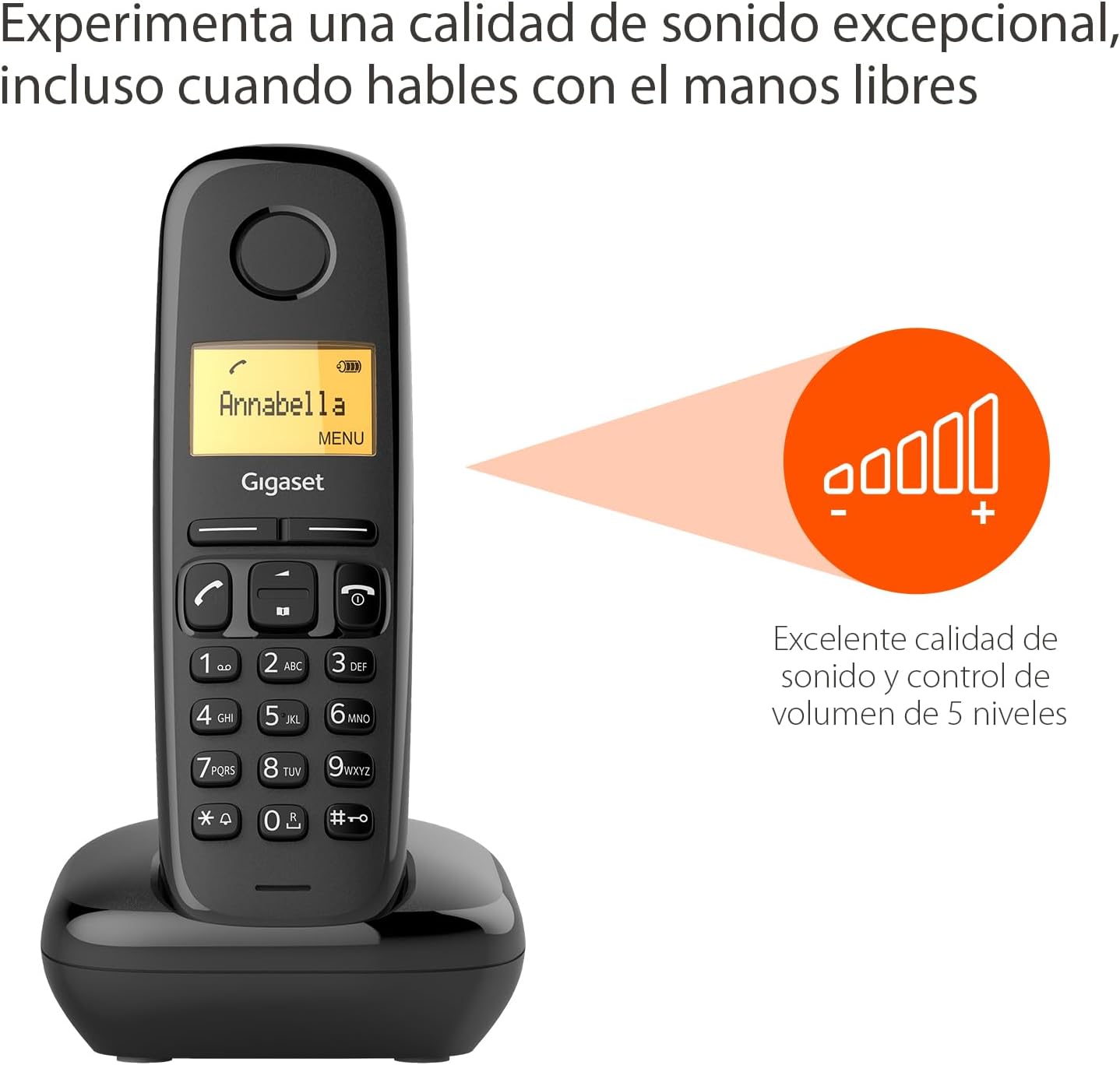
Image: The Gigaset A170 handset displaying an indicator for excellent sound quality and 5-level volume control.
3. Navigimi i menysë
The Gigaset A170 features an intuitive icon-based menu. Use the navigation keys to scroll through menu options and the central key to select.
- Hyrja në menu: Press the 'MENU' key (usually the central key when not in a call).
- Lëvizja: Use the up/down navigation keys to move through menu items.
- Përzgjedhja: Press the central key to confirm a selection.
- Duke dalë: Shtypni butonin e kuq për të mbyllur thirrjen ☒ për të dalë nga menyja.
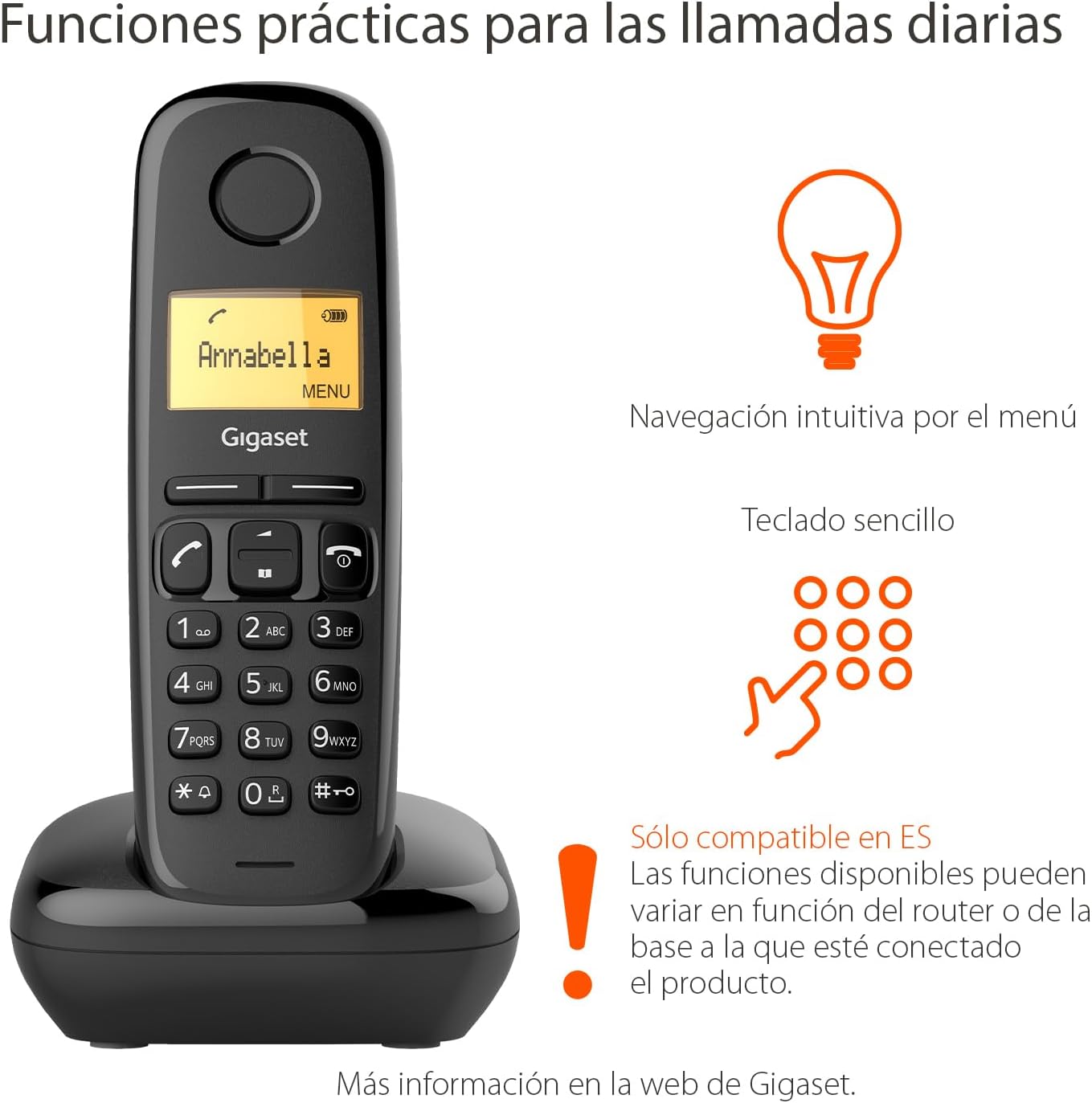
Image: The Gigaset A170 handset highlighting intuitive menu navigation and a simple keypad for practical daily calls.
4. Libri i telefonave
The phonebook can store up to 50 contacts. To add a contact:
- Go to the 'Phonebook' menu.
- Select 'New Entry'.
- Enter the name and number using the keypad.
- Ruani hyrjen.
5. Speed Dial Keys
The Gigaset A170 supports programmable speed dial keys for quick access to frequently called numbers. Refer to the on-screen menu for programming instructions.
Mirëmbajtja
Proper care ensures the longevity of your Gigaset A170 phone.
1. Pastrimi
- Wipe the handset and base station with a damp pëlhurë.
- Do not use cleaning agents or solvents that could damage the surfaces.
2. Kujdesi për baterinë
- Only use the recommended rechargeable AAA batteries.
- Nëse telefoni nuk do të përdoret për një periudhë të gjatë kohore, hiqni bateritë nga telefoni.
- Hidhni bateritë e vjetra sipas rregulloreve lokale.
Zgjidhja e problemeve
If you encounter issues with your Gigaset A170, try these solutions:
| Problem | Shkaku i mundshëm | Zgjidhje |
|---|---|---|
| Nuk ka ekran në celular | Bateritë janë bosh ose janë futur gabimisht. | Check battery insertion and charge the handset on the base station. |
| Nuk ka ton telefonik | Telephone cable not connected or faulty. | Ensure the telephone cable is securely connected to the base station and the wall socket. Test with another phone if possible. |
| Nuk mund të bëj/marr thirrje | Base station not powered or out of range. | Check power connection to the base station. Ensure handset is within range of the base. |
| Cilësi e dobët e zërit | Interference or handset too far from base. | Move closer to the base station. Avoid placing the base near other electronic devices. |
Specifikimet Teknike
- Marka: Gigaset
- Numri i modelit: A170
- Lloji i telefonit: DECT (Telekomunikacion Pa Tel Dixhital i Përmirësuar)
- Ngjyra: E zezë
- Materiali: Plastike
- Burimi i energjisë: Corded Electric (for base station)
- Bateritë: 2 bateri të rikarikueshme AAA (të përfshira)
- Kapaciteti i Librit të Telefonave: Deri në 50 kontakte
- Lloji i telefonuesit: Tastiera e vetme
- Lloji i sistemit të përgjigjes: Dixhitale
- Product Dimensions (Handset): 48 x 32 x 156 mm (L x P x Lartë)
- Item Weight (Handset): 108 gram
- Karakteristikat e veçanta: Adjustable handset volume (5 levels), DTMF/Pulse dialing, ECO DECT technology for reduced energy consumption.
Garancia dhe Mbështetja
Gigaset products are designed and manufactured in Germany, ensuring high quality and durability.
Shërbimi ndaj klientit
For product inquiries or technical assistance, please contact Gigaset customer service at 02871-912 912. Standard landline rates may apply depending on your service provider.
Ju lutemi ruani dëshminë tuaj të blerjes për pretendimet e garancisë.


