1. Fillimi
1.1. Çfarë ka në kuti
Ju lutemi kontrolloni përmbajtjen e paketimit kur ta hapni kutinë:
- 1 x artfone G6 Mobile Phone
- 1 bateri 1300 mAh
- 1 x kabllo USB karikimi
- 1 x Dok karikimi
- 1 x Manuali i Përdoruesit
1.2. Instalimi i baterisë
Për të instaluar baterinë:
- Hiqni kapakun e pasmë të telefonit.
- Align the battery contacts with the phone's terminals.
- Shtypni butësisht baterinë në vend.
- Vendosni përsëri kapakun e pasmë, duke u siguruar që të klikojë në mënyrë të sigurt.
1.3. Instalimi i kartës SIM
The artfone G6 supports Nano SIM cards (2G, 3G, or 4G). To install your SIM card:
- Sigurohuni që telefoni të jetë i fikur.
- Hiqni kapakun e pasmë dhe baterinë.
- Locate the SIM card slot(s). The phone supports dual SIM.
- Insert the Nano SIM card(s) into the slot(s) with the gold contacts facing down, following the diagram near the slot.
- Vendosni përsëri baterinë dhe mbulesën e pasme.
1.4. Ngarkimi i telefonit
Para përdorimit të parë, ngarkoni plotësisht baterinë e telefonit.
- Përdorimi i stacionit të karikimit: Place the phone into the charging dock. Connect the USB charging cable to the dock and then to a power adapter.
- Ngarkim i drejtpërdrejtë USB-C: Connect the USB-C cable directly to the phone's USB-C port and then to a power adapter.
Treguesi i karikimit do të tregojë statusin e karikimit. Një karikim i plotë zakonisht zgjat disa orë.
1.5. Ndezja/Fikur
- Për të ndezur: Shtypni dhe mbani shtypur butonin e kuq 'Përfundo thirrjen' derisa të ndriçohet ekrani.
- Për të fikur: Shtypni dhe mbani shtypur butonin e kuq 'Përfundo thirrjen' derisa të shfaqen opsionet e fikjes, pastaj zgjidhni 'Fik'.
2. Operacionet Bazë
2.1. Mbi tastierënview
The artfone G6 features a large, backlit keypad for easy dialing and navigation, especially in low-light conditions.

Image: The artfone G6 phone open, displaying its large, easy-to-read keypad.
2.2. Dual Display Functionality
The phone features a 2.4-inch main HD screen and a 1.8-inch external display. The external screen allows you to quickly check the time, date, battery status, and incoming call notifications without opening the phone.

Image: The artfone G6 demonstrating its dual display feature, showing the external screen and the internal screen.
2.3. Kryerja dhe marrja e thirrjeve
- Për të bërë një telefonatë: Open the phone, dial the number using the keypad, and press the green 'Call' button.
- Për të marrë një telefonatë: When the phone rings, open the phone and press the green 'Call' button. You can also answer by opening the flip.
- Për të përfunduar një telefonatë: Press the red 'End Call' button or close the flip.
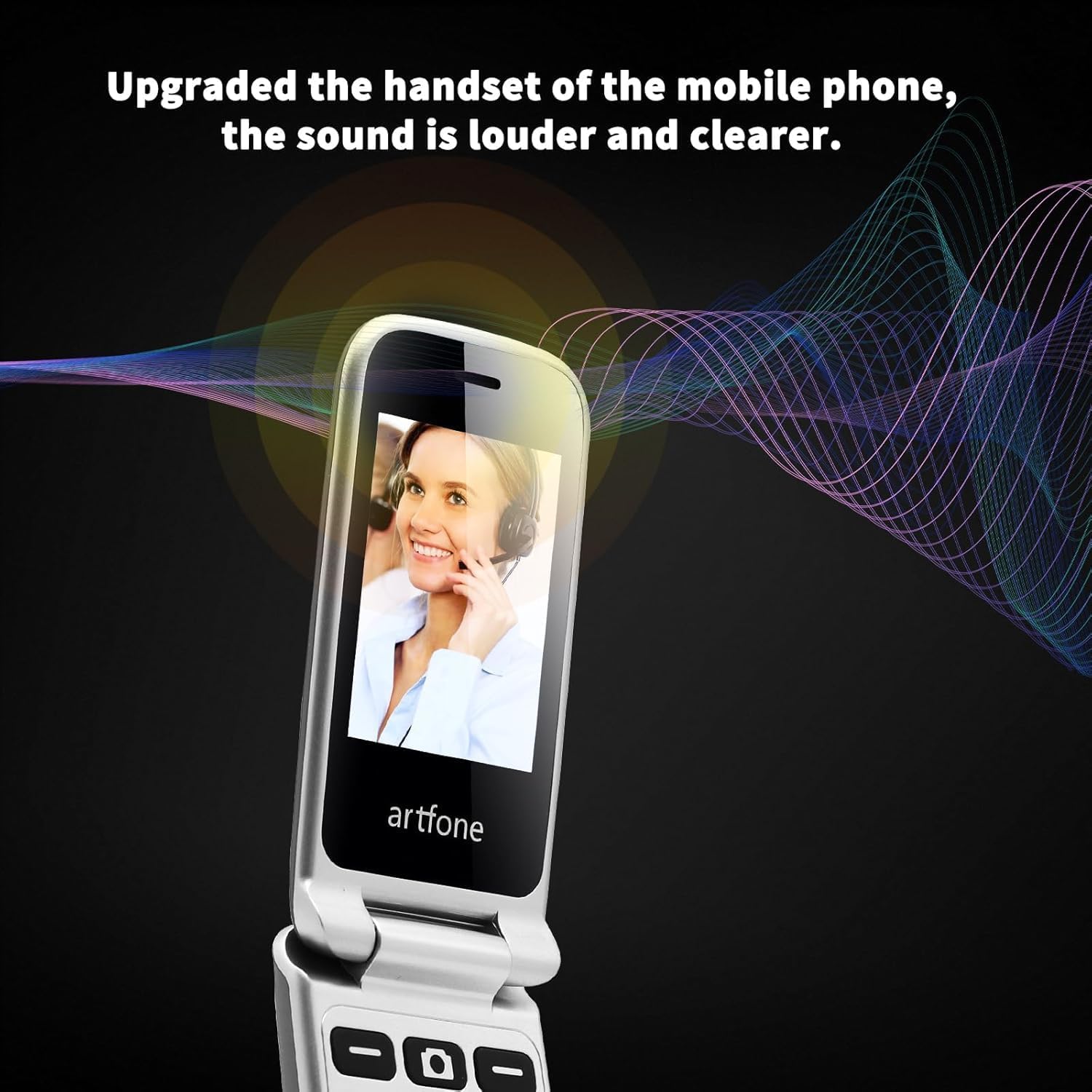
Image: The artfone G6 in use during a call, highlighting its clear audio quality.
2.4. Dërgimi dhe marrja e mesazheve
Navigate to the 'Messages' menu to compose new messages or read incoming ones. Use the keypad to type your message.
2.5. Using Speed Dial
The artfone G6 allows you to set up speed dial contacts for quick access to important numbers.
- Go to 'Settings' or 'Contacts' to assign numbers to speed dial keys (e.g., keys 2-9, A, B).
- To use, simply press and hold the assigned speed dial key.
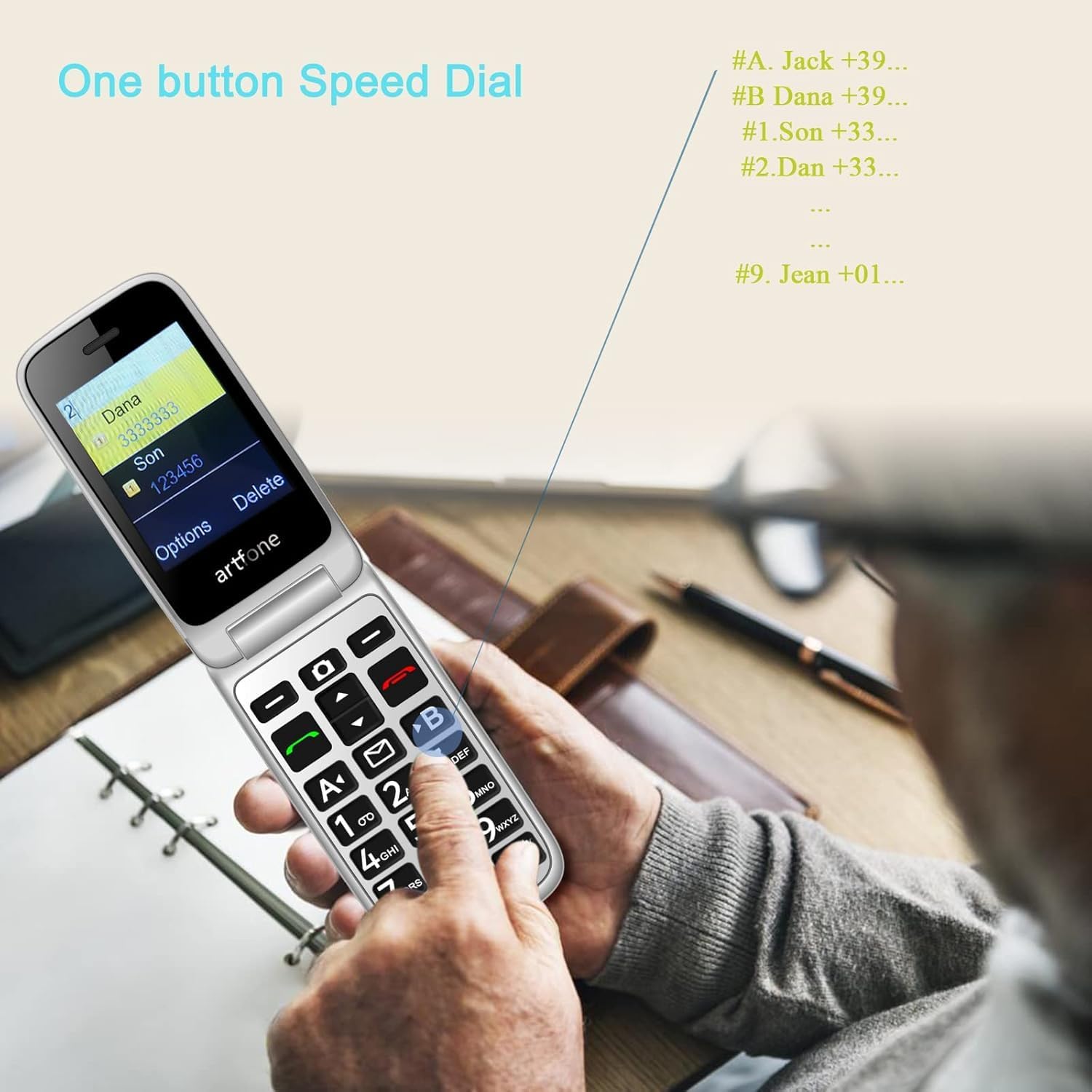
Image: A user activating the speed dial feature on the artfone G6.
2.6. Butoni i urgjencës SOS
For enhanced safety, the artfone G6 includes a dedicated SOS button.
- Konfigurimi: In the 'SOS Settings' menu, you can configure up to five emergency contacts.
- Përdorimi: In an emergency, press and hold the SOS button on the back of the phone. The phone will automatically call these numbers in sequence until one answers. It will also send an emergency SMS to these contacts.

Imazh: Pjesa e pasme view of the artfone G6, showing the SOS emergency button and side controls.
2.7. Time Reporting Feature
The phone offers a multilingual voice time announcement feature, beneficial for users with visual impairments.
- Press the dedicated time reporting button (often located on the side or keypad) to hear the current time announced aloud.

Image: Activating the time reporting feature on the artfone G6.
2.8. Rregullimi i volumit
Use the dedicated volume buttons located on the side of the phone to adjust call volume, ringtone volume, and media volume.
2.9. Blacklist Feature
To block unwanted calls, the artfone G6 includes a blacklist feature. You can add up to 50 numbers to this list, preventing them from contacting you.
- Navigate to 'Call Settings' or 'Security Settings' to access and manage the blacklist.
3. Mirëmbajtja
3.1. Kujdesi i përgjithshëm
- Mbajeni telefonin të thatë. Lagështia mund të dëmtojë qarqet elektronike.
- Shmangni temperaturat ekstreme. Temperaturat e larta mund të shkurtojnë jetëgjatësinë e pajisjeve elektronike dhe të dëmtojnë bateritë.
- Do not drop, knock, or shake the phone. Rough handling can break internal circuit boards.
- Mos përdorni kimikate të forta, tretës pastrimi ose detergjentë të fortë për të pastruar telefonin.
3.2. Pastrimi
Use a soft, dry cloth to wipe the phone's surface. For stubborn dirt, a slightly damp Mund të përdoret një leckë, duke u siguruar që të mos hyjë lëng në hapje.
3.3. Kujdesi për baterinë
The 1300 mAh battery provides extended talk and standby times. To maximize battery life:
- Avoid overcharging; disconnect the charger once the battery is full.
- If not using the phone for an extended period, store it with a partial charge (around 50%).
4. Troubleshooting
If you encounter issues with your artfone G6, please refer to the following common problems and solutions:
| Problem | Zgjidhja e mundshme |
|---|---|
| Telefoni nuk ndizet | Sigurohuni që bateria është instaluar dhe karikuar siç duhet. Provoni ta karikoni telefonin për të paktën 30 minuta. |
| Nuk mund të bësh ose të marrësh thirrje | Check if the SIM card is properly inserted and activated. Ensure you have network coverage. Verify that the number is not on the blacklist. |
| Cilësi e dobët e thirrjes | Move to an area with better network reception. Check the volume settings. |
| Bateria nuk ngarkohet | Check the charging cable and adapter for damage. Ensure the phone is correctly placed in the charging dock or the USB-C cable is fully inserted. |
| Butoni SOS nuk funksionon | Verify that emergency contacts are correctly set up in the SOS settings. |
Nëse problemi vazhdon, ju lutemi kontaktoni mbështetjen e klientit.
5. Specifikimet
Detailed technical specifications for the artfone G6:
| Veçori | Detaj |
|---|---|
| Markë | artfone |
| Emri i modelit | G6 |
| Sistemi Operativ | artfone Mocor RTOS |
| Madhësia e ekranit kryesor | 2.4 inç |
| Madhësia e ekranit të jashtëm | 1.8 inç |
| Rezolucioni i ekranit | 480 x 320 |
| RAM | 48 MB |
| Kapaciteti i ruajtjes | 128 MB |
| Modeli i CPU-së | MTK 8121 |
| Shpejtësia e CPU-së | 1000 MHz |
| Kapaciteti i baterisë | 1300 mAh |
| Lidhshmëria | Bluetooth, USB Type C, 3.5 mm Jack |
| Karakteristika të veçanta | Dual SIM, Dual Display, SOS Button, Speed Dial, Blacklist |
6. Informacioni i garancisë
The artfone G6 comes with a manufacturer's warranty of 2 vjetJu lutemi ruani provën e blerjes për kërkesat e garancisë. Garancia mbulon defektet në materiale dhe prodhim nën përdorim normal.
For specific terms and conditions, please refer to the warranty card included in your product packaging or contact artfone customer service.
7. Mbështetje
For further assistance, technical support, or inquiries regarding your artfone G6 phone, please visit the official artfone webfaqen e internetit ose kontaktoni departamentin e shërbimit ndaj klientit. Detajet e kontaktit zakonisht mund të gjenden në faqen e prodhuesit. webvend ose në paketimin e produktit.
Always ensure you have your product model number (G6) and purchase details ready when contacting support.


