1. Hyrje
Thank you for choosing the GooDee AC321 Video Projector. This manual provides essential information for setting up, operating, and maintaining your device to ensure optimal performance and longevity. Please read this manual thoroughly before using the projector.

Image: The GooDee AC321 Video Projector, a compact device with a lens on the front, resting on its adjustable stand.
2. Çfarë ka në kuti
Verifikoni që të gjitha sendet janë të pranishme në paketim:
- GooDee AC321 Projector
- Kordoni elektrik
- Kabllo HDMI
- Telekomandë
- Manuali i Përdoruesit (ky dokument)

Image: A visual representation of the items included with the GooDee AC321 projector: the projector unit, remote control, power cable, lens cover, and a 90-degree HDMI cable.
3. Konfigurimi
3.1 Lidhja e energjisë
- Lidhni kabllon e energjisë me portën e hyrjes së energjisë të projektorit.
- Lidhni anën tjetër të kabllit të energjisë në një prizë elektrike të përshtatshme.
- Shtypni butonin e ndezjes në projektor ose në telekomandë për të ndezur pajisjen.
3.2 Placement and Positioning
The GooDee AC321 features a flexible hovering stand, allowing for versatile placement options:
- Projeksion mbi tavolinë: Place the projector on a flat surface and adjust the stand to direct the image onto a wall or screen.
- Projeksioni i tavanit: The projector can be tilted upwards to project onto a ceiling, ideal for comfortable viewing while lying down.
- Montimi i Tripodit: Utilize the 1/4-inch screw holes at the bottom of the projector to mount it on a tripod for stable and precise positioning.

Image: The GooDee AC321 projector demonstrating its flexible stand, capable of adjusting the projection angle up to 120 degrees for various viewing positions, including ceiling projection.
3.3 Initial Power On and Focus
Upon powering on, the projector will automatically perform autofocus and keystone correction to provide a clear and rectangular image. Further adjustments can be made via the remote control.
Video: A demonstration of the GooDee Mini Projector's initial setup, showing the power-on sequence, automatic focus adjustment, and the main user interface with various streaming apps.
4. Udhëzimet e funksionimit
4.1 Navigimi dhe Ndërfaqja e Përdoruesit
The GooDee AC321 runs on Movin 2.0 OS, providing a smart TV experience with pre-installed streaming applications. Use the included remote control to navigate the interface:
- Pajisja e drejtimit: Use the arrow buttons to move between apps and menu options.
- Butoni OK: Zgjidhni një artikull ose konfirmoni një veprim.
- Butoni kryesor: Kthehuni në ekranin kryesor kryesor.
- Butoni prapa: Kthehuni në ekranin e mëparshëm.
- Butonat e volumit: Rregulloni nivelin e daljes së audios.
- Butona të dedikuar për aplikacione: Quickly access Netflix, YouTube, and Prime Video.

Image: The GooDee AC321 projector's home screen, showcasing a variety of pre-installed streaming applications like Netflix, YouTube, and Prime Video, ready for selection.
4.2 App Access and Streaming
The projector comes pre-licensed with major streaming platforms. Connect to your Wi-Fi network to access over 10,000 streaming channels and a built-in app store for additional content.
4.3 Pasqyrimi i ekranit
The GooDee AC321 supports various casting protocols including DLNA, AirPlay, and Miracast, allowing seamless screen mirroring from iOS, Android, and Windows devices.

Image: The GooDee AC321 projector casting content from a mobile device to a large screen, illustrating its screen mirroring capabilities across different operating systems.
5. Lidhshmëria
Projektori ofron mundësi të shumta lidhjeje:
- HDMI: Connect to computers, gaming consoles, TV boxes, or DVD players.
- USB: Play media directly from USB storage devices.
- Jack audio 3.5 mm: Lidhni altoparlantë ose kufje të jashtme.
- Wi-Fi 6: Për internet pa tel me shpejtësi të lartë dhe transmetim.
- Bluetooth 5.4: For stable connection to external audio devices like speakers or headphones.
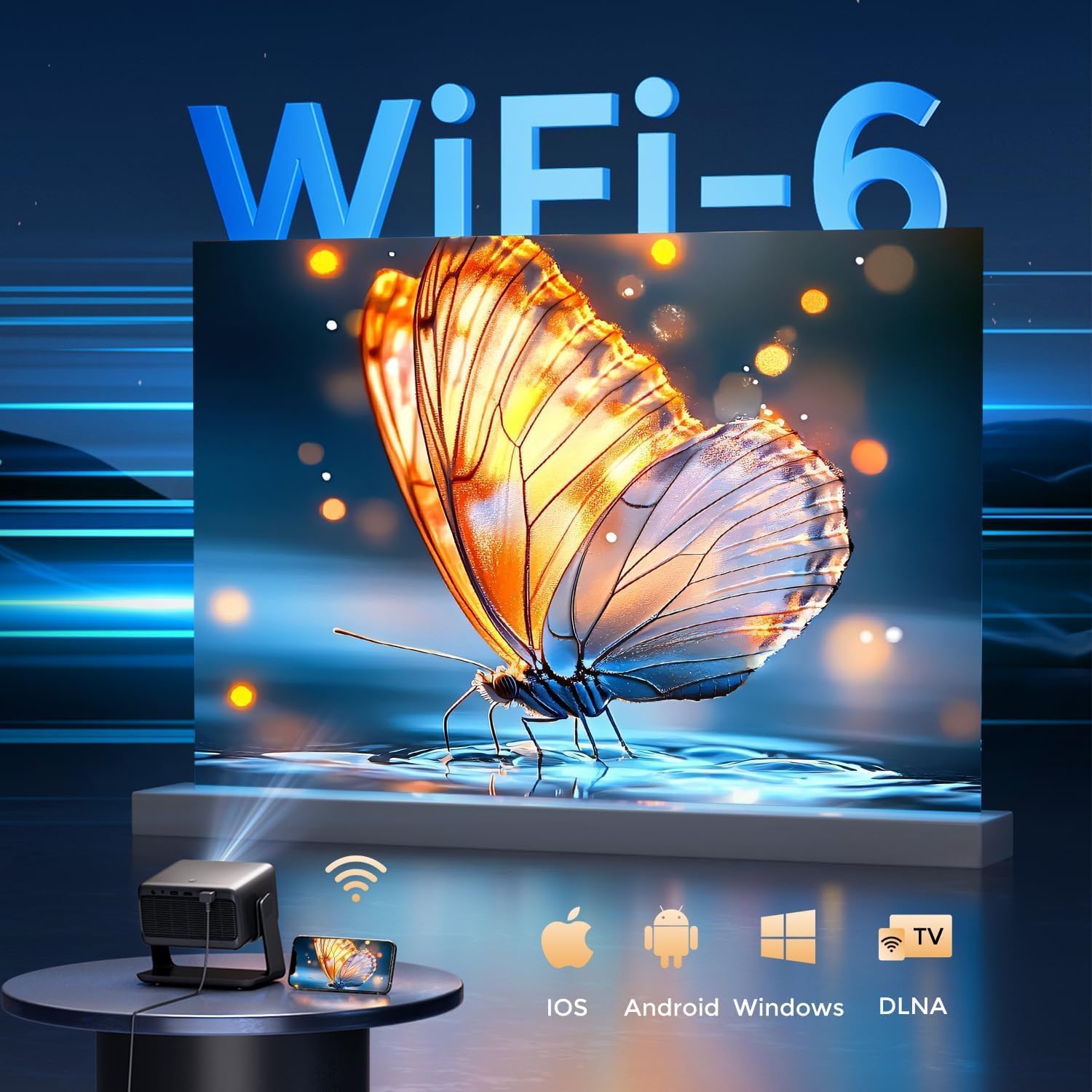
Image: The rear panel of the GooDee AC321 projector, highlighting its connectivity ports including a 3.5mm audio jack, USB port, HDMI input, and power connector.
6. Karakteristikat e Ekranit dhe Audios
6.1 Performanca Vizuale
Experience an immersive visual feast with the following display capabilities:
- Rezoluta origjinale: 1080p (1920 x 1080) for sharp and clear images.
- 4K Video Decoding: Supports 4K video input for smooth playback of high-definition content.
- Shkëlqimi: 1200 ANSI lumens ensures clear picture quality even in ambient light conditions.
- AI Image Quality Optimization: Utilizes deep learning algorithms to analyze and optimize picture pixels in real-time, enhancing HDR10+ color and 25000:1 contrast ratio.
- Large Screen Zooming: Project images from 60 to 200 inches, with adjustable zoom from 50-100%.
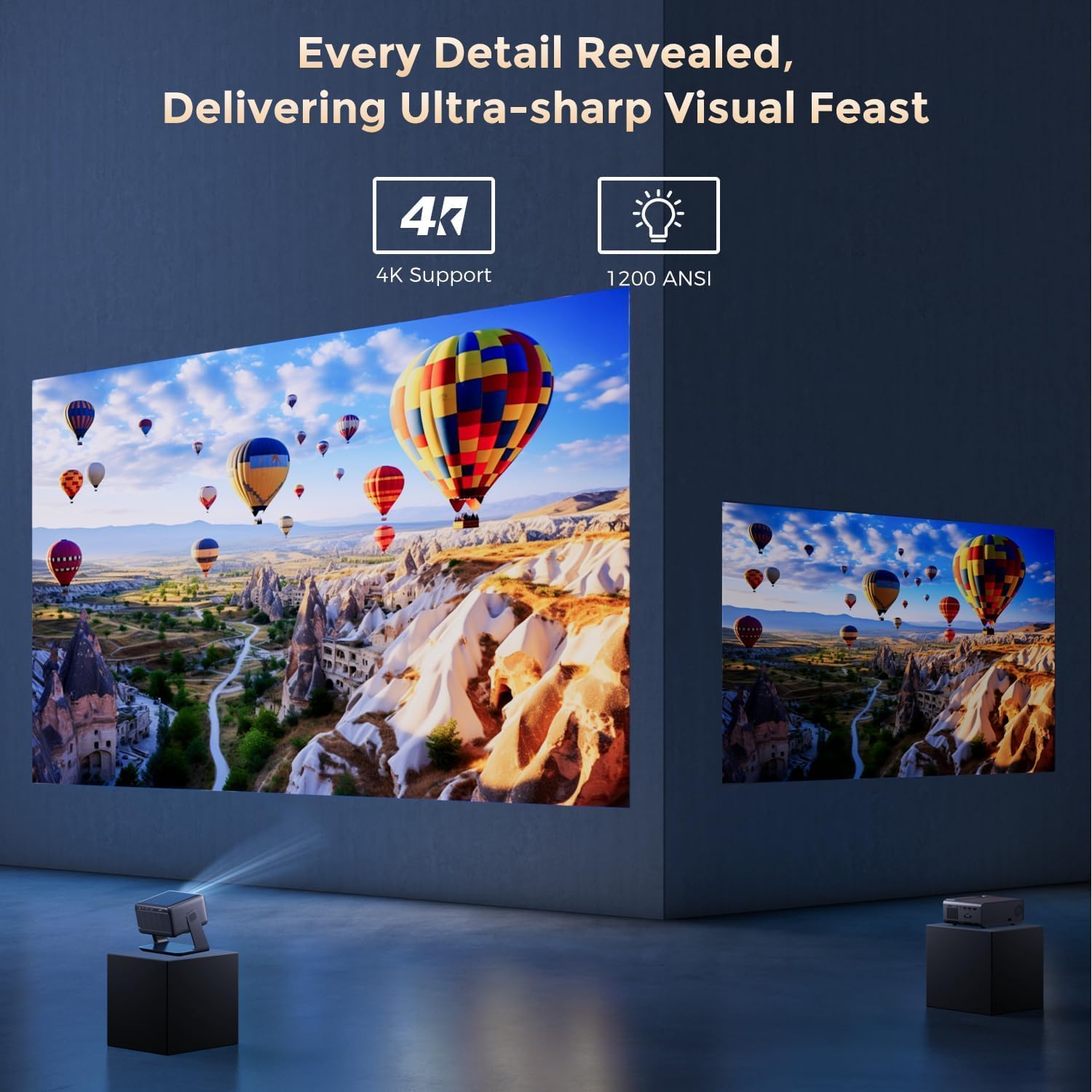
Image: The GooDee AC321 projector showcasing its visual capabilities with a bright, detailed image, emphasizing 4K support and 1200 ANSI lumens for superior clarity.
6.2 Përvoja Audio
The projector is equipped with built-in features for an immersive audio experience:
- Dolby Audio: Integrated Dolby Audio speakers provide rich and immersive sound.
- Bluetooth 5.4: Connect wirelessly to external Bluetooth speakers or soundbars for enhanced audio.
7. Karakteristikat e avancuara
The GooDee AC321 incorporates intelligent features for effortless setup and optimal viewing:
- Fokusi automatik: Automatically adjusts the image clarity in seconds.
- Korrigjimi automatik i gurit kryesor: Intelligently corrects vertical and horizontal trapezoidal distortion, ensuring a perfectly rectangular image even from an angled projection.
- Auto Screen Alignment: Automatically fits the projected image to your screen.
- Shmangia Automatike e Pengesave: Detects and adjusts the projection to avoid obstacles in the projection path.

Imazh: Një transparent view of the GooDee AC321 projector, illustrating its AI 3D ToF Technology for automatic keystone correction, obstacle avoidance, focus, and screen fitting.
Video: A demonstration of the GooDee Mini Smart Projector's automatic keystone correction and focus features, showing how the image quickly adjusts to a perfect rectangle and sharp clarity.
8. Specifikimet
| Veçori | Përshkrimi |
|---|---|
| Numri i modelit | AC321 |
| Markë | GooDee |
| Rezolucioni i ekranit | 1920 x 1080 (Origjinale) |
| Dekodimi i videos | Përkrahur 4K |
| Shkëlqimi | 1200 Lumens ANSI |
| Teknologjia e lidhjes | Jack 3.5 mm, Bluetooth 5.4, HDMI, USB, Wi-Fi 6 |
| Karakteristika të veçanta | Auto Focus, Auto Keystone, Auto Screen Alignment, Auto Obstacle Avoidance, Built-In Cooling System, Built-In Speaker, Smart TV OS (Movin 2.0), Dolby Audio |
| Pesha e artikullit | 4.66 paund |
| Dimensionet e produktit | 8.1 x 6.1 x 7.1 inç |
| Fuqia e vlerësuar | 65 W |
9. Mirëmbajtja
To ensure the longevity and optimal performance of your GooDee AC321 projector, follow these maintenance guidelines:
- Pastrimi i lenteve: Use a soft, lint-free cloth specifically designed for optical lenses. Gently wipe the lens to remove dust or smudges. Avoid using abrasive materials or harsh chemicals.
- Cleaning the Vents: Regularly check and clean the air intake and exhaust vents to prevent dust buildup, which can hinder cooling and affect performance. Use a soft brush or compressed air.
- Magazinimi: Kur nuk është në përdorim për periudha të gjata, ruajeni projektorin në një vend të freskët dhe të thatë, larg rrezeve të diellit dhe temperaturave ekstreme. Përdorni mbulesën e dhënë të lentes për të mbrojtur lentet.
- Fikeni siç duhet: Always power off the projector using the designated power button and allow it to complete its shutdown cycle before unplugging.
10. Troubleshooting
If you encounter any issues with your GooDee AC321 projector, refer to the following common troubleshooting steps:
- Asnjë foto:
- Sigurohuni që kablloja e energjisë është e lidhur mirë dhe projektori është i ndezur.
- Check the input source (HDMI, USB) and ensure it is correctly selected.
- Verifikoni që pajisja e lidhur (laptop, konsol) është e ndezur dhe po jep sinjal.
- Nuk ka zë:
- Rregulloni volumin si në projektor ashtu edhe në pajisjen burimore të lidhur.
- If using external speakers, ensure they are properly connected via Bluetooth or the 3.5mm audio jack.
- Check the audio output settings on the connected source device.
- Imazhi i paqartë:
- Allow the auto-focus function to complete its cycle.
- Sigurohuni që lentet e projektorit janë të pastra.
- Adjust the projector's distance from the screen/wall.
- Imazhi është i shtrembëruar (Formë trapezoidale):
- Lejoni që korrigjimi automatik i çelësit bazë të përfundojë.
- Manually adjust keystone settings via the remote control if needed.
- Probleme me lidhjen Wi-Fi/Bluetooth:
- Ensure the projector is within range of your Wi-Fi router or Bluetooth device.
- Rinisni projektorin dhe ruterin/pajisjen Bluetooth.
- Check Wi-Fi password and network settings.
11. Garanci dhe Mbështetje
The GooDee AC321 Video Projector comes with a 12 muaj garanci. For any product-related inquiries, technical assistance, or warranty claims, please contact GooDee customer support.
GooDee offers Mbështetje 24/7 Live Chat to assist you with any issues. You can also visit the official GooDee website for more information and to register your product for warranty activation.
- Webfaqe: www.top-goodee.com
- Shërbimi ndaj klientit: Referojuni informacionit të kontaktit të dhënë në faqen zyrtare webnë vend ose në paketimin e produktit tuaj.


