Hyrje
This manual provides essential information for the safe and effective operation of your Canon EOS R6 Mark III Full Frame Mirrorless Camera. Please read this manual thoroughly before using the camera and retain it for future reference. The Canon EOS R6 Mark III is designed for professionals requiring high-speed performance, exceptional resolution, and versatile video capabilities.
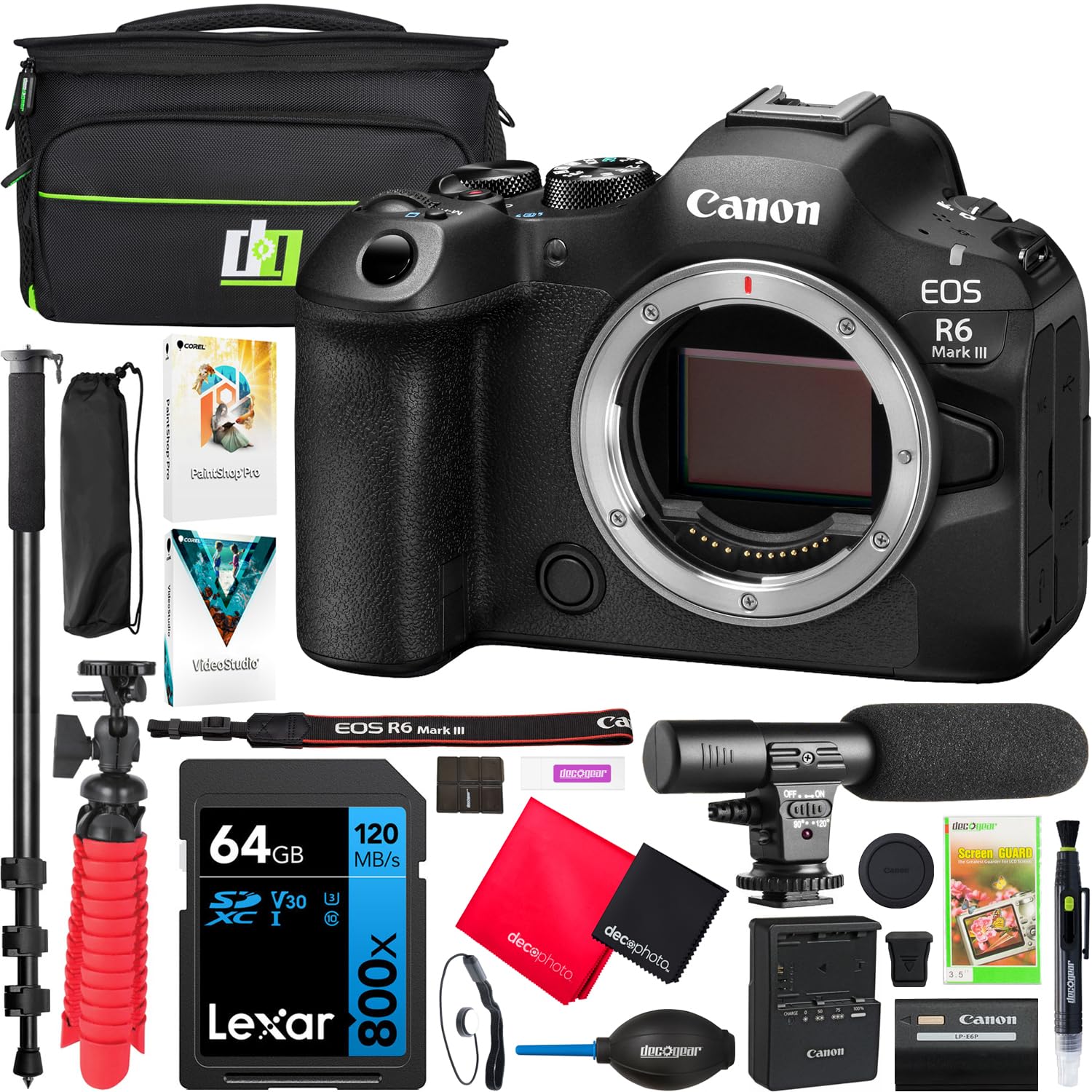
Figura 1: Përpara view of the Canon EOS R6 Mark III camera body.
Çfarë ka në Kuti
Verify that all items listed below are included with your Canon EOS R6 Mark III camera kit:
- Canon EOS R6 Mark III Mirrorless Camera Body (7084C002)
- Battery Pack LP-E6P
- Karikuesi i baterisë LC-E6
- Mbulesa e këpucëve
- Mbulesa e kamerës RF-5
- Strap ER-EOSR6 Mark III
- Mbulesa e paketës së baterisë
- Deco Gear Photo and Video Photography Travel Case
- Mini Condenser Microphone UM-MIC100
- 72" Adjustable Monopod with Case
- 12" Vlogging Tripod/Handheld Grip 2 in 1
- Lexar High-Performance 800x PRO BLUE Series 64GB SDXC Memory Card
- Corel Paint Shop Pro & VideoStudio SE Software (PC Digital Downloads)
- Fryrësi i lenteve
- Lens/Sensor Brush
- LCD Screen Protectors
- Pack of 2 Microfiber Cloths
- Mbajtësja e Kapakut të Lentes
- Lexuesi i kartave të kujtesës SD
- Rast kartelash
Konfigurimi
1. Instalimi dhe ngarkimi i baterisë
Insert the LP-E6P battery pack into the camera's battery compartment. Use the supplied LC-E6 charger to fully charge the battery before first use. A fully charged battery ensures optimal performance and recording times.
2. Futja e kartës së kujtesës
The EOS R6 Mark III features dual card slots: one for CFexpress Type B and one for UHS-II SD cards. Open the card slot cover and insert the memory cards firmly until they click into place. Ensure the cards are inserted in the correct orientation.

Figure 2: Dual memory card slots for CFexpress Type B and UHS-II SD cards.
3. Vendosja e një lenteje
Align the red or white index mark on the lens with the corresponding mark on the camera's lens mount. Rotate the lens clockwise until it locks into position. Ensure the lens is securely attached before operation.
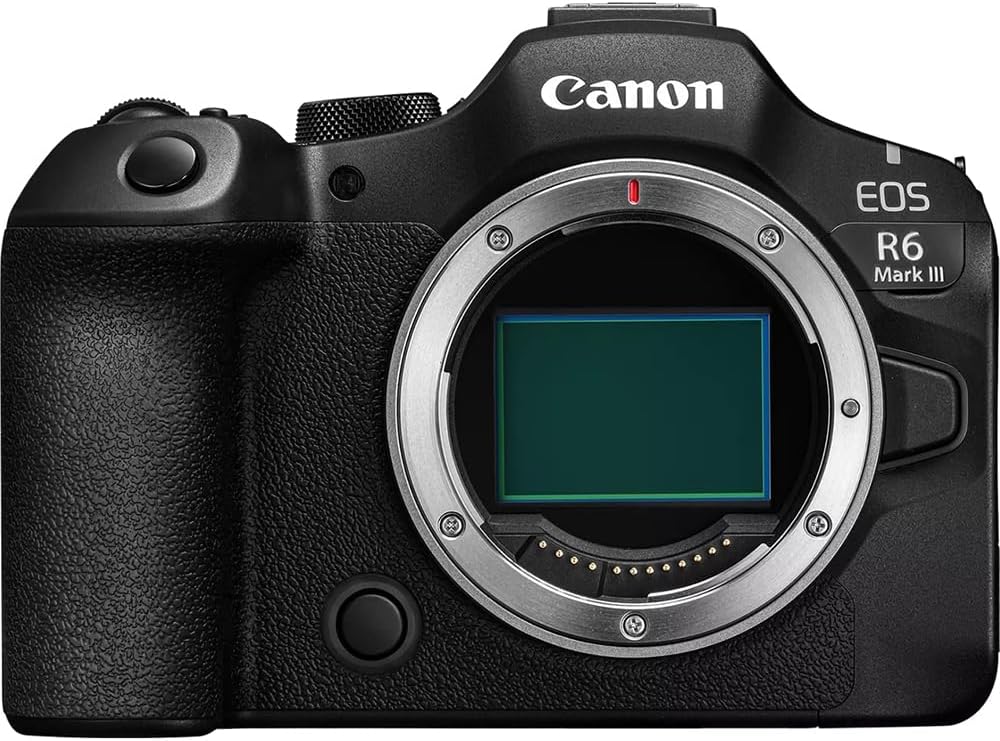
Figura 3: Përpara view of the camera body, showing the RF lens mount.
4. Ndezja fillestare dhe cilësimet bazë
Ndizni kamerën duke përdorur çelësin e ndezjes. Ndiqni udhëzimet në ekran për të vendosur datën, orën dhe gjuhën. Këto cilësime janë thelbësore për funksionimin e duhur. file management and camera functions.
Funksionimi i kamerës
1. Understanding Camera Modes
Butoni i modalitetit në pjesën e sipërme të kamerës ju lejon të zgjidhni modalitete të ndryshme të fotografimit:
- P (Programi AE): Kamera cakton aperturën dhe shpejtësinë e obturatorit për ekspozim optimal.
- Av (AE me përparësi aperture): Ti vendos aperturën, kamera vendos shpejtësinë e qepenit.
- TV (AE me përparësi obturatori): Ti cakton shpejtësinë e obturatorit, kamera cakton aperturën.
- M (Ekspozim Manual): Ju kontrolloni si aperturën ashtu edhe shpejtësinë e obturatorit.
- SCN (Special Scene): Pre-set modes for specific scenarios (e.g., Portrait, Landscape).
- Fv (Flexible-priority AE): Allows flexible control over exposure parameters.

Figura 4: Top view of the camera, highlighting the mode dial.
2. Autofocus System (Dual Pixel CMOS AF II)
The camera features an advanced Dual Pixel CMOS AF II system with intelligent Subject Detection. It can automatically detect and track people, animals, and vehicles, ensuring sharp focus even with fast-moving subjects. Utilize the 'Register People Priority' function for enhanced tracking of specific individuals.
3. Stabilizimi i Imazhit në Trup (IBIS)
The 8.5-stop Coordinated Image Stabilization system minimizes camera shake, allowing for sharper handheld photos and smoother video footage, especially in challenging lighting conditions.
4. Still Photography
- Cilësimet e ekspozimit: Adjust ISO sensitivity, shutter speed, and aperture via the control dials and customizable buttons.
- Të shtënat e vazhdueshme: Capture fast-paced action at up to 40 frames per second (electronic shutter).
- Pre-Shooting: The camera can record up to 20 frames before the shutter is fully pressed, helping to capture decisive moments.
5. Regjistrimi i videos
The EOS R6 Mark III offers extensive video capabilities:
- Rezolutat: Internally record 7K RAW Light up to 60p, 7K Open Gate (3:2) for flexible reframing, and oversampled 4K 60p.
- Lëvizje e ngadaltë: Achieve slow-motion effects with 4K video at up to 120 frames per second.
- Advanced Workflow: Utilize Canon Log 2 (offering 15+ stops of dynamic range), False Color, Waveform Monitor, and apply in-camera LUTs for professional-grade video production.
Video 1: Mbiview of the Canon R6 Mark III's speed and resolution capabilities with an RF lens.
Video 2: Features and benefits of the Canon R6 Mark III bundle, highlighting its full-frame mirrorless upgrade.
6. Lidhshmëria
The camera supports Bluetooth and Wi-Fi for wireless communication, allowing for remote control, image transfer, and FTP capabilities. It also includes HDMI and USB ports for wired connections.
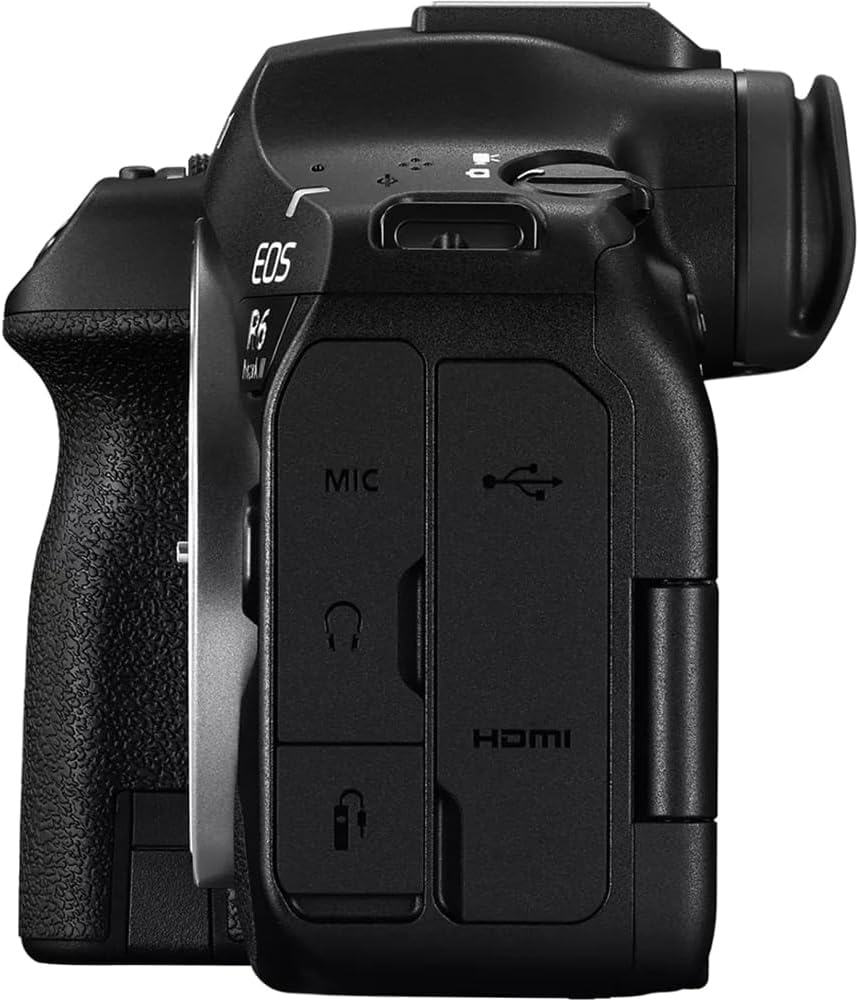
Figura 5: Ana view of the camera, displaying the microphone, USB, and HDMI ports.
Mirëmbajtja
1. Cleaning the Sensor and Lens
Regularly clean the camera's sensor and lens elements to prevent dust and smudges from affecting image quality. Use a lens blower to remove loose dust and a soft, lint-free cloth with lens cleaning solution for smudges. Avoid touching the sensor directly.
2. Përditësimet e firmuerit
Kontrolloni periodikisht mbështetjen e Canon website for firmware updates. Firmware updates can improve camera performance, add new features, and fix bugs. Follow the instructions provided by Canon carefully when performing updates.
3. Magazinimi
When not in use, store the camera in a dry, cool place away from direct sunlight and extreme temperatures. Use a camera bag or case to protect it from dust, moisture, and physical damage.
Zgjidhja e problemeve
If you encounter issues with your Canon EOS R6 Mark III, consider the following common solutions:
- Kamera nuk ndizet: Sigurohuni që bateria të jetë plotësisht e ngarkuar dhe e futur saktë.
- Image quality issues: Check lens cleanliness, focus settings, and exposure parameters.
- Gabime të kartës së kujtesës: Ensure the card is compatible, correctly inserted, and not full. Try reformatting the card (this will erase all data).
- Autofocus problems: Verify that the AF mode is appropriate for your subject and lighting conditions. Ensure no obstructions are blocking the lens.
- Old lenses: Note that older Canon EF/EF-S lenses require an adapter to be used with the RF mount of the EOS R6 Mark III.
For more complex issues, consult the full electronic manual available on the Canon support webfaqe ose kontaktoni mbështetjen e klientit të Canon.
Specifikimet
Key technical specifications for the Canon EOS R6 Mark III:
| Veçori | Specifikimi |
|---|---|
| Emri i modelit | E4CNEOSR6M3 |
| Montime të pajtueshme | Canon RF |
| Teknologjia e sensorit të fotove | CMOS |
| Rezolutë ende efektive | 32.5 MP |
| Madhësia e sensorit të fotografisë | Kornizë e plotë (35 mm) |
| Stabilizimi i imazhit | Sensor-shift (8.5-stop Coordinated) |
| Qitje e vazhdueshme | 40 FPS |
| Rezolucioni i videos | 2160p, 7K (7K RAW Light 60p, 4K 120p) |
| Lloji i ekranit | Articulating LCD (3 Inches, 1,620,000 Dot) |
| Vendet e memories të disponueshme | 2 (CFexpress Type B + UHS-II SD) |
| Teknologjia e lidhjes | Bluetooth, Wi-Fi, HDMI, USB |
| Pesha e artikullit | 1.5 paund |
Garancia dhe Mbështetja
Informacioni i Garancisë
The Canon EOS R6 Mark III comes with a 1 vjet garanci nga prodhuesi. Please retain your proof of purchase for warranty claims. For detailed terms and conditions, refer to the warranty card included in your product packaging or visit the official Canon webfaqe.
Mbështetja e klientit
For technical assistance, troubleshooting, or service inquiries, please contact Canon customer support. You can find contact information and additional resources on the official Canon website. Ensure you have your camera's model number (E4CNEOSR6M3) and serial number ready when contacting support.


