1. Hyrje
This manual provides essential information for the proper setup, operation, and maintenance of your MESWAO 15.6-inch Android 14 Tablet (Model MES-B3). Please read this manual thoroughly before using the device to ensure optimal performance and longevity. Keep this manual for future reference.
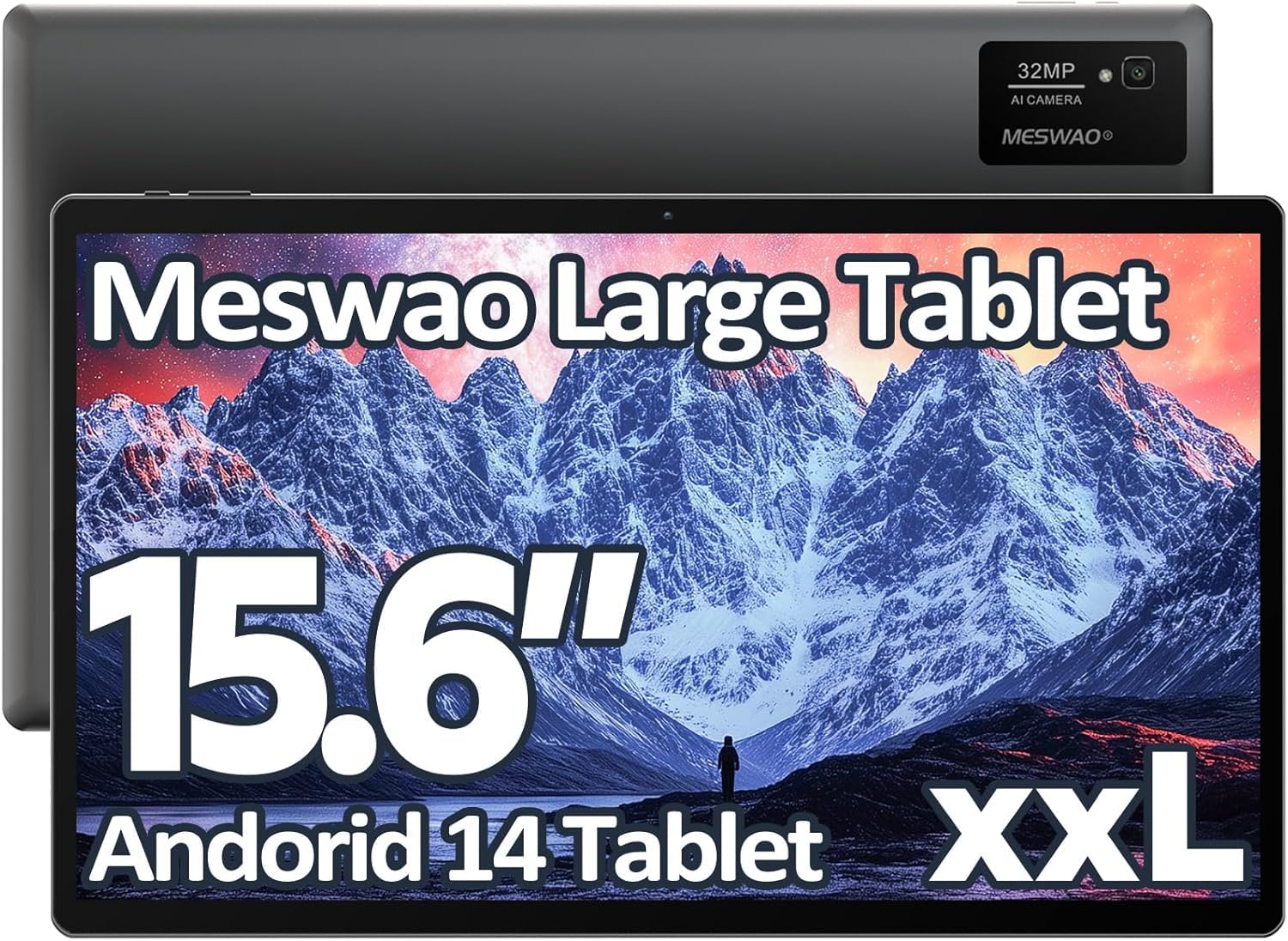
Image: The MESWAO 15.6-inch Android 14 Tablet, showcasinekranin e tij të madh dhe dizajnin elegant.
2. Konfigurimi
2.1 Hapja e kutisë dhe inspektimi fillestar
Hiqni me kujdes të gjithë përbërësit nga paketimi. Verifikoni që të gjitha artikujt e listuar në përmbajtjen e paketimit janë të pranishëm dhe të padëmtuar. Nëse ndonjë artikull mungon ose është dëmtuar, kontaktoni menjëherë shërbimin ndaj klientit.
2.2 Ngarkimi i tabletit
Before first use, fully charge the tablet. Connect the provided USB-C cable to the tablet's charging port and the other end to the power adapter. Plug the power adapter into a wall outlet. The charging indicator will illuminate. A full charge typically takes approximately 3 hours with the 30W fast charging capability.
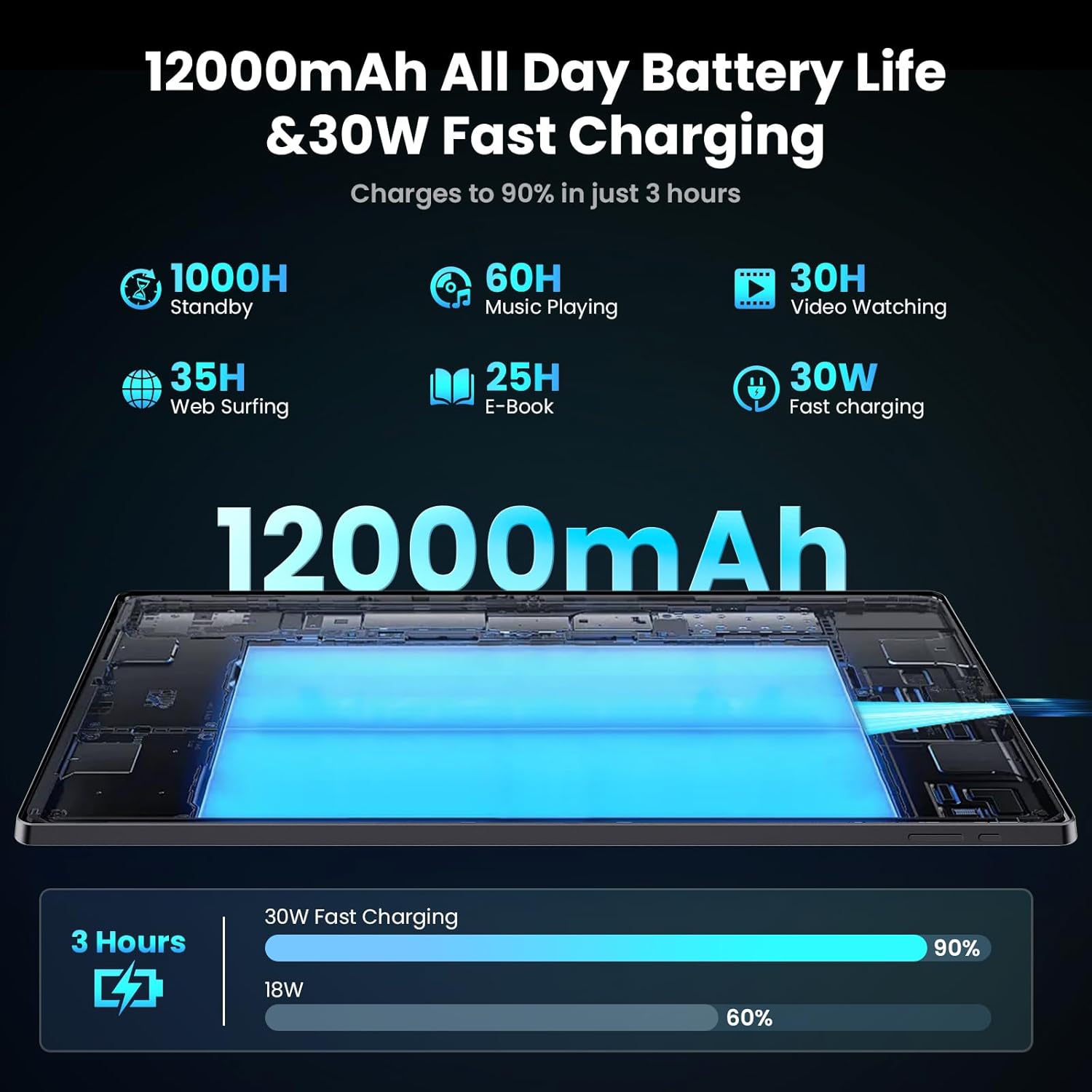
Image: Diagram illustrating the 12000mAh battery capacity and 30W fast charging feature, showing a charge to 90% in 3 hours.
2.3 Ndezja dhe Konfigurimi Fillestar
- Shtypni dhe mbani shtypur butonin e ndezjes derisa të shfaqet logoja e MESWAO.
- Ndiqni udhëzimet në ekran për të zgjedhur gjuhën, rajonin dhe për t'u lidhur me një rrjet Wi-Fi.
- Sign in with your Google account or create a new one to access the Google Play Store and other services.
- Complete any remaining setup steps, such as setting up a screen lock (PIN, pattern, or password) and reviewduke ndryshuar cilësimet e privatësisë.
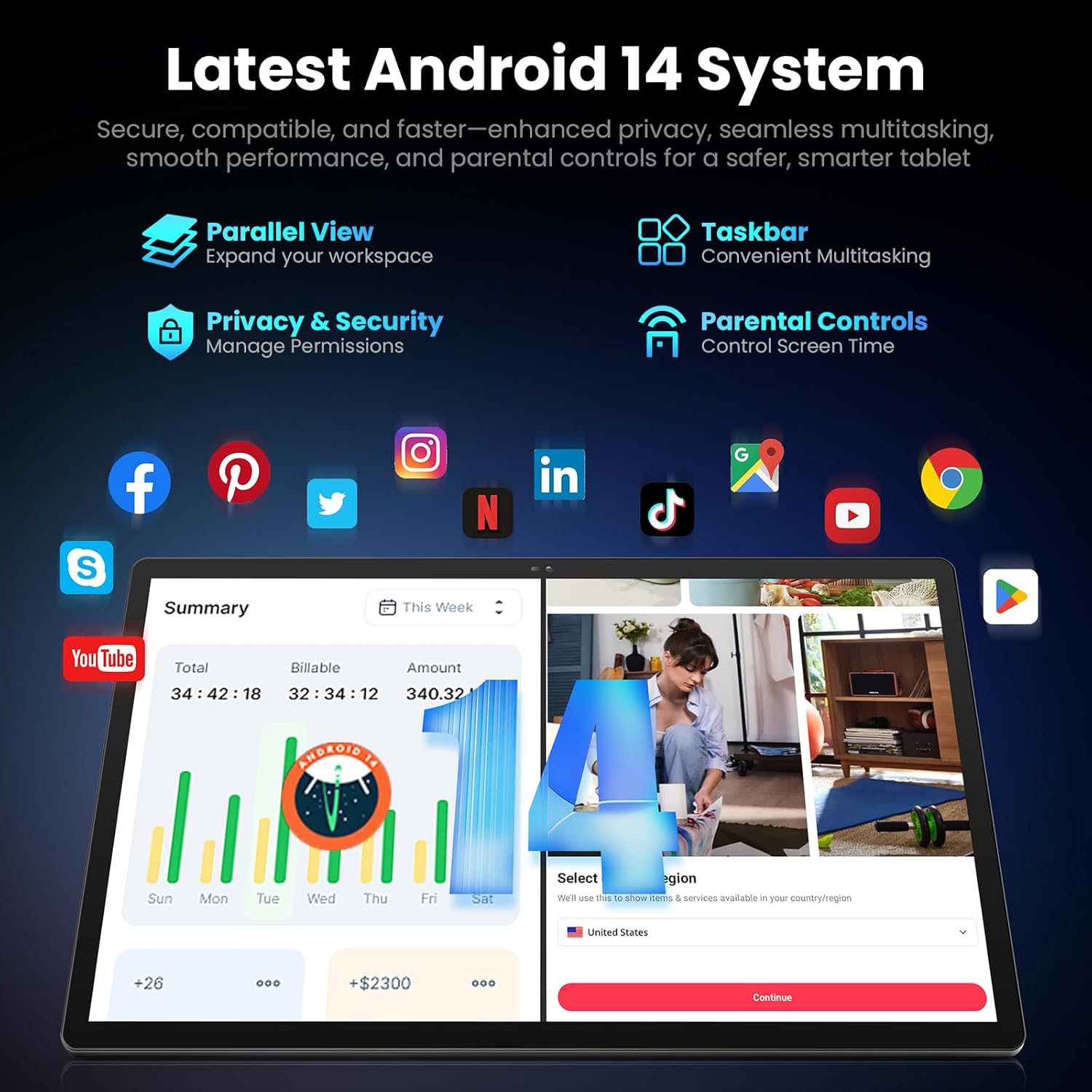
Image: Screenshot of the Android 14 system interface on the MESWAO tablet, highlighting features like Parallel View, Taskbar, Privacy & Security, and Parental Controls.
3. Udhëzimet e funksionimit
3.1 Navigimi bazë
- Gjestet e prekjes: Trokit për të zgjedhur, rrëshqit për të lëvizur me shpejtësi, afro gishtat për të zmadhuar.
- Ekrani bazë: Qasuni në aplikacione, widget-e dhe njoftime.
- Paneli i njoftimeve: Rrëshqitni poshtë nga pjesa e sipërme e ekranit në view njoftime dhe cilësime të shpejta.
- Sirtari i aplikacionit: Rrëshqitni lart nga fundi i ekranit për të aksesuar të gjitha aplikacionet e instaluara.
3.2 Shfaqja dhe Përvoja Vizuale
The 15.6-inch Full HD (1920x1080) IPS display offers vivid colors and wide viewing angles. Adjust brightness and display settings in the Settings menu under "Display" for optimal viewing comfort. The large screen is ideal for multitasking and immersive media consumption.

Image: The MESWAO tablet displaying a high-definition image, emphasizing the 1920x1080P Full HD IPS display with eye protection features.
3.3 Performanca dhe Ruajtja
Equipped with an Octa-Core Helio G99 processor and Android 14, the tablet provides smooth performance for various applications. It includes 8GB RAM and 256GB internal storage, expandable up to 1TB via a TF (microSD) card. To insert a TF card, locate the card slot on the side of the tablet, open the tray, and carefully place the card into the designated slot before reinserting the tray.
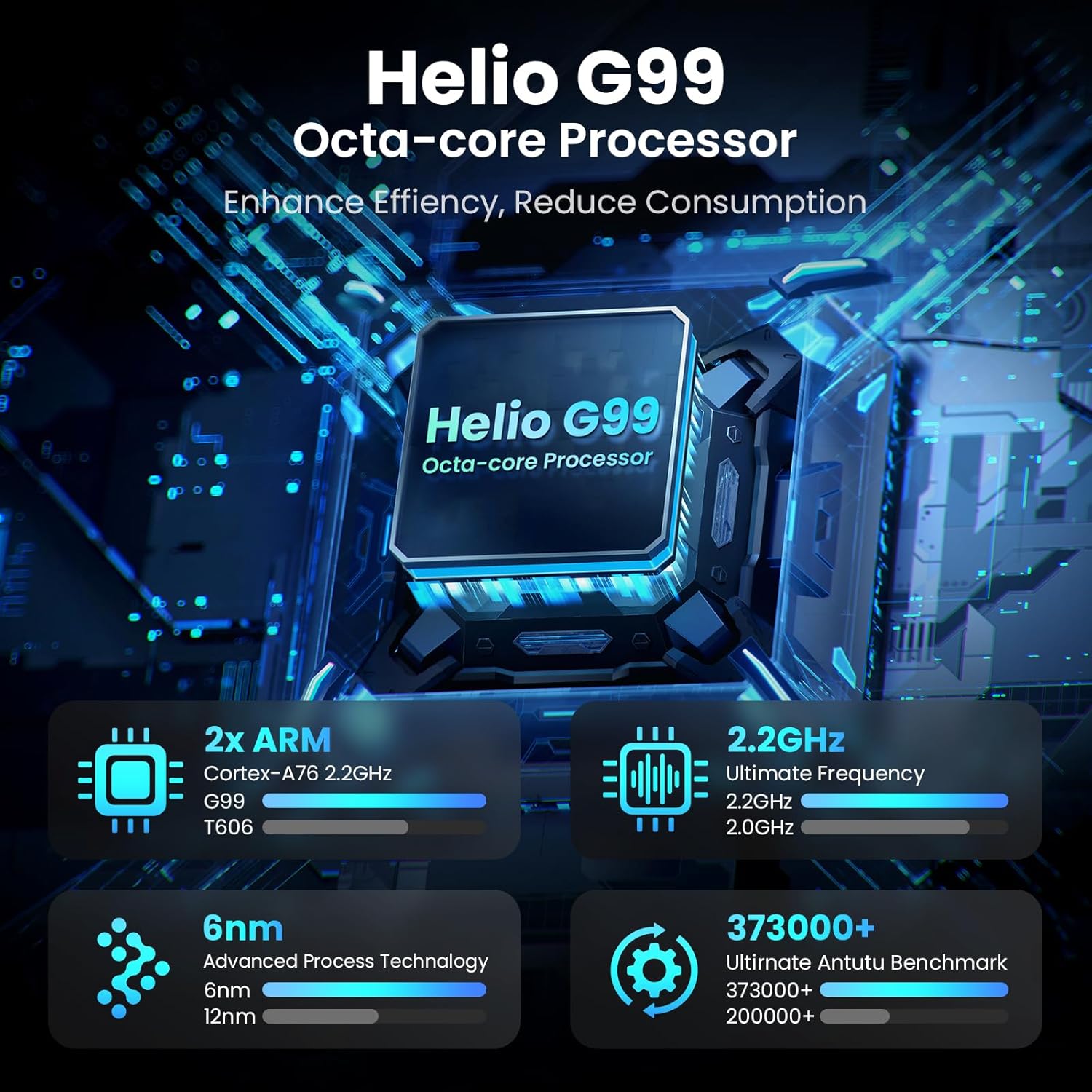
Image: Visual representation of the Helio G99 Octa-core Processor, detailing its architecture and performance metrics like 2.2GHz frequency and 6nm process technology.

Image: The MESWAO tablet screen showing multiple open applications and storage capacity details: 8GB RAM, 256GB ROM, and support for up to 1TB external storage.
3.4 Përdorimi i Kamerës
The tablet features a 32MP rear camera with flash and a 5MP front camera. Open the Camera application to capture photos, record videos, or engage in video calls. Ensure good lighting for best results.

Image: A visual demonstrating the MESWAO tablet's 5MP front camera and 32MP rear camera, showing a family photo being taken and a video call in progress.
3.5 Lidhshmëria
The tablet supports dual-band Wi-Fi (2.4GHz & 5GHz) for stable internet connectivity. Bluetooth is also available for connecting wireless accessories. Access these settings via the Notification Panel or the main Settings app.
4. Mirëmbajtja
4.1 Pastrimi i tabletës
Përdorni një leckë të butë pa push për të pastruar ekranin dhe trupin e tabletit. Për njolla kokëforta, fërkojeni pak.ampLani leckën me ujë ose me një tretësirë pastrimi të sigurt për ekranin. Shmangni përdorimin e kimikateve të ashpra ose materialeve gërryese.
4.2 Përditësimet e softuerit
Kontrolloni dhe instaloni rregullisht përditësimet e sistemit për t'u siguruar që tableti juaj ka veçoritë, përditësimet e sigurisë dhe përmirësimet më të fundit të performancës. Shkoni te Cilësimet > Sistemi > Përditësimi i sistemit për të kontrolluar për përditësime.
4.3 Kujdesi për baterinë
- Shmangni temperaturat ekstreme, pasi ato mund të dëmtojnë jetëgjatësinë e baterisë.
- Mos e lini baterinë të shkarkohet plotësisht shpesh.
- Përdorni vetëm karikuesin e ofruar ose një karikues të çertifikuar dhe të pajtueshëm.
5. Troubleshooting
5.1 Tableti nuk ndizet
- Ensure the tablet is sufficiently charged. Connect it to the charger for at least 30 minutes before attempting to power on again.
- Shtypni dhe mbani shtypur butonin e ndezjes për 10-15 sekonda për të kryer një rinisje të detyruar.
5.2 Probleme me Lidhjen Wi-Fi
- Check if Wi-Fi is enabled in the Quick Settings or Settings menu.
- Rinisni routerin Wi-Fi dhe tabletin tuaj.
- Harrojeni rrjetin në cilësimet e Wi-Fi dhe rilidhuni.
- Sigurohuni që jeni brenda rrezes së sinjalit Wi-Fi.
5.3 Performancë e ngadaltë
- Mbyllni aplikacionet e panevojshme në sfond.
- Clear cache data for frequently used apps (Cilësimet > Aplikacionet > [Emri i Aplikacionit] > Hapësira e ruajtjes dhe memoria e përkohshme > Pastro memorjen e përkohshme).
- Ensure sufficient free storage space. Delete unused files ose aplikacione.
- Rinisni tabletin periodikisht.
5.4 Ekrani nuk përgjigjet
- Perform a forced restart (hold Power button for 10-15 seconds).
- Sigurohuni që ekrani të jetë i pastër dhe pa lagështirë ose mbeturina.
6. Specifikimet
| Veçori | Detaj |
|---|---|
| Emri i modelit | MASH-B3 |
| Madhësia e ekranit | 15.6 inç |
| Rezolucioni maksimal i ekranit | 1920 x 1080 piksel (IPS Full HD) |
| Sistemi Operativ | Android 14 |
| Përpunues | Octa-Core Helio G99 (up to 2.2 GHz) |
| RAM | 8 GB |
| Hapësirë ruajtëse e brendshme (ROM) | 256 GB |
| Hapësirë ruajtëse e zgjerueshme | Deri në 1TB (Kartë TF) |
| Kapaciteti i baterisë | 12000 mAh |
| Ngarkimi | Karikimi i shpejtë 30 W |
| Kamera e pasme | 32MP me blic |
| Kamera e përparme | 5 MP |
| Lidhshmëria | Dual-band Wi-Fi (2.4GHz & 5GHz), Bluetooth |
| Dimensionet (LxWxH) | 14.53 x 8.78 x 0.43 inç |
| Pesha e artikullit | 3.84 paund |
7. Garancia dhe Mbështetja
7.1 Informacioni i garancisë
MESWAO products are covered by a limited warranty. Please refer to the warranty card included in your product packaging for specific terms and conditions. Keep your proof of purchase for warranty claims.
7.2 Mbështetja e klientit
For technical assistance, troubleshooting, or warranty inquiries, please contact MESWAO customer support. Contact information can typically be found on the official MESWAO webnë vend ose në kartën e garancisë.
Online resources such as FAQs and support forums may also be available on the MESWAO webfaqe.


